10 underrated Apple Watch features you can set up in minutes
Despite the Apple Watch's popularity, some useful features remain overlooked. This article highlights ten lesser-known capabilities that can be easily activated.
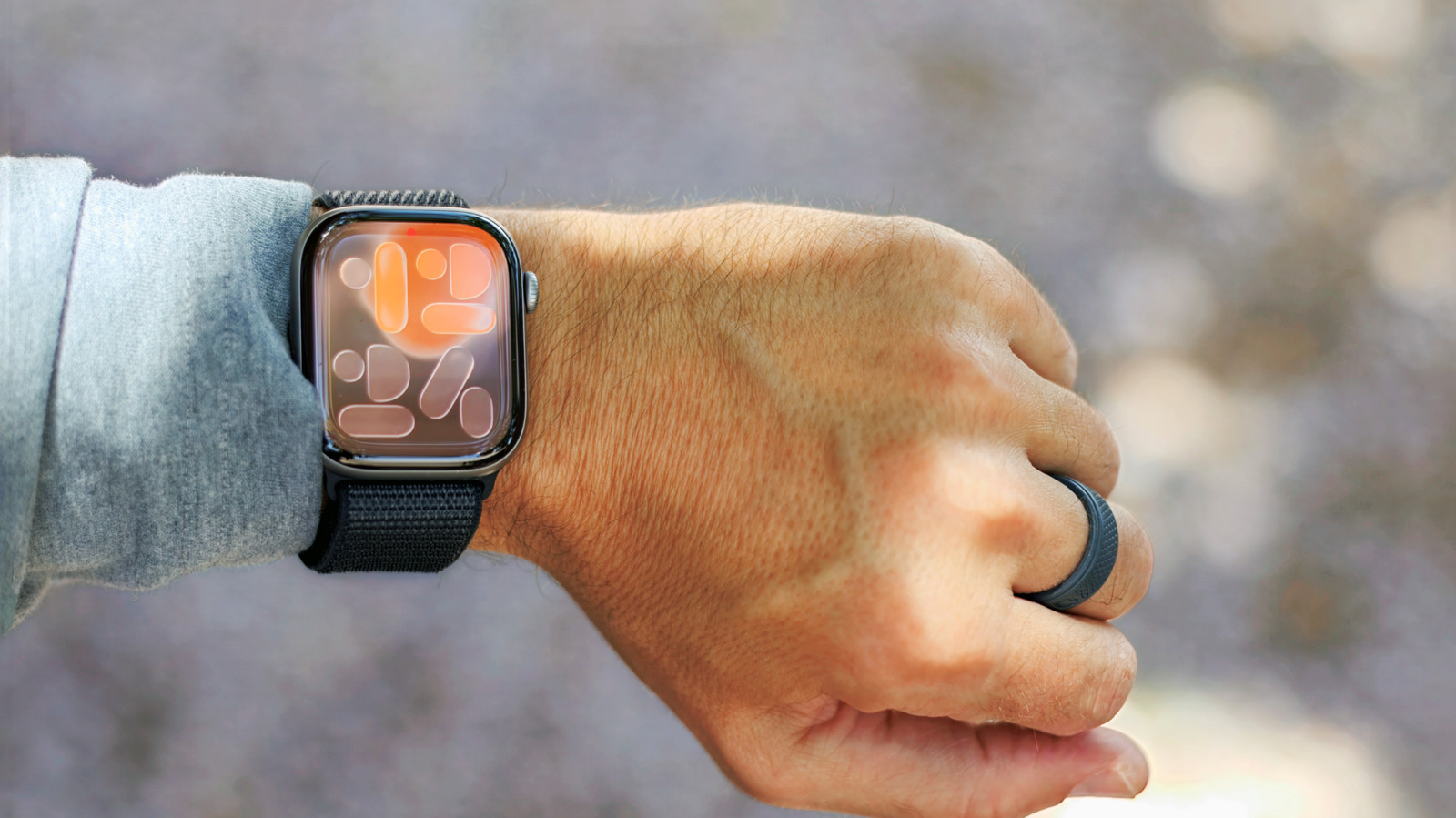
While Apple products are thoroughly examined, some features still fly under the radar. Here are ten underrated Apple Watch functions you can set up quickly.
Auto Unlock Mac – Since macOS Sierra in 2016, your Apple Watch can automatically unlock your Mac when nearby. Simply sit at your machine, and a haptic click confirms it's unlocked. This remains handy for Macs without Touch ID, like the MacBook Neo, older models, or desktops. Enable it via System Settings > Touch ID & Password. Ensure Wi-Fi and Bluetooth are on, and both devices use the same Apple ID.
Backtrack – The Compass app's Backtrack feature records your path so you can retrace steps if lost. Works on Apple Watch Series 6 or later (or SE) with watchOS 10+. Enable automatic recording during workouts in remote areas or manually add a shortcut to Control Center. On Ultra models, assign the Action button. When ready to return, tap pause and select "Retrace Steps."
Gestures – On newer models (Series 9+, SE 3, Ultra 2+), double-tap (pinch index finger and thumb twice) to scroll Smart Stack, play/pause media, answer calls. Wrist flick (turn wrist away and back) acts as a back button to dismiss screens and mute notifications. Also, Cover to Mute silences alerts by covering the screen. AssistiveTouch offers more one-handed controls for users with disabilities.
Remote Camera Shutter – Place iPhone on a tripod, open Camera Remote on Apple Watch to see a live preview and take photos. Choose countdown or instant shot, switch cameras. You can also use double-tap to capture.
Find iPhone in the Dark – Besides pinging your iPhone, long-press the phone icon after pinging to activate the flashlight, helping locate it in dark rooms.
Walkie-Talkie – The Walkie-Talkie app enables push-to-talk communication with contacts. After adding and accepting, press and hold the talk button to send a message. It opens automatically on the recipient's watch. Set availability via Control Center.
Name Timers – Use Siri to name timers, e.g., "Set pasta timer for eight minutes." Each timer shows its name to avoid confusion.
Apple Pay – After adding a card to Wallet, double-click the side button, select a card, and hold near a contactless reader. A tap and chime confirm payment.
Speak Time – Hold two fingers on the watch face to hear Siri announce the time. Enable via Settings > Clock > Speak Time.
Send Heartbeat – Digital Touch lets you send a haptic heartbeat. In Messages, tap +, choose Digital Touch, hold two fingers until a red heart appears, then send. Recipients with an Apple Watch feel the heartbeat on their wrist.