Android Auto Now Lets You Play Games on Your Car's Screen
Game support in Google's Android Auto left beta in September and now works officially. Just over 35 games are available, and they can only be played while the car is parked.
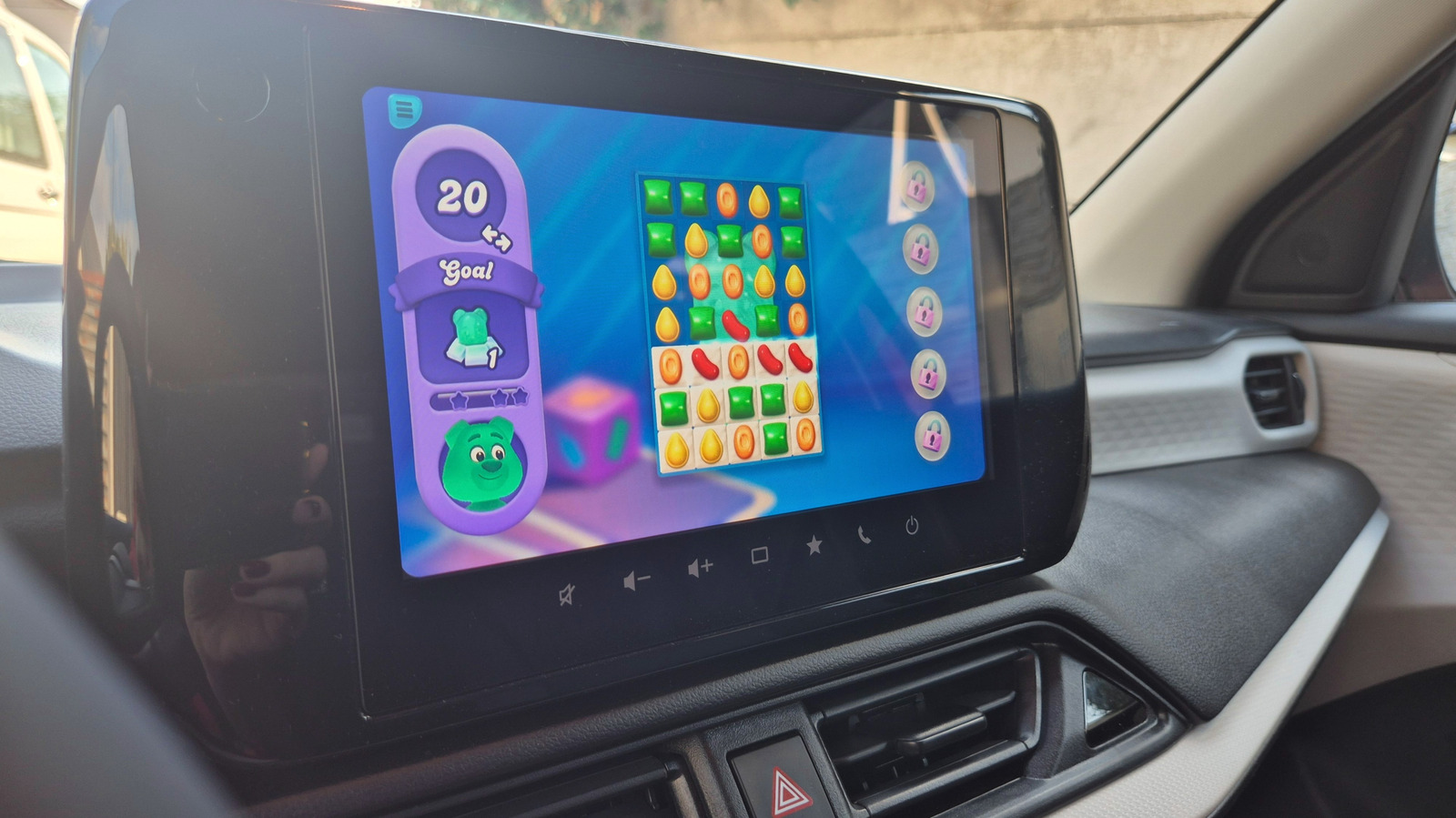
Google's in-car system Android Auto, which links an Android smartphone to a vehicle's display, now officially supports games. The feature left its beta phase in September 2026, when Google invited all developers to adapt their games for use in cars. The company says the aim is to give drivers and passengers something to do during downtime, such as while an electric vehicle charges or while children are at practice.
Which games are available
At the moment, just over 35 games support Android Auto. Many are aimed at young children and cover coloring, learning letters and basic math. Titles such as Angry Birds 2, Candy Crush Soda Saga and Beach Buggy Racing are also available. Popular games like Hearthstone, Call of Duty and Super Mario Run are not yet on the list. The article's author hopes the selection will grow, since the feature has only been live for a few weeks.
Restrictions
Games can only be played while the car is parked. They must detect that the vehicle has stopped moving, so playing at a traffic light or in slow traffic is not possible. As soon as the car is put into gear, the game disappears from the screen, Android Auto returns to the home screen and the game's icon turns gray.
It is also not possible to simply mirror a phone's screen onto the car display. Android Auto does not support full-screen mirroring, because the native approach keeps games properly sized for the car's display and prevents them from bypassing safety measures. Supported games also work with controllers.
How to start playing
First, install a compatible game from Google's list or from the Google Play Store under Apps > Categories > Android Auto. Then connect the phone to Android Auto with a USB cable or wirelessly, depending on the car. If the games do not appear, check Settings > Connected Devices > Android Auto > Customize launcher.
The author notes that Angry Birds 2 is enjoyable on the larger screen, while Beach Buggy Racing 2 was hard to play without a controller, as steering requires both hands.


