Apple Watch haptic alerts help with turn-by-turn navigation via CarPlay
An Apple Watch paired with CarPlay, Apple's in-car interface, taps the wearer's wrist when a turn is coming up. The setting is usually on by default and can be checked in the Watch app on iPhone.
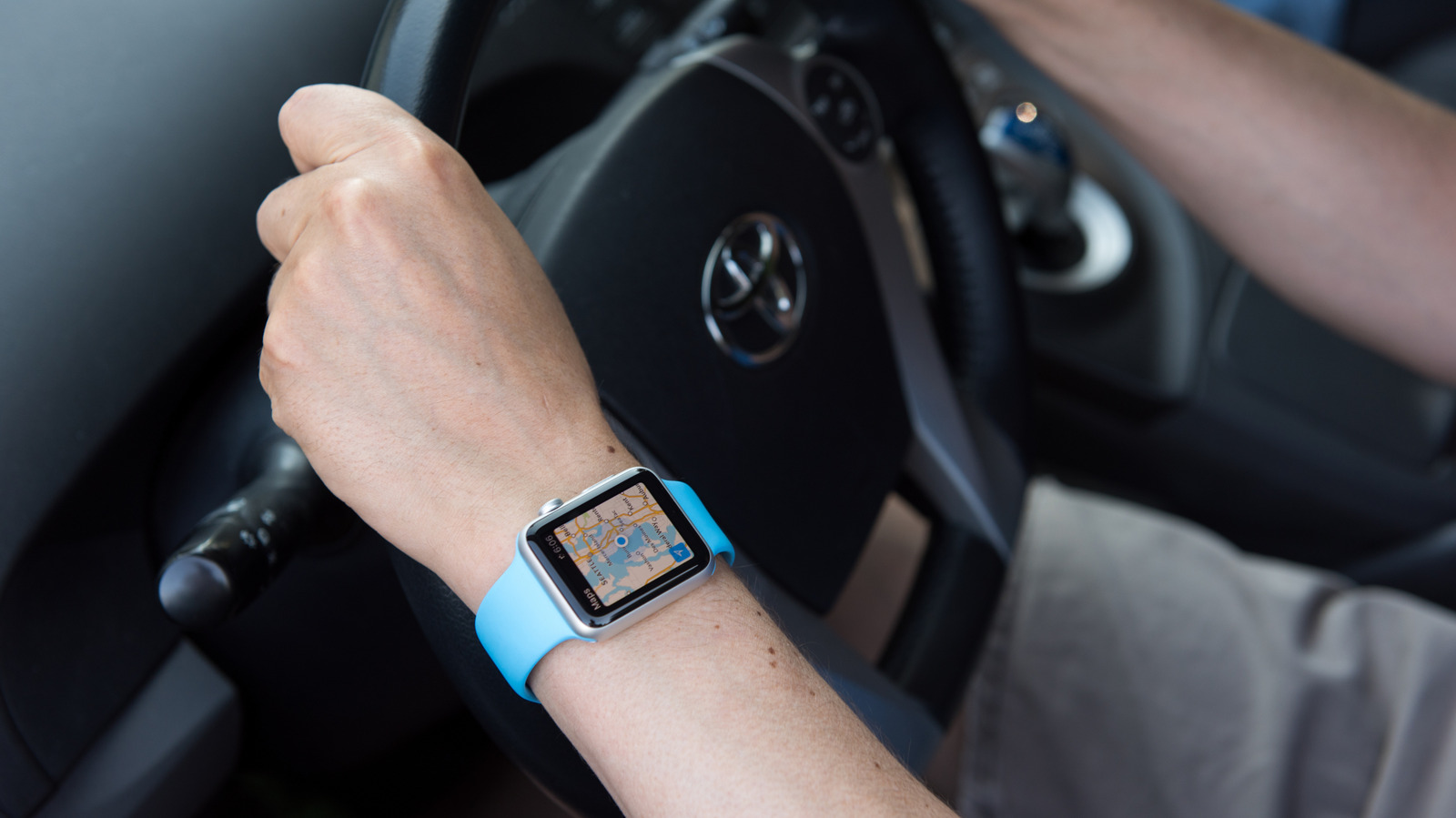
The Apple Watch's haptic feedback, used together with CarPlay and the Apple Maps navigation app, lets drivers feel upcoming turns on their wrist. The tech site Engadget describes the feature, with its author having tried it on a long cross-country drive.
When the option is active, the watch vibrates as a turn approaches. The vibration matches CarPlay's audio and visual alerts, so the instruction is hard to misread. Different patterns can be assigned to left and right turns. The author says this makes missing a turnoff unlikely and may help drivers who get drowsy on long trips.
Checking the settings
The alerts should be enabled by default once the watch is set up. To verify or disable them, open the Watch app on the iPhone, go to the My Watch tab, choose Apps and then Maps. There, alerts can be toggled separately for driving with CarPlay and for other driving, walking or cycling directions. For cyclists and users of personal electric vehicles such as scooters or electric unicycles, sound and haptics may be the only practical cues, since checking a screen while riding is difficult.
Can the watch replace the phone?
CarPlay cannot be run solely from an Apple Watch. Even the Apple Watch Ultra 4 lacks the processing power, and the system would drain the battery heavily. Watches also have no USB ports, so at best they would be limited to wireless CarPlay.
Directions can be obtained directly from the watchOS version of Apple Maps, with the same haptics plus audio and visual guidance. Without an iPhone nearby, users must download offline maps or use a watch with an active cellular plan. Google Maps on Apple Watch does not provide directions without the iPhone, and watchOS offers no offline map option.

