Apple Watch can tell the time through vibration
Apple Watch has a setting called Taptic Time that announces the time with vibration patterns, so users don't need to look at the screen. It mainly benefits people with visual impairments.
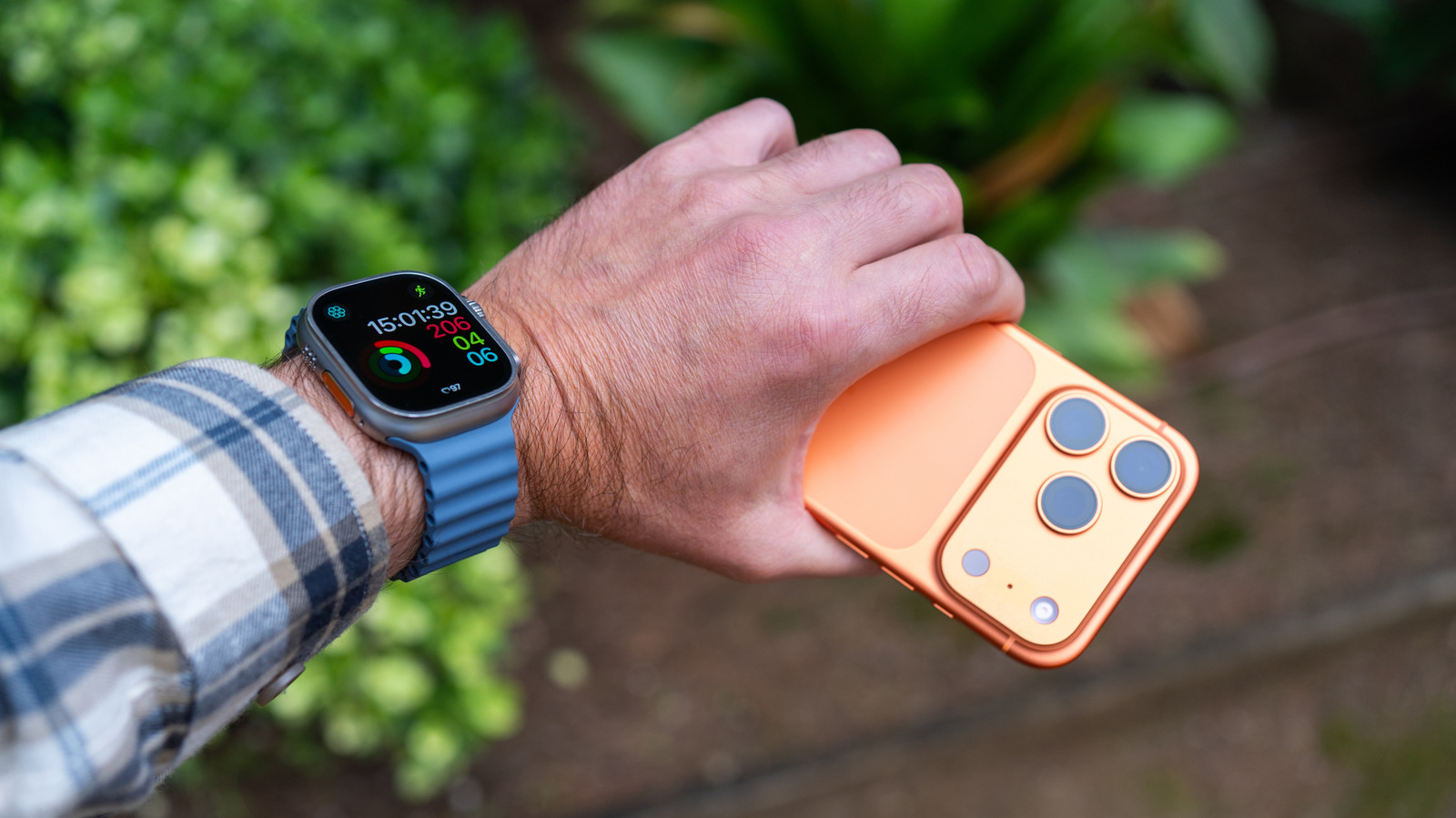
Apple Watch smartwatches include a setting called Taptic Time, which delivers the time as vibrations on the wrist instead of requiring a glance at the display. The name refers to the Taptic Engine, the component that produces haptic feedback in the watch. The feature is aimed mainly at people for whom a visual time check is not an option, such as those with visual impairments.
How to enable it
On the watch, open the Settings app, go to Clock, then Taptic Time, and switch the feature on. Three modes are then offered: Digits, Terse and Morse Code.
The three modes
Digits is the most precise and intuitive option. Long taps stand for tens and short taps for ones, for both hours and minutes. For instance, 10:09 is felt as one long tap, a pause, then nine short taps.
In Terse mode, a long tap indicates that five hours have passed since midnight, short taps add the remaining hours, and long taps then mark quarter-hour increments. It is not hard to learn, but the margin of error can reach 15 minutes. The third mode uses Morse code.
When the VoiceOver screen reader is on, Taptic Time can also be switched on by double-tapping the watch face while the screen is inactive. Apple notes the feature will not work if the watch is set to always speak the time. In that case, users can go to Settings > Clock and turn on Control With Silent Mode under Speak Time.
Who it suits
The source's author argues that most people don't need it, since frequent vibrations can be annoying and recent Apple Watch motors are strong enough to startle. The main beneficiaries are visually impaired users, who with the right accessibility options can still use fitness tracking, music controls and smart home accessories without an iPhone nearby. For those with good eyesight, Terse mode is the least intrusive option. It may also help in situations where checking the wrist is impractical.