External HDD vs. SSD: How to pick the right storage drive
Choosing an external drive means weighing speed against cost per gigabyte, as SSDs and HDDs each suit different needs. Getting one of each is ideal, but high prices often force a single choice.
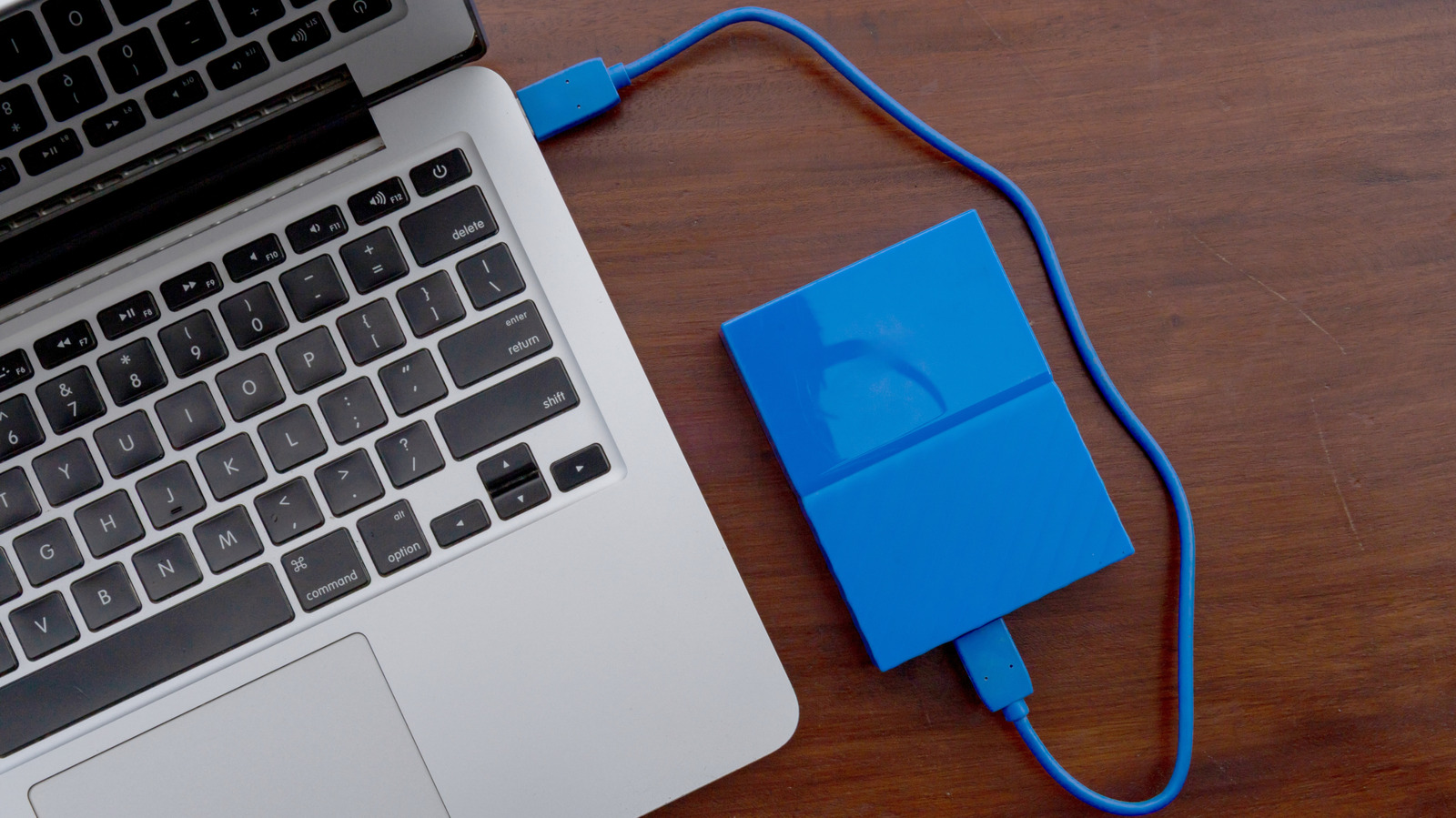
When adding extra storage to a laptop or other device, buyers must choose between solid-state drives (SSDs) and traditional hard disk drives (HDDs). Although SSD technology is newer, that doesn't automatically make it the better pick — each drive type has its own strengths.
SSD advantages and drawbacks
The main benefit of SSDs is speed: flash storage allows near-instant access to files, which matters most when regularly transferring large amounts of data or editing photos and videos from the drive. SSDs are also more durable since they have no moving parts, making them resistant to drops and bumps, while being lighter, quieter, and more power-efficient. Their biggest downside is cost per gigabyte — for instance, a 1TB SSD can cost roughly as much as a 2TB HDD.
HDD advantages and drawbacks
HDDs offer far more storage capacity for the money, especially once you get to roughly 4TB or above, where SSD prices become steep. However, HDDs are slower, typically reading and writing around 100MB/s compared to 500MB/s or more for SSDs, and they're noisier and more vulnerable to drops or extreme temperatures.
Making the choice
For a drive meant to stay permanently connected for backups, where quick access isn't essential, an HDD offers more value. If fast file transfers matter, or the drive will be used for gaming or video editing, an SSD's speed makes it worthwhile. It's also worth checking the USB standard of both the drive and your computer's ports, since a slower connection can cancel out an SSD's speed advantage.