eGPUs vs. Built-In Laptop Graphics: Where External Graphics Cards Fall Short
An external GPU (eGPU) can give a laptop desktop-class graphics power, but the Thunderbolt or USB4 connection and extra costs cut into the benefit. A laptop's built-in dedicated GPU avoids most of these limits.
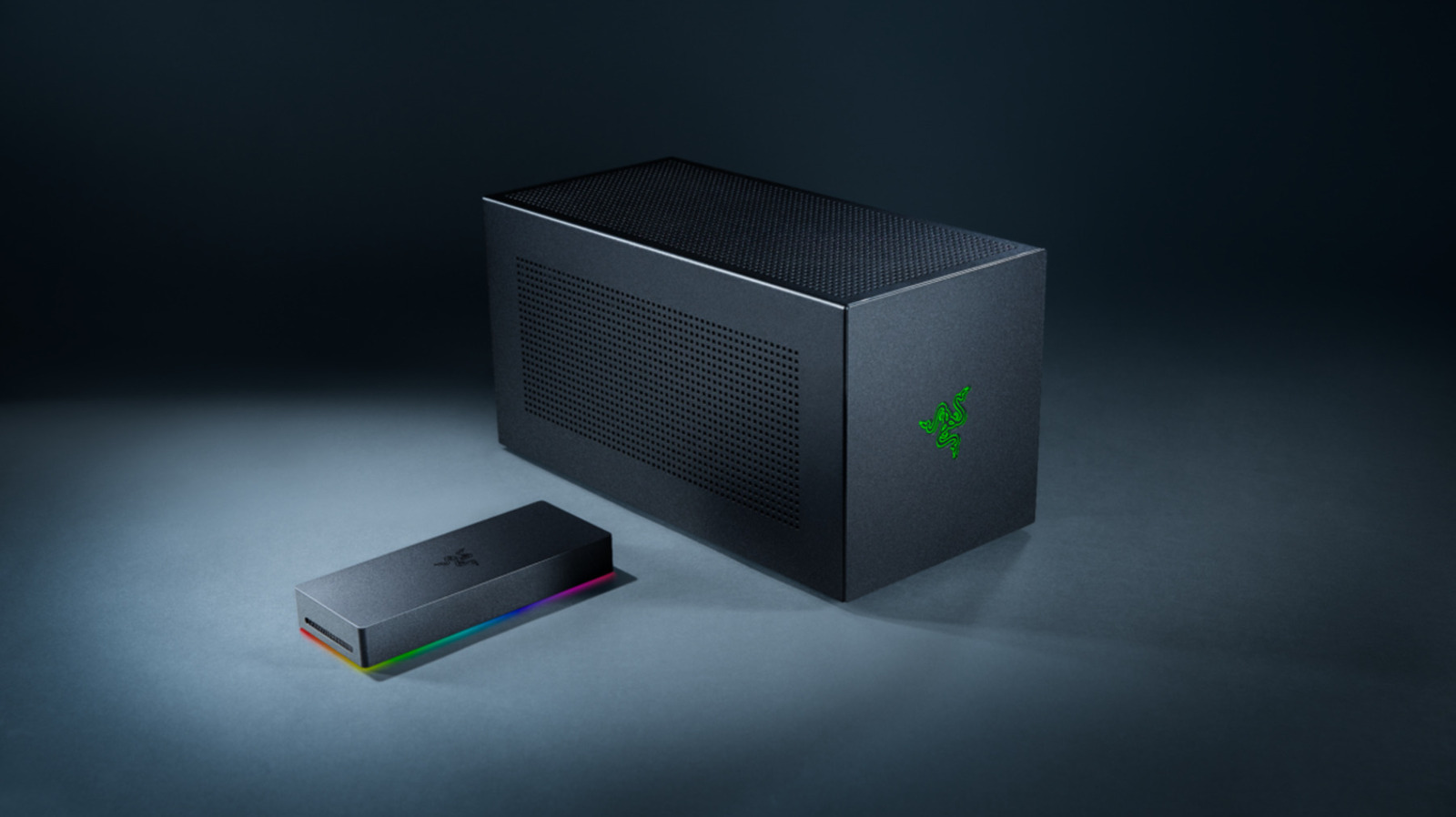
An external GPU (eGPU) is a graphics card housed outside a laptop that can give the machine desktop-class graphics power. Technology outlet Engadget notes that the advantage is limited by connection bandwidth, the cable and added costs, so the choice between an external card and a laptop's built-in GPU is not clear-cut.
In this comparison, "onboard" means a dedicated GPU built into the laptop, not the integrated graphics inside the processor. Even GPUs that share a name can differ greatly. NVIDIA's RTX 5090 Laptop GPU has 10,496 CUDA cores, 24GB of GDDR7 memory and a 95W to 150W power range, while the desktop RTX 5090 has 21,760 CUDA cores and 32GB. The desktop card offers 1,792GB/s of memory bandwidth and a 575W total power rating, against 896GB/s for the laptop version.
Thunderbolt as the bottleneck
An eGPU usually talks to the laptop over Thunderbolt or USB4 rather than directly over the computer's PCIe bus. Thunderbolt 4 has 40 Gbps of total bandwidth, of which 32 Gbps is PCIe data throughput. Thunderbolt 5 raises the base speed to 80 Gbps, with 64 Gbps of PCIe throughput. It also has a 120 Gbps Bandwidth Boost mode, but Intel says PCIe throughput stays at 64 Gbps. Built-in laptop GPUs use internal PCIe connections that, depending on the design, can be wider.
A USB-C-shaped port alone does not guarantee eGPU compatibility. The host hardware, enclosure, drivers, GPU and power supply all have to work together. If the image is shown on the laptop's own display, rendered frames may have to travel back over the same limited connection, which is why some brands recommend plugging an external monitor straight into the eGPU. There is no universal performance-loss figure, since the GPU, laptop, connection, resolution and game all affect the result.
Cost and portability
A built-in GPU works within the laptop's cooling and power limits, but it stays in the machine when you carry it. With an eGPU you need an enclosure, a desktop card and possibly an ATX power supply on the desk, which adds size and noise.
Razer's Thunderbolt 5 Core X V2 enclosure, for example, supports full-size NVIDIA and AMD desktop cards up to four slots wide and has a 120mm fan. It ships without a GPU or ATX power supply, and the enclosure itself costs about $350. The economics improve if you already have a suitable card left over from a desktop upgrade. Buying a high-end desktop card solely for an eGPU is harder to justify.