Wireless Android Auto: convenience that comes at a battery cost
Wireless Android Auto removes the hassle of cables and connects automatically, but it drains phone batteries faster and can cause overheating on longer trips. Whether it's the better choice depends on drive length and usage habits.
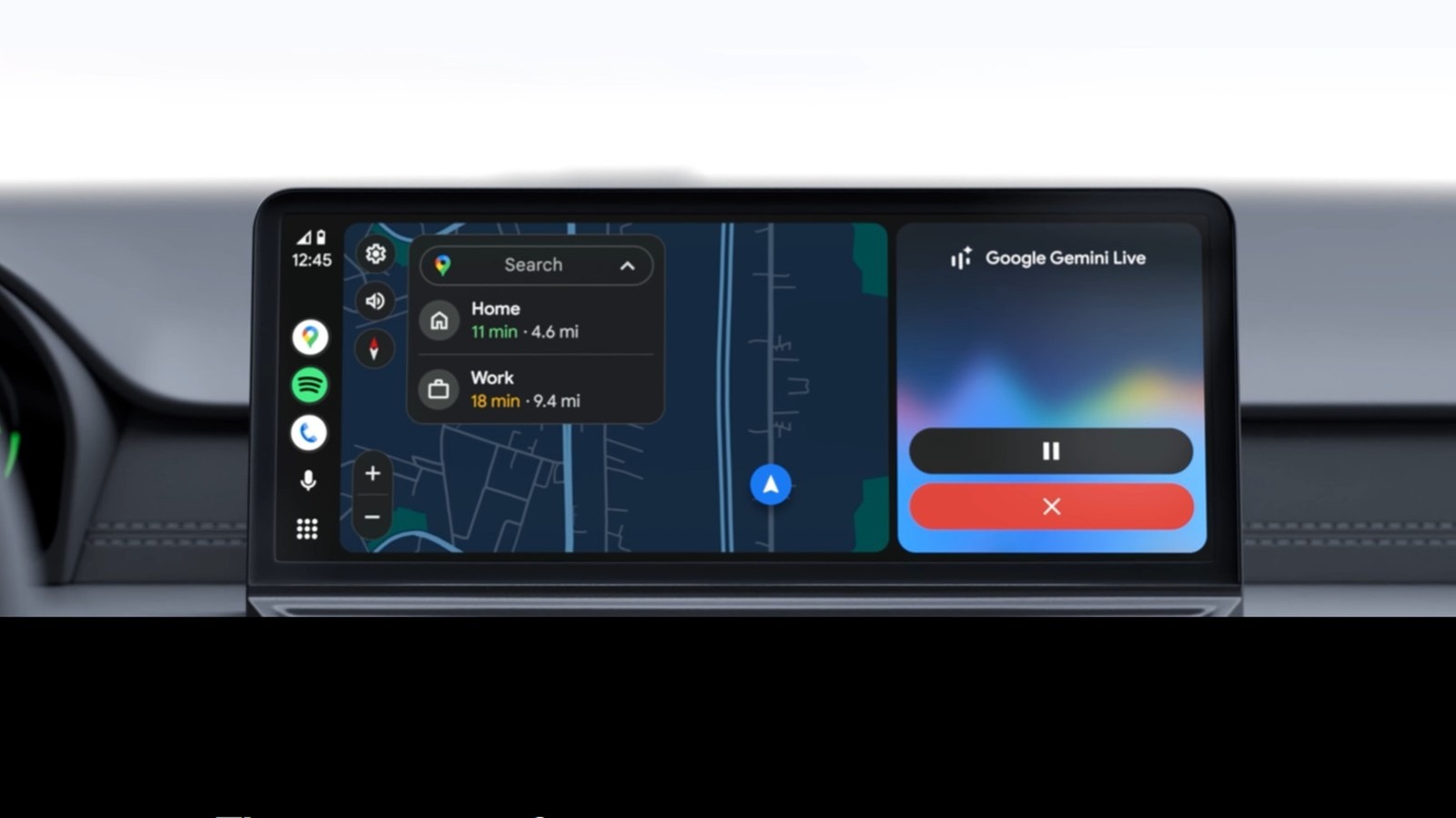
Wireless Android Auto has become one of the more convenient features for drivers who rely on their phones for navigation, music and hands-free calls. Its biggest draw is that once paired, the phone connects automatically every time the car starts, eliminating the need to dig out a cable and plug it in.
How the connection works
The system relies on both Bluetooth and Wi-Fi. When the car starts, Bluetooth handles the initial handshake and authentication between phone and vehicle. The connection then shifts to a Wi-Fi Direct network, which carries the heavier data load — maps, audio, touch input and voice commands. Both connections run at the same time throughout the drive, and turning off either one breaks the link. The feature requires a phone running Android 11 or later with 5GHz Wi-Fi Direct support; older vehicles may need a separate wireless adapter to support it.
The advantages
After a one-time Bluetooth pairing, the phone reconnects automatically on every drive, letting maps and music start without any extra steps. The system also remembers multiple paired phones, which is useful when a car has several drivers. Beyond convenience, removing the cable keeps the center console tidier and frees up the USB port for charging other devices, such as earbuds or a smartwatch.
The drawbacks
The main downside is battery drain: running Wi-Fi and Bluetooth continuously alongside active GPS can reduce a phone's battery by roughly 10 to 15 percent per hour of driving. Extended use can also cause the phone to heat up noticeably, particularly when navigation is running during hot weather, which in extreme cases can trigger the device to shut down to prevent damage. Older phones may struggle further, with slower map loading and occasional music interruptions. Compared with a wired setup, wireless connections can experience minor lag or unexpected disconnects, whereas a physical cable offers steadier performance and better battery efficiency.
Overall, wireless Android Auto tends to suit daily commutes well, while wired connections remain a more practical option for longer trips involving continuous navigation.