Chromebook as your main PC: weighing the pros and cons
Chromebooks offer simplicity, strong security and low prices, but their usefulness is limited by internet dependence and software compatibility gaps. Anyone considering a switch from Windows or Mac should weigh both sides.
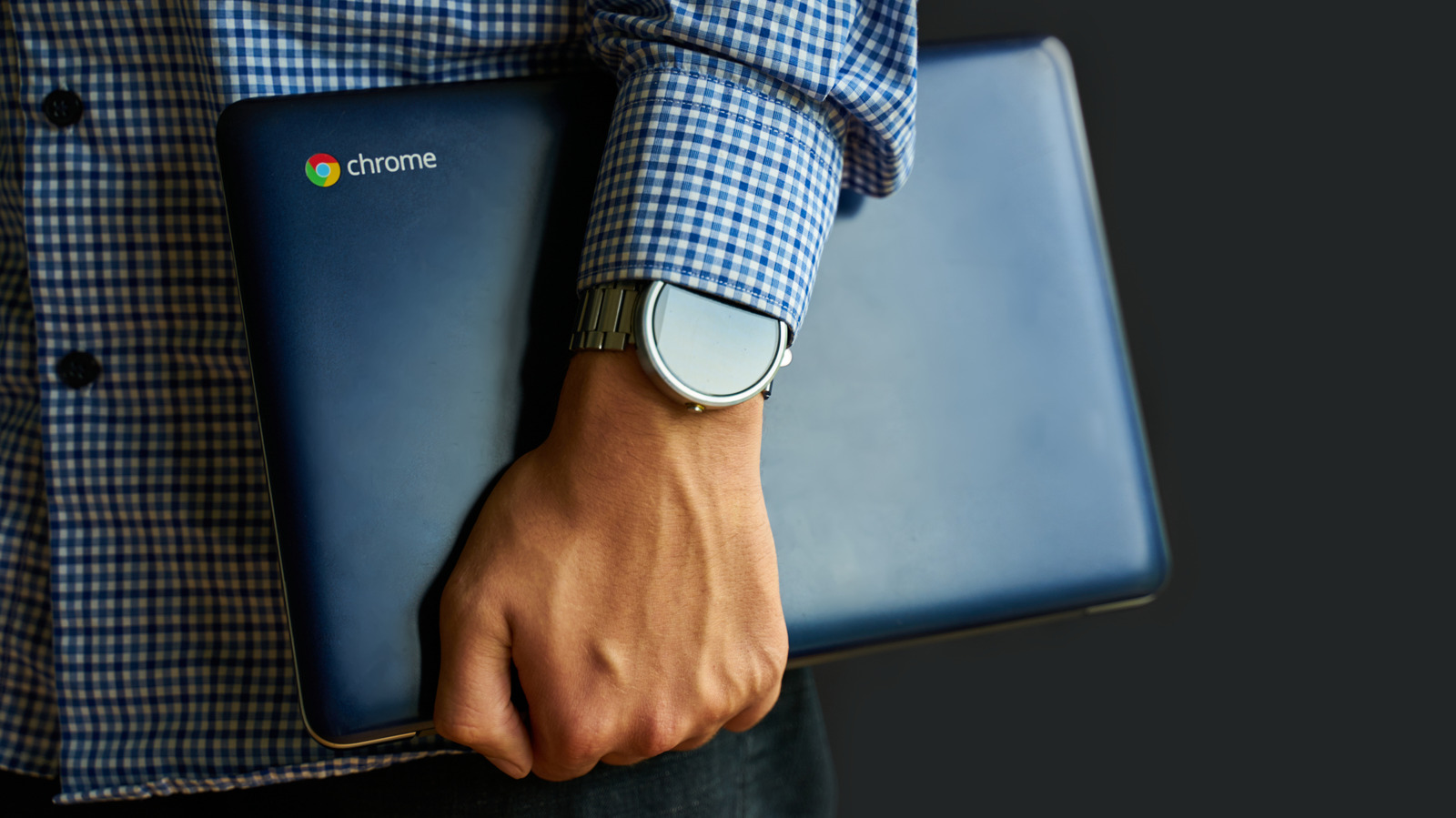
Chromebooks have evolved significantly since their 2011 debut, and more innovation is on the way with the upcoming Googlebooks, devices aiming to merge Android and ChromeOS into one platform. They can be a solid alternative for users who want a lightweight, secure and minimalist computer mainly for office tasks like email and spreadsheets.
Advantages
The biggest strength of Chromebooks is their simplicity, both physically and digitally. They tend to be lighter and more durable than typical laptops, and offer strong battery life, often exceeding 10 hours. ChromeOS, modeled after the Chrome browser, feels familiar to most users and allows devices to boot within seconds.
Security is another major advantage over a typical Windows PC. ChromeOS is a read-only system where users can only modify their own files, making it harder for malware to damage the system. This is reinforced by verified boot, which reverts the system to a previous version if it detects suspicious changes, and sandboxing, which isolates each webpage and app in its own environment. Chromebooks aren't fully immune to threats, though — malicious extensions, Play Store apps and phishing remain risks. Users wanting full system access can enable Developer Mode to install Linux, though doing so sacrifices most security protections.
Pricing is arguably the biggest selling point: the average Chromebook costs far less than a standard laptop, though higher-end models can retail above $700.
Drawbacks
While offline functionality has improved, with much of Google Workspace and Gmail now working without a connection, Chromebooks remain largely cloud-dependent. Gaming is mostly limited to streaming services like Nvidia GeForce Now and Xbox Cloud Gaming, since platforms like Steam don't run on ChromeOS.
This reflects a broader software compatibility issue: professional tools such as Adobe Creative Cloud and legacy enterprise software used in fields like healthcare simply won't run. Printer compatibility is also inconsistent since Google Cloud Print was discontinued in 2020. On top of that, Chromebooks typically come with weaker hardware — less RAM, processing power and storage — which can struggle with heavier tasks.