How many external monitors can a MacBook run? It comes down to the chip
Apple's current MacBook lineup supports between one and four external displays depending on the chip inside, with resolution and refresh rate varying by configuration. Users can exceed official limits using DisplayLink, though with tradeoffs.
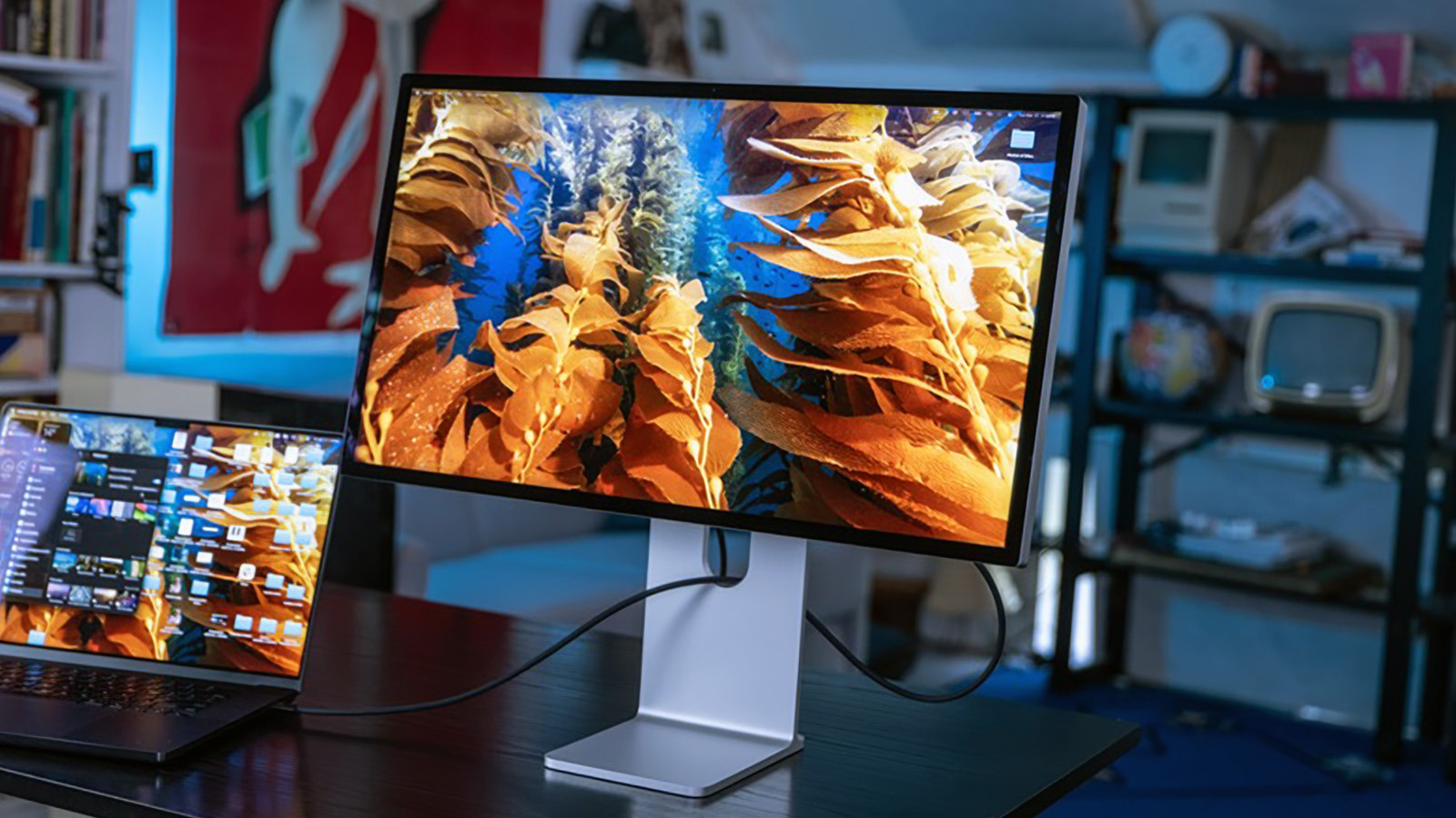
MacBooks are often used as the core of a home workstation setup, but how many external displays they can drive depends less on the number of ports and more on which chip powers the machine.
Display limits by model
The entry-level MacBook Neo supports just one external display, maxing out at 4K resolution and a 60Hz refresh rate. The M5 MacBook Air and M5 MacBook Pro both support two external displays, the M5 Pro MacBook Pro supports three, and the top-tier M5 Max MacBook Pro can drive up to four. These limits stay the same whether or not the built-in screen is also in use, including when the laptop lid is closed.
Resolution and refresh rate vary depending on how many displays are connected. A single display can typically reach higher specs, such as 8K at 60Hz, while running two or more displays simultaneously lowers the maximum achievable resolution or refresh rate.
MacBook Neo's limitations
Despite having two USB-C ports, the MacBook Neo can only output video through one of them — specifically the port closer to the back of the laptop. The other port only handles charging or basic accessories, and the Neo also lacks Thunderbolt support entirely.
Docks and the DisplayLink workaround
Thunderbolt docks can simplify cable management and add ports, but they cannot raise Apple's official display limits. Users who need more displays than officially supported can turn to DisplayLink, a technology that uses software and a compatible adapter to render additional screens. This workaround isn't ideal for demanding tasks like gaming, and some streaming services, including Netflix and Disney+, may fail to play video while a DisplayLink display is connected.