Do Not Disturb vs. Focus: how iPhone users can manage notifications
Apple's iPhone offers several ways to silence notifications — silent mode, Do Not Disturb and Focus modes — each working differently and offering a different level of customization.
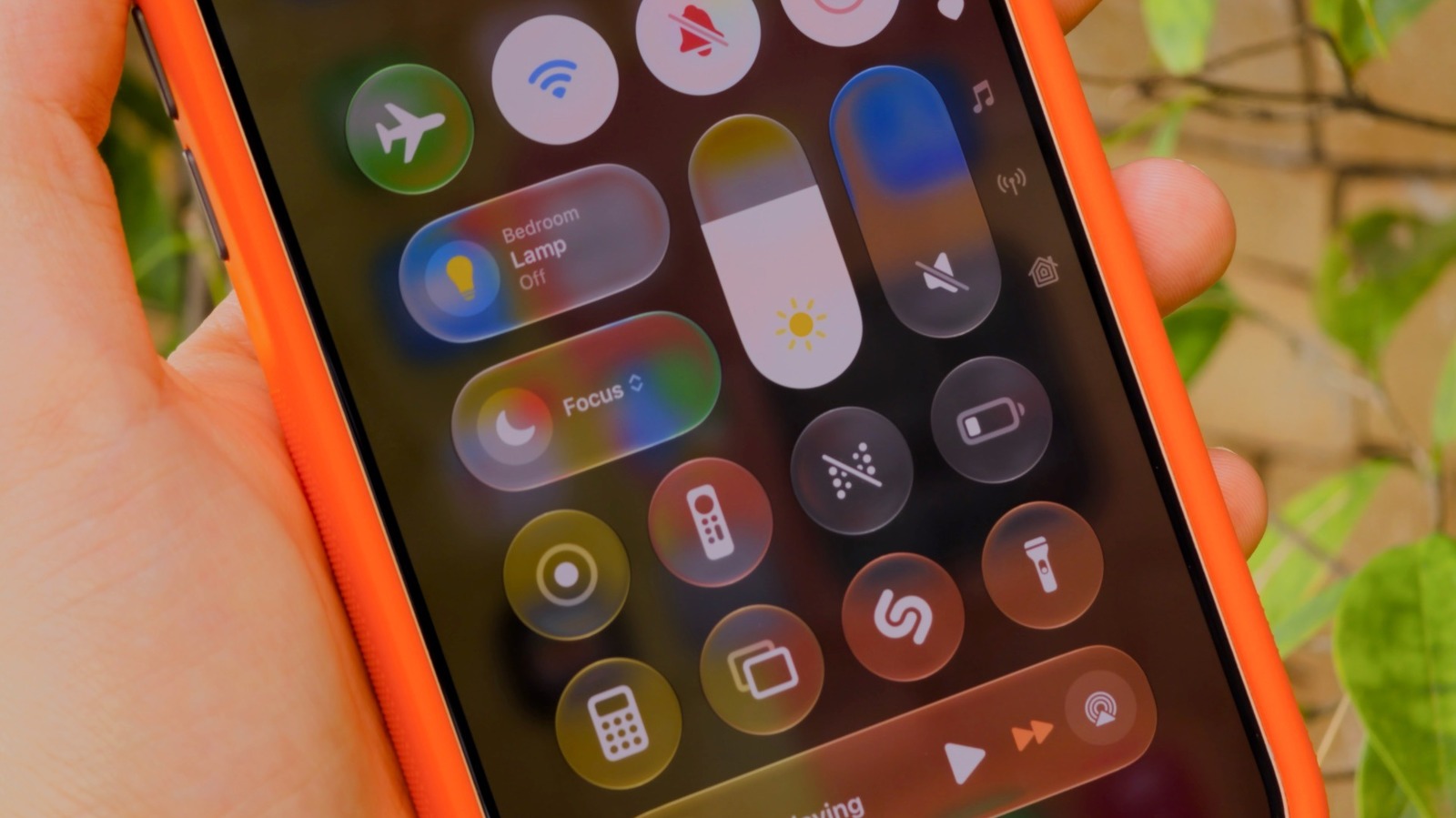
iPhone owners have multiple tools for keeping notifications from interrupting meetings or sleep. The simplest is silent mode, where notifications still appear on screen but the phone makes no sound, aside from a possible vibration.
Do Not Disturb, first introduced with iOS 6, is stricter: it fully suppresses banners, calls and alerts so nothing shows up at all. That's useful when total quiet is wanted, but it can be too restrictive when some important messages still need to get through.
That's why Apple introduced Focus modes with iOS 15, offering a more flexible system that lets users tailor notification settings to specific situations, such as work or sleep. iOS ships with several built-in Focus modes — Personal, Work and Sleep — and users can also build custom ones.
Setting it up
Focus and Do Not Disturb are accessible from Control Center and from Settings > Focus. For each mode, users can specify which apps and people are allowed to send notifications and which are silenced — for example, allowing only Slack and Mail during a Work Focus. It's also recommended to enable Time Sensitive Notifications so alerts like reminders or calendar events still come through.
Some Focus modes trigger automatically: Sleep Focus follows the schedule set in the Health app, while a driving-focused mode activates when the iPhone connects to CarPlay. On devices with Apple Intelligence, a Reduce Interruptions Focus uses AI to judge which notifications are worth surfacing.
While any Focus mode is active, messages and notifications are still delivered — users simply aren't pinged for them, and can check them whenever they choose.