GTA 6 auto-save works by events, not on a timer
Grand Theft Auto 6 saves automatically after specific events rather than at regular intervals, so players are advised to save manually too. Some players have already lost several hours of progress.
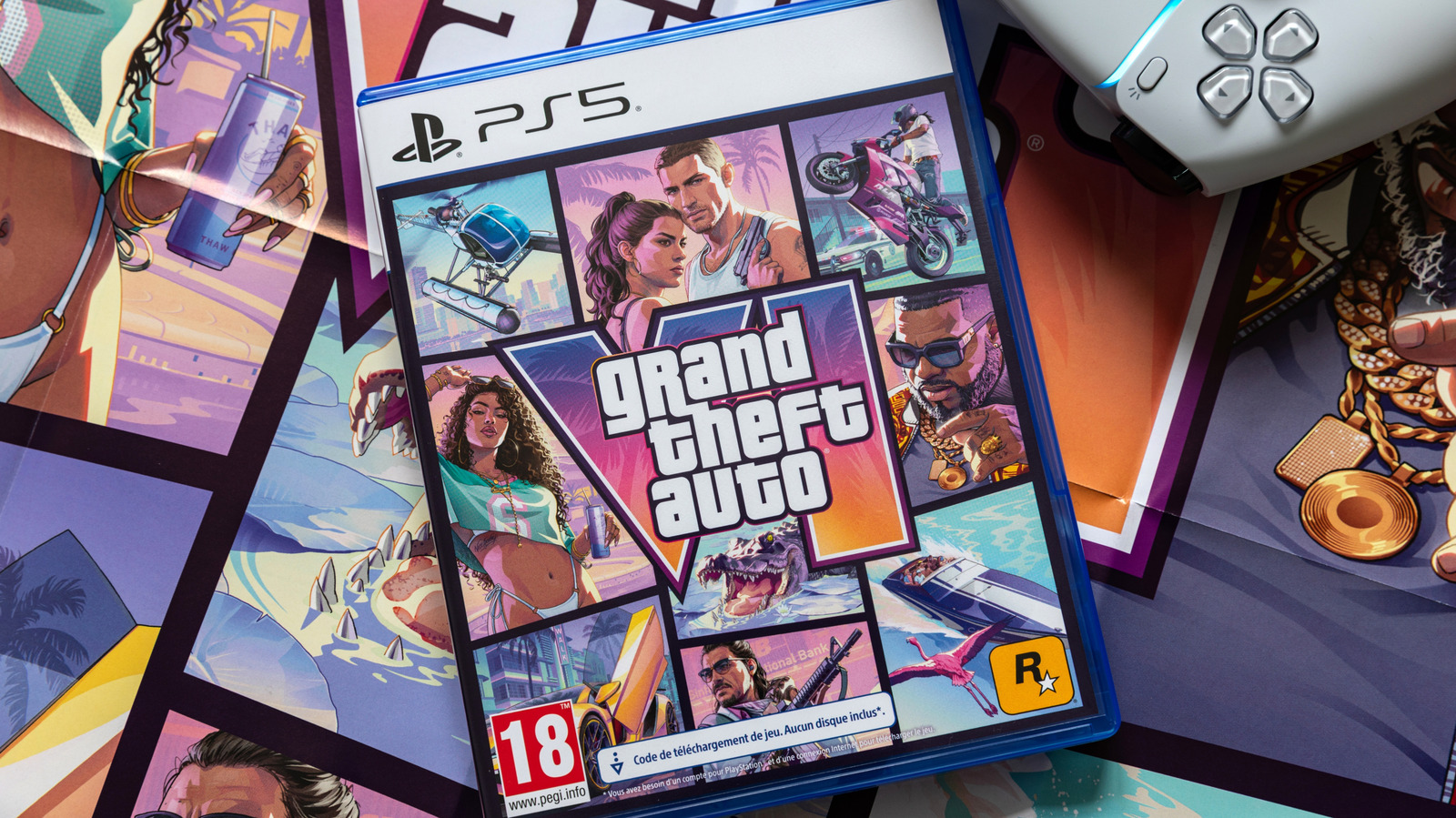
The auto-save system in Grand Theft Auto 6 (GTA 6), developed by Rockstar, works differently from what players may be used to in other games, according to technology site Engadget. The game does not save progress at regular time intervals, so players need to pay attention to saving manually to avoid losing what they have achieved.
When the game saves
Engadget reports that the game saves automatically after every main mission, as well as after some major side missions, expensive purchases, and when the player's character is killed or arrested. This means that when a player is simply roaming the map, driving around or getting into trouble, the game does not save progress on its own.
The auto-save icon, a white spinning circle, does not always appear when a save actually happens. The game has one auto-save slot, which is overwritten each time, and 15 manual save slots. It also does not save in the middle of a mission.
How to save manually
To save manually on the PlayStation 5 console, press the Options button; on Xbox, press the Menu button. Then open the Game tab and choose Save Game.
The article says the unusual system has caused several people to lose hours of progress. However, given that the game has sold in the millions, such cases are not widespread.
The editors of the publication recommend saving manually when roaming Vice City without a specific objective, if there is a risk of a power outage, or if the console is switched off without saving first. They also suggest saving after acquiring an expensive vehicle and after completing side missions.