How to stop audio from auto-playing on Android Auto
Android Auto, Google's system for connecting phones to car displays, can resume your last music or podcast as soon as the phone connects. Turning off one setting often fixes it, but not always.
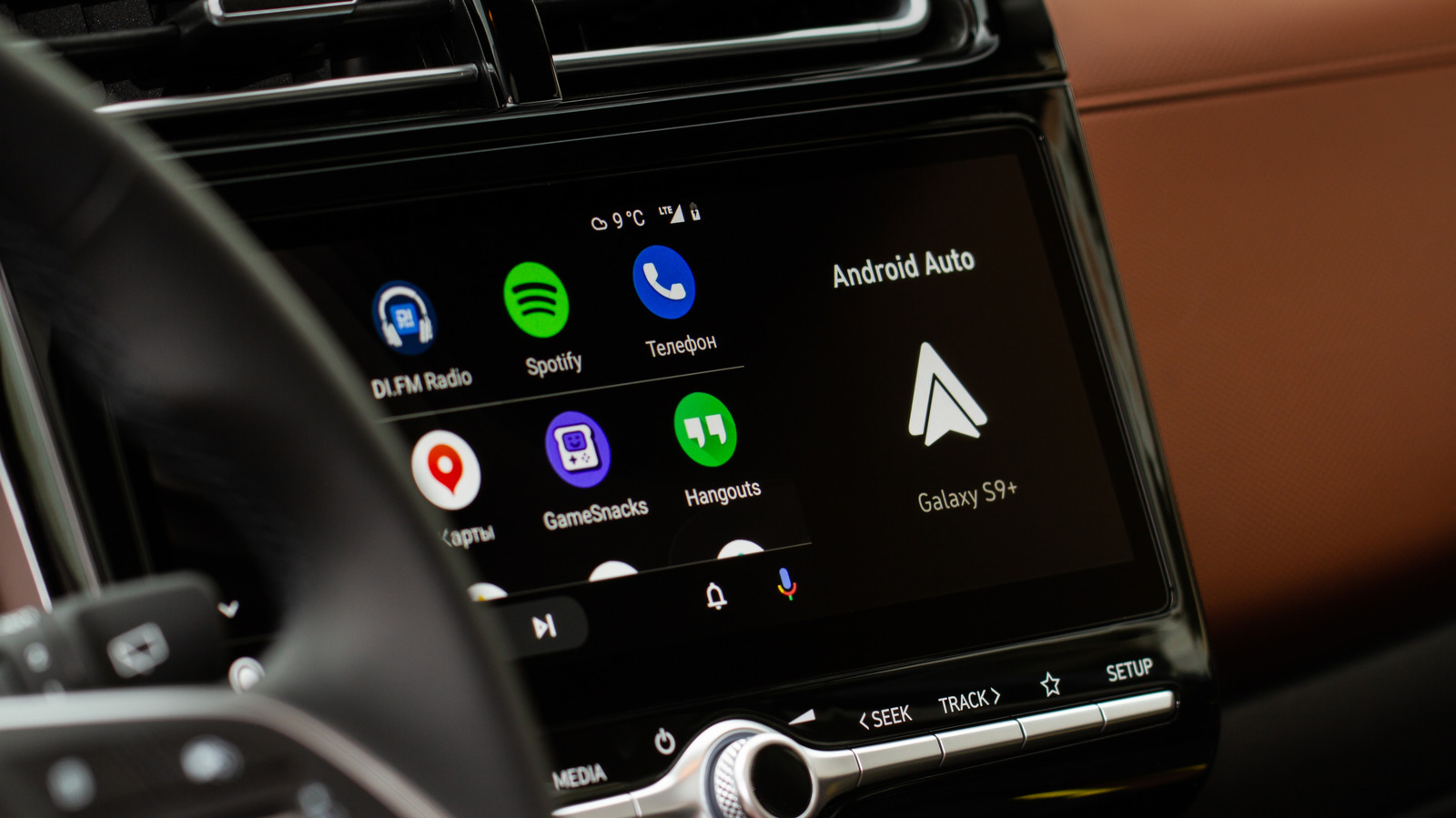
Android Auto is Google's system that links a smartphone to a car's display. Tech outlet Engadget explains how to stop the system from automatically playing your last music, podcast or audiobook when the phone connects to the car, whether by USB or wirelessly, at whatever volume was last set.
First step: Android Auto settings
Start by opening Settings > Connected devices > Android Auto and switching off Start music automatically under the Startup section. This stops playback from resuming the moment a connection is made. For many drivers this is enough, and it is also the first fix mentioned on Spotify's support forums.
If that does not help, the cause may lie at the Bluetooth level. Android Auto uses Bluetooth for phone calls and for the initial connection between phone and car. One option is to remove the phone from the car's Bluetooth memory and reconnect using USB only, if the setup allows it. In some vehicles this reduces unwanted playback, though results vary by car, phone and connection type.
Why Spotify may still start on its own
Spotify users have reported the problem on community forums since 2022. According to Spotify's support team, the behavior depends on how a given Bluetooth device interacts with Spotify's API. A device such as headphones, a speaker or a car can send a "play" command when it reconnects, powers on or resumes a media session, and Spotify cannot always block it.
Users can check whether autoplay happens with only one Bluetooth device and try another speaker, headset or vehicle. Updating Spotify, the phone's operating system and the device firmware may reduce connection glitches, but no universal fix is guaranteed.
If nothing works, Spotify can be removed from Android Auto entirely, though it will then not be available on the car's display. The article recommends starting with the Start music automatically toggle, then trying the Bluetooth unpairing method, and removing the app only as a last resort. Because Bluetooth behaves inconsistently across car models, some trial and error should be expected.