How to give Apple CarPlay a personal greeting using Shortcuts
iPhone users can use the Shortcuts app to set up a CarPlay automation that plays a custom sound or greeting whenever the phone connects to a car's CarPlay system. The setup is simple and works alongside, not instead of, a vehicle's built-in chimes.
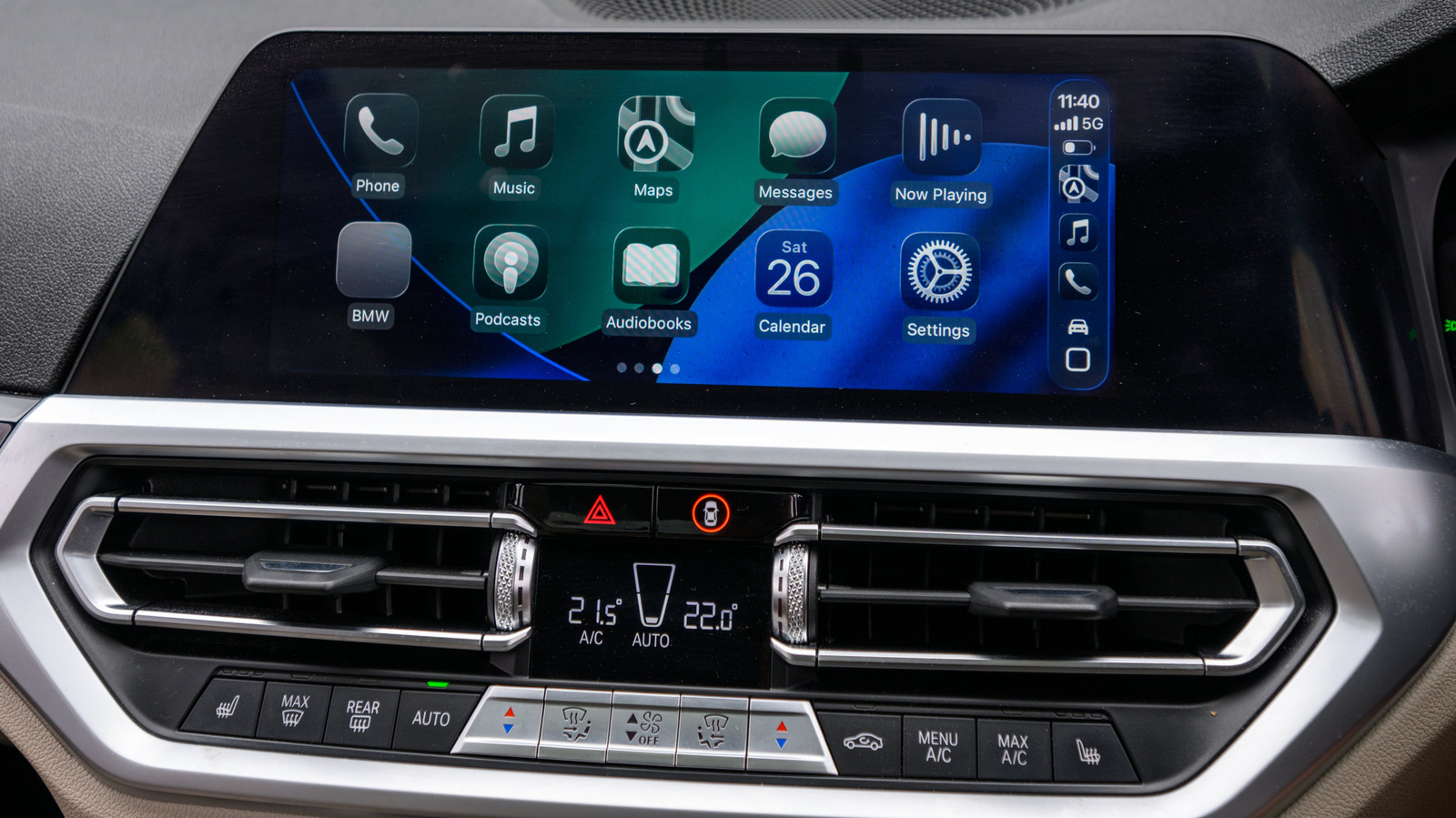
Apple users looking to add a personal touch to their morning commute can use the iPhone's Shortcuts app to trigger a short greeting sound the moment their phone connects to CarPlay. This could be a Siri-style good morning message, a clip from a favorite film or show, or a simple reminder such as not forgetting a wallet.
The feature relies on a CarPlay automation that runs independently of a car's factory startup chime, infotainment animations or seatbelt alerts. Because playback depends on the iPhone itself, results can vary slightly depending on whether the connection is wired or wireless, and how quickly the phone links up with the vehicle. A short clip, roughly two to five seconds, is recommended so it doesn't interfere with navigation prompts or other audio cues.
Setting it up
The first step is saving the desired audio clip into a clearly named folder within the iPhone's Files app, rather than iCloud Drive. From there, users open Shortcuts, go to the Automation tab, and create a new automation triggered by CarPlay, selecting "Is Connected" and "Run Immediately." When creating the new shortcut, choosing the Files action lets users browse to their folder and select the saved audio file.
Once configured, the automation should be tested by connecting to CarPlay and adjusting the phone's volume if the clip plays too loud or too soft. Exact menu steps may differ slightly depending on the iPhone model and iOS version, since Shortcuts support dates back to the iPhone 5s.
The automation can be edited, swapped out or temporarily disabled at any time by switching "Run Immediately" to "Don't Run." Users can also chain additional actions to the greeting, such as launching a navigation app or playlist, or set up a separate automation that triggers when the phone disconnects from the car.


