Free up Google cloud storage by tweaking one Android backup setting
Android users often unknowingly back up the same files in multiple places, needlessly filling their Google storage quota. A few simple changes to backup settings can reclaim significant space without upgrading to a paid plan.
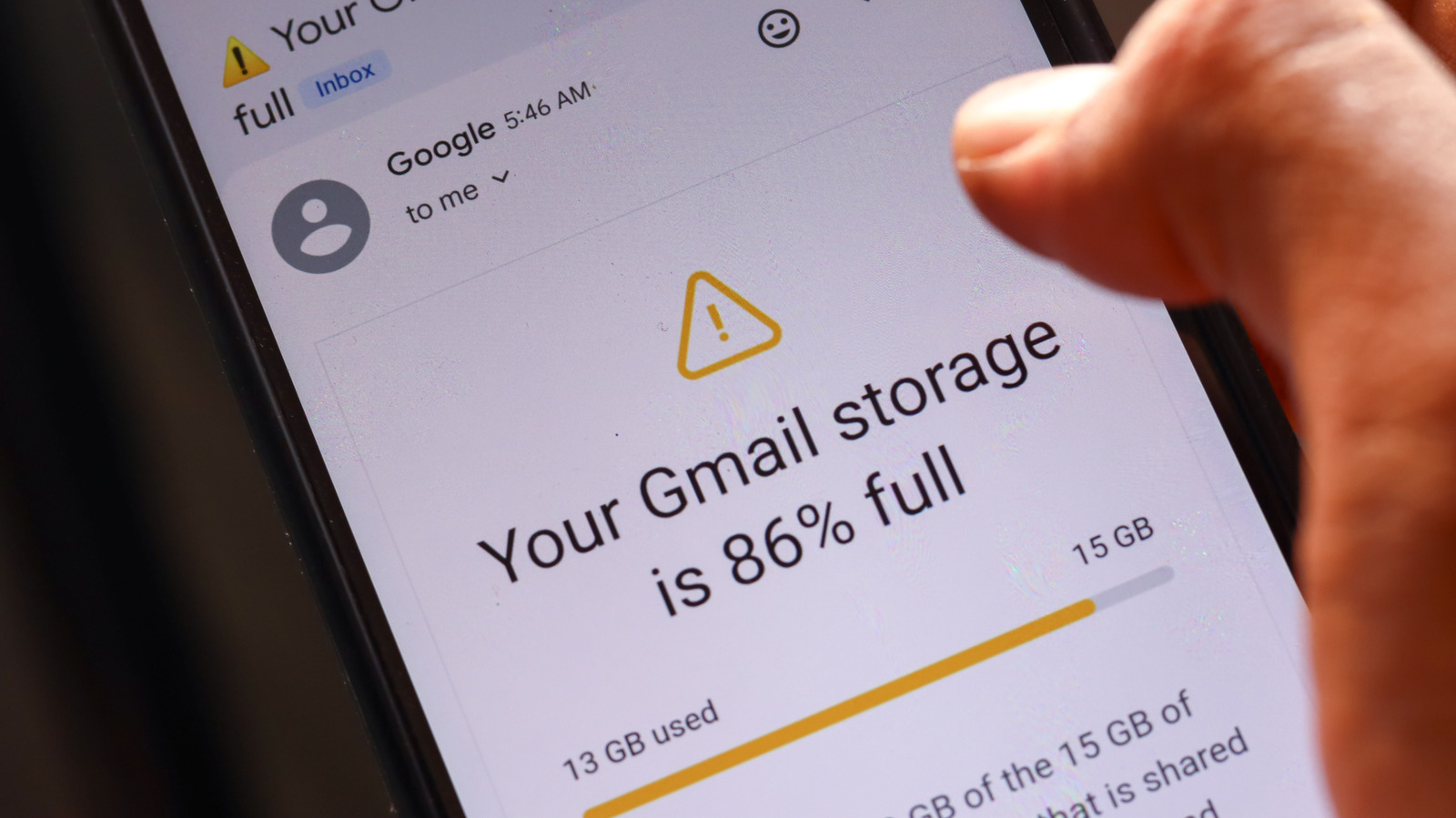
As cloud storage costs keep climbing, more people rely on it to store their digital lives — but that convenience isn't free, and it's easier than expected to burn through your allotment.
On Android, the default backup option ties into your Google account, which offers just 15GB for free, shared across every Google service including Gmail, Drive, and phone backups.
Duplicate backups
One major culprit is Google Photos' whole-device folder backup, which can end up backing up files from other apps too — including WhatsApp media, since WhatsApp already backs up its own data to Google Drive. That means the same photos and videos can end up stored in two separate places, both counting against the same storage cap. The same overlap can happen with other messaging apps like Signal, Telegram, or Discord.
Much of the media that messaging apps save locally, such as forwarded images and videos in group chats, is disposable and can be deleted before it's ever backed up, saving space both in the cloud and on the device itself. It's also worth manually deleting those files from Google Photos after disabling folder backup, since they aren't removed automatically.
Unnecessary app data
Further savings can come from reviewing which apps are backing up data to a Google account, accessible through the Google section of Android settings or the Google One app. Many apps turn out to have backups enabled unnecessarily — utility apps, media players, or apps that only require a login to restore all their data. Turning off these backups can help avoid needing to pay for extra storage down the line.
/nginx/o/2026/09/29/17944469t1h1037.jpg)