How to Reset a Samsung TV: Three Options From Simple Reboot to Full Factory Reset
When a Samsung smart TV malfunctions, users can try several levels of reset, from a basic reboot to a full factory reset. A factory reset erases all settings and apps, so it is best kept as a last resort.
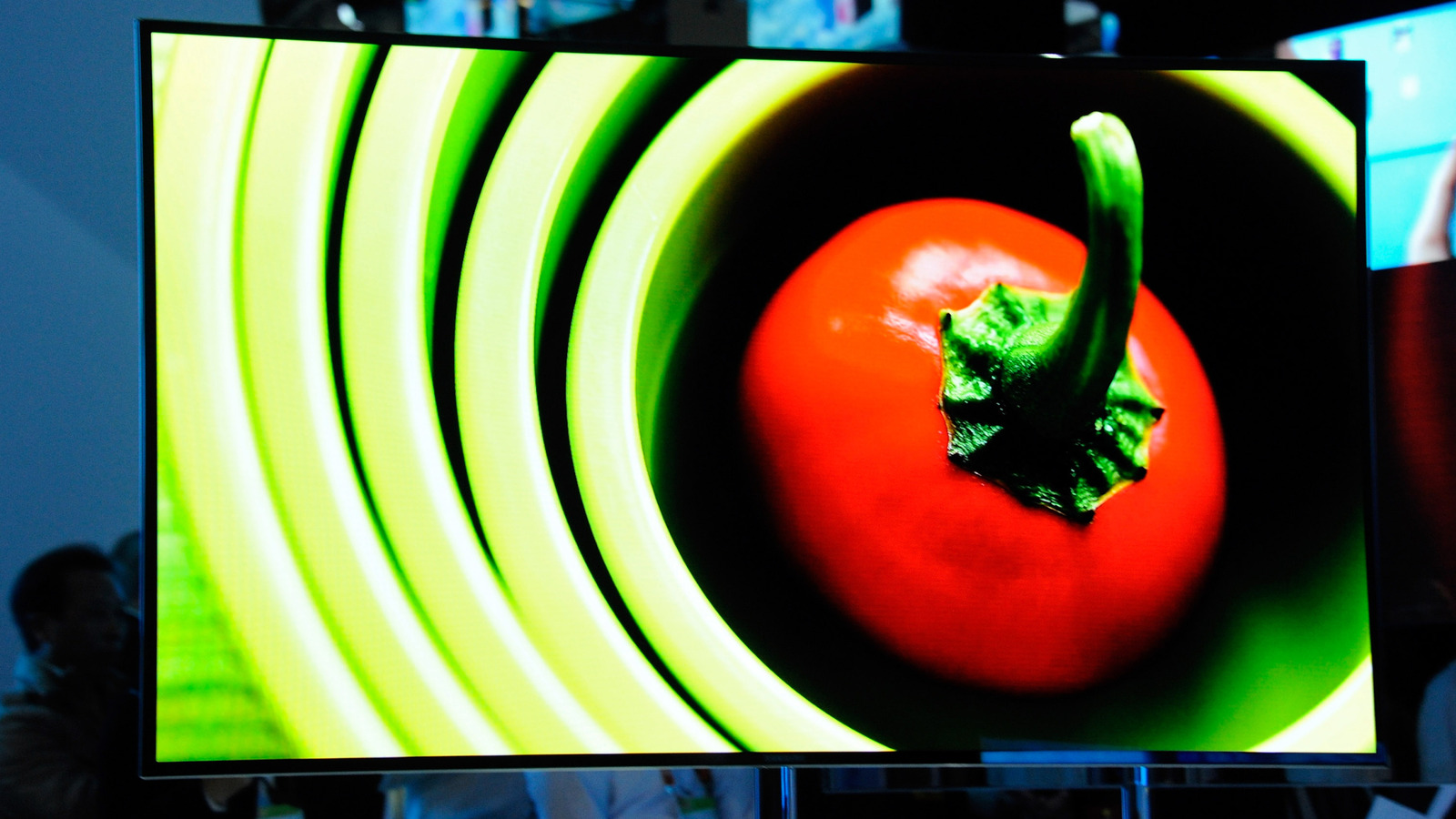
Owners of Samsung smart TVs whose sets freeze, show video glitches or keep crashing a favorite streaming app have several reset options, according to technology site Engadget. They differ in how much data is lost, and none is guaranteed to fix the problem.
Start with the simpler steps
To simply reboot the TV, unplug it for 30 seconds or hold the power button on the remote for five seconds. The set briefly turns off and comes back on with the Samsung logo. This clears the TV's RAM and system cache and restarts background processes.
If only the internet connection is causing trouble, network settings can be reset: Settings > All Settings > Connections > Network > Reset Network, then confirm with Reset. You will then need to enter your router's SSID (network name) and password. The source notes that the router or the internet service provider is the likelier culprit, so those should be checked first.
In rare cases, resetting the Smart Hub, the TV's menu of apps and content, may help. It restores the Hub's default options and wipes apps and account information. The steps are Settings > All Settings > Support > Device Care > Self Diagnosis > Reset Smart Hub, followed by entering your PIN.
Full factory reset
A factory reset returns the TV to its out-of-the-box state and cannot be undone. Afterward you will have to reconfigure picture and sound preferences, redownload apps and install updates for Tizen, Samsung's operating system. Before starting, write down PINs and passwords, including streaming app logins and your Wi-Fi router password.
The steps: from the home screen select Settings, then All Settings, General & Privacy, and click Reset at the bottom of the menu. Enter a PIN; if you have not set a custom one, use 0000. Confirm with OK, and the reset begins a moment later.
Samsung occasionally renames buttons and menus, but the process does not differ much between TV generations.