How to reset your iPhone's camera settings to default
Apple offers no single button to reset iPhone camera settings, but users can restore defaults through the Preserve Settings menu or a full settings reset. This is useful for anyone who has heavily customized their camera or bought a pre-owned iPhone with altered settings.
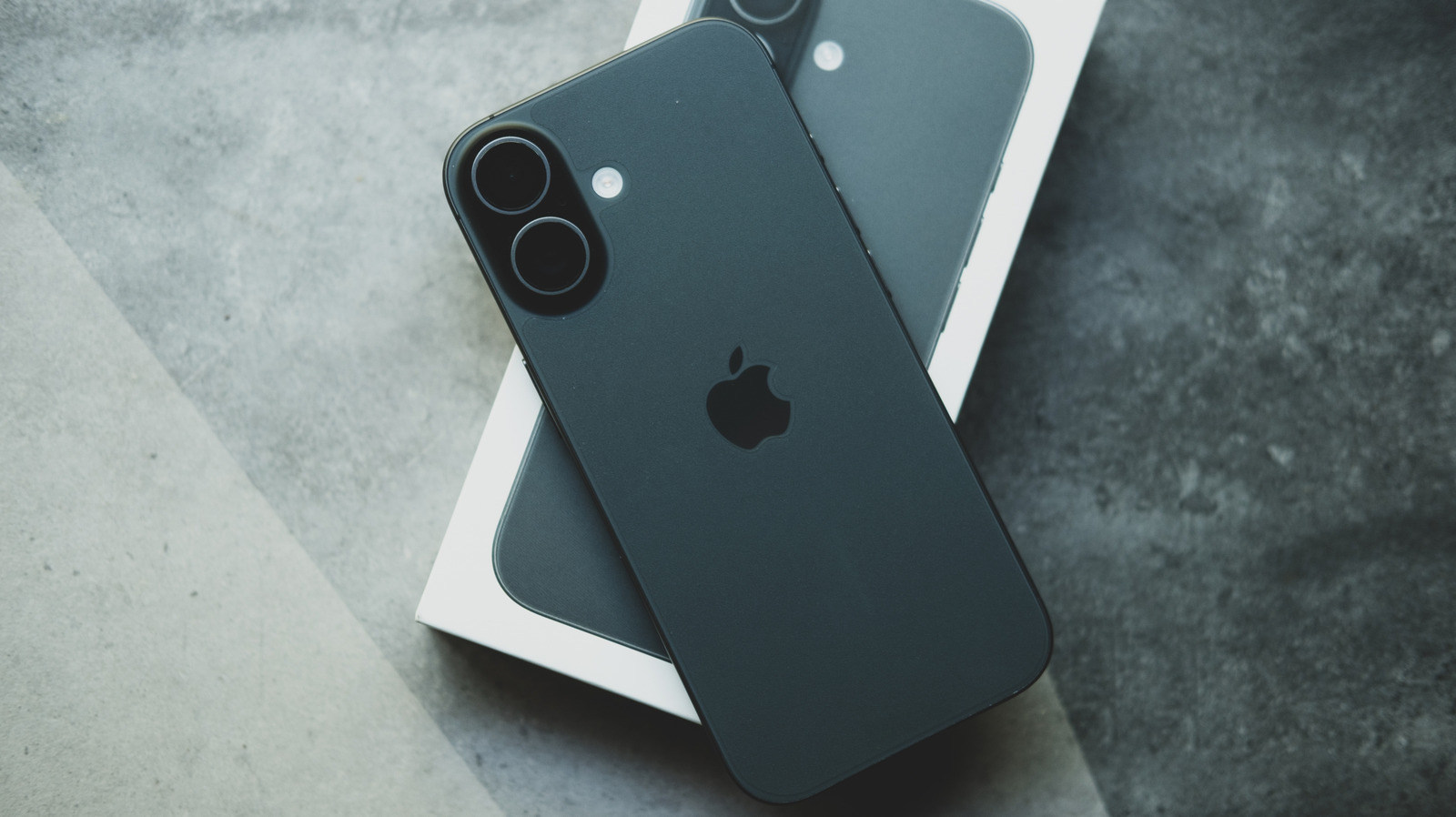
While an iPhone camera will likely never fully replace a dedicated camera, it offers extensive options for improving photo and video quality. However, after spending a long time adjusting settings — or after buying a second-hand phone with settings already changed — it can be difficult to judge real improvements. In such cases, returning to factory defaults provides a useful baseline.
Apple has not built a single button to reset camera settings, but it can be done manually. Under Settings > Camera, the Preserve Settings option lists several toggles; when switched off, the related setting automatically reverts to default each time the Camera app is reopened. Most of these toggles are off by default, except for Live Photo.
Key default settings
Video recording should default to 1080p at 30 frames per second, while Slo-mo defaults to 240 fps; the same applies to Cinematic mode on supported phones. Sound recording defaults to Stereo (or Spatial Audio on iPhone 16 and later), while the Formats section defaults to High Efficiency. Grid lines and the level guide are off by default while shooting, whereas Smart HDR and Prioritize Faster Shooting are turned on.
Devices running iOS 26 include a few additional defaults. Lens Correction, Macro Control and Scene Detection should be switched on by default, while the default resolution under Formats is 24 megapixels. ProRAW and Resolution Control, meanwhile, are off by default.
For those who don't want to check each toggle individually, there is a broader but more drastic option: under Settings > Transfer or Reset iPhone, users can reset all iPhone settings. There is no option to reset only camera settings, so this choice restores every setting on the device to default, including removing saved Apple Pay cards, keys and passes. It should therefore only be used when the user is fully certain and prepared to reconfigure anything else that resets along with it.