How to recover a missing app — or hide one — on Android Auto
Apps that suddenly disappear from the Android Auto launcher are usually deactivated by the phone's battery-saving settings rather than removed by Android Auto itself. Fixing it takes only a few simple steps.
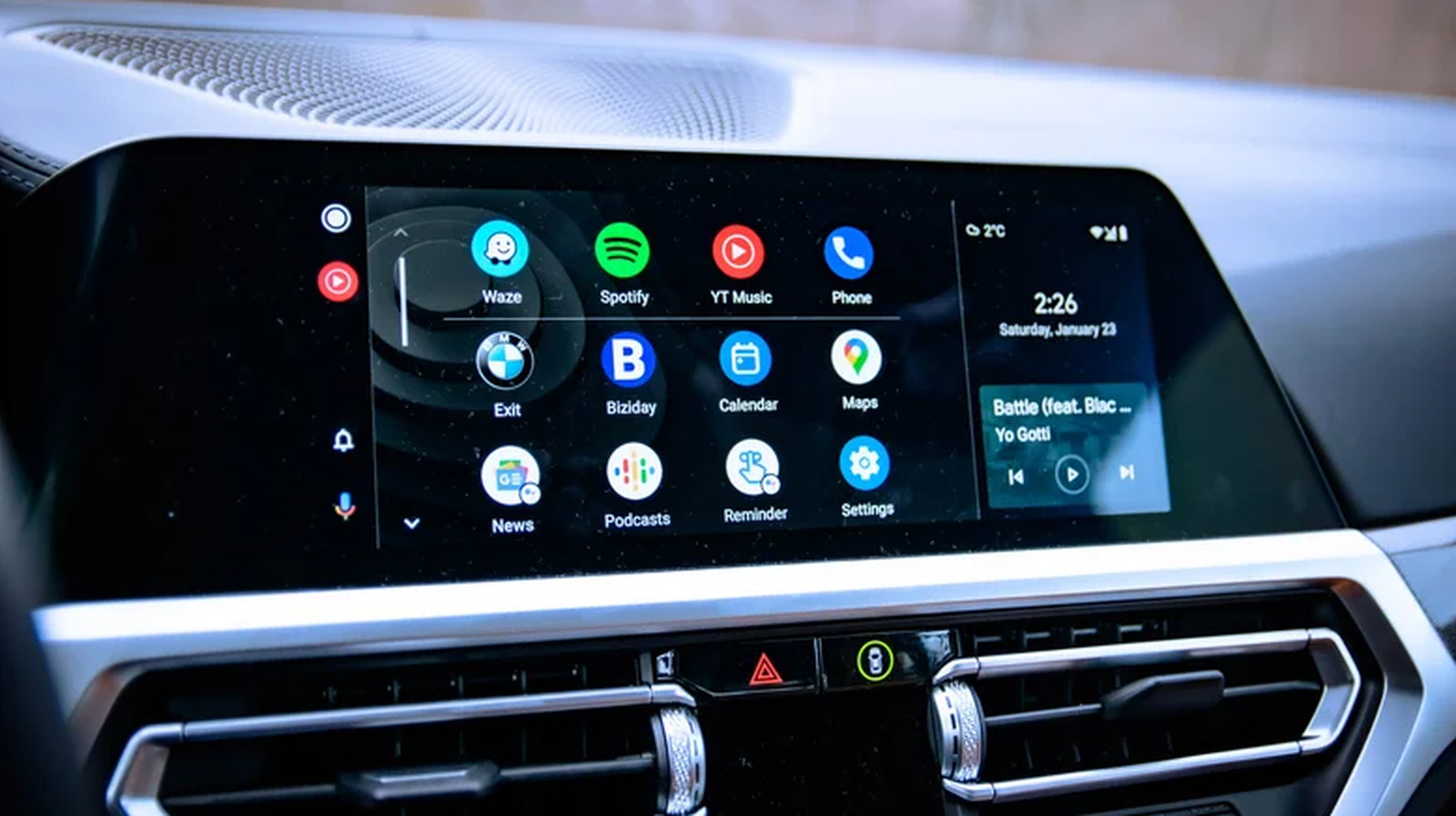
Around 250 million people use Android Auto worldwide, but the platform has a known quirk: apps can disappear from the launcher without warning. In most cases, the cause isn't Android Auto itself but the phone's background battery management.
Why apps go missing
On many phones, especially Samsung devices, Android includes a feature that automatically disables apps that haven't been opened in a while, in order to save battery. The app stays installed on the phone, but while it's disabled, it also drops out of the Android Auto app launcher.
Bringing a missing app back
There's no need to reinstall anything or dig through hidden menus. Simply find the app on the phone and open it — updating it first if a new version is available — then reconnect to Android Auto. The next time the launcher is opened on the car's display, the app should reappear.
Preventing apps from disappearing again
The simplest fix is to use the apps regularly. It's also possible to disable the auto-hibernation feature manually: go to the phone's Settings, then Battery (or Battery and device care), then Background usage limits, and turn off the option for automatically disabling or putting unused apps to sleep.
Customizing the launcher and hiding unwanted apps
Android Auto has no dedicated way to hide an app by long-pressing its icon, unlike on a phone. Instead, users can manage what appears by going to the car display's Settings > Connected devices > Android Auto > Customize launcher, and checking or unchecking boxes for individual apps.
It's also worth noting that not every app installed on a phone is compatible with Android Auto — only apps built for the platform, such as messaging tools, maps and music streaming services, will appear in the launcher, while things like games or video-streaming apps will not.