How to stop CarPlay from automatically connecting to your iPhone
There are several simple ways to prevent Apple CarPlay from automatically pairing with an iPhone, for users who occasionally want a break from it. Options include adjusting phone settings, forgetting a specific car, or fully disabling the feature via Screen Time.
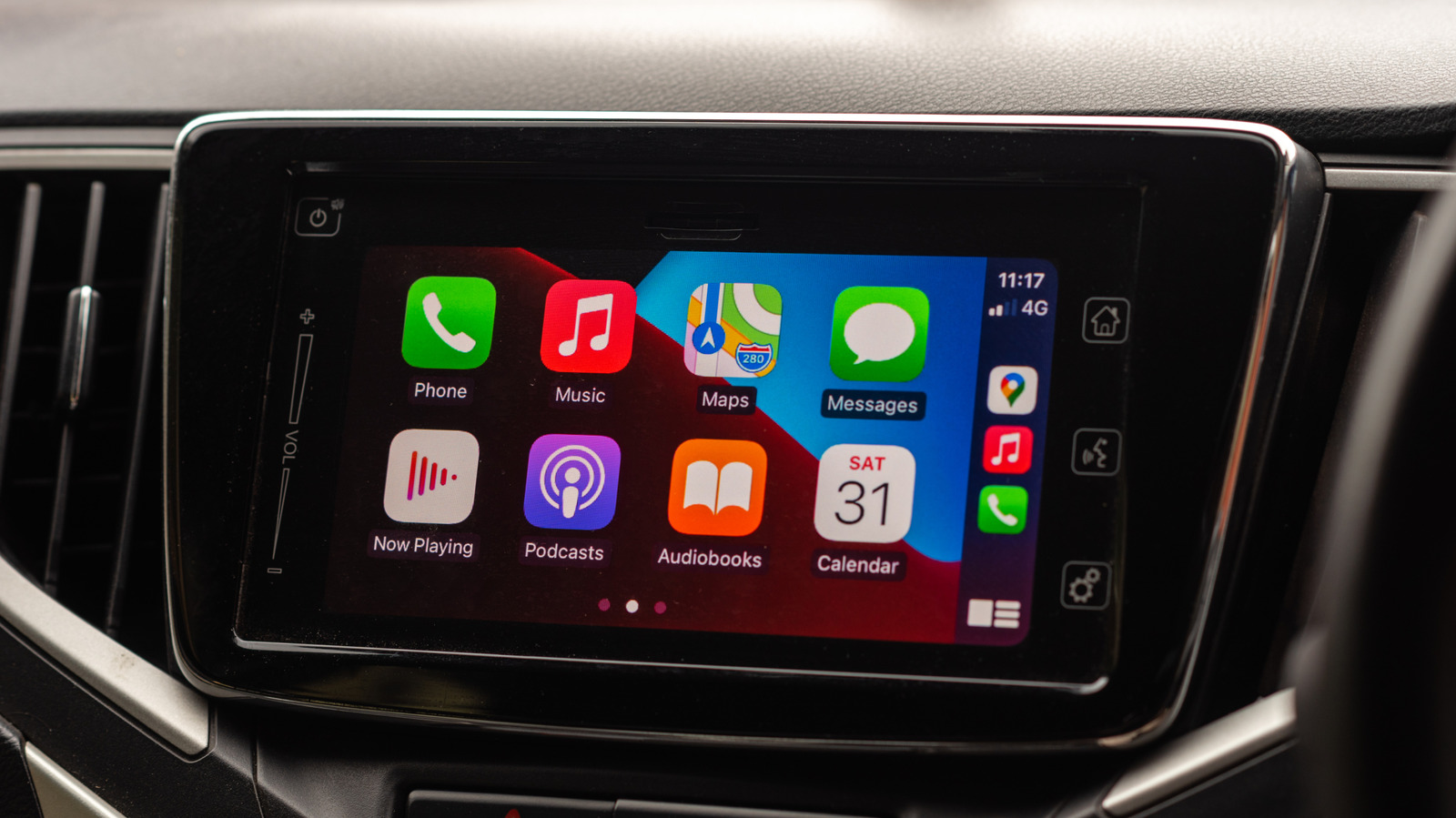
Apple CarPlay has become a favorite feature among iPhone owners whose cars support it, offering a more familiar and intuitive interface than many manufacturers' built-in infotainment systems. Once paired, an iPhone typically remembers the car and reconnects automatically on future trips. However, not everyone wants CarPlay active on every drive — reasons range from saving phone battery to avoiding extra notifications on the car's display.
Temporarily disabling CarPlay
The simplest fix is turning CarPlay off for a specific car. In the iPhone's Settings app, under General, users can find the CarPlay menu, select their car from the list, and switch off the toggle for that vehicle. The same steps can be repeated later to turn it back on. Some older cars don't support this toggle, in which case users need to select "Forget This Car," which unpairs CarPlay from that one vehicle without affecting other paired cars.
Blocking CarPlay entirely with Screen Time
For those who want to disable CarPlay across all paired vehicles at once, Screen Time offers a solution. Under Content & Privacy Restrictions, in the Allowed Apps & Features menu, CarPlay can be switched off completely.
Is turning it off worth it
While CarPlay provides convenient access to navigation and streaming apps, some drivers may prefer fewer distractions or fewer notifications while driving. Disabling it can also help conserve iPhone battery life, which is useful on long trips without a car charger. Additionally, using wireless CarPlay interferes with AirDrop, meaning photos can't always be shared with others while it's active.