How to switch between two paired iPhones on CarPlay
When a car has multiple iPhones paired for CarPlay, it can only display one at a time. Several workarounds exist to switch the active connection or let a passenger control music without taking over navigation.
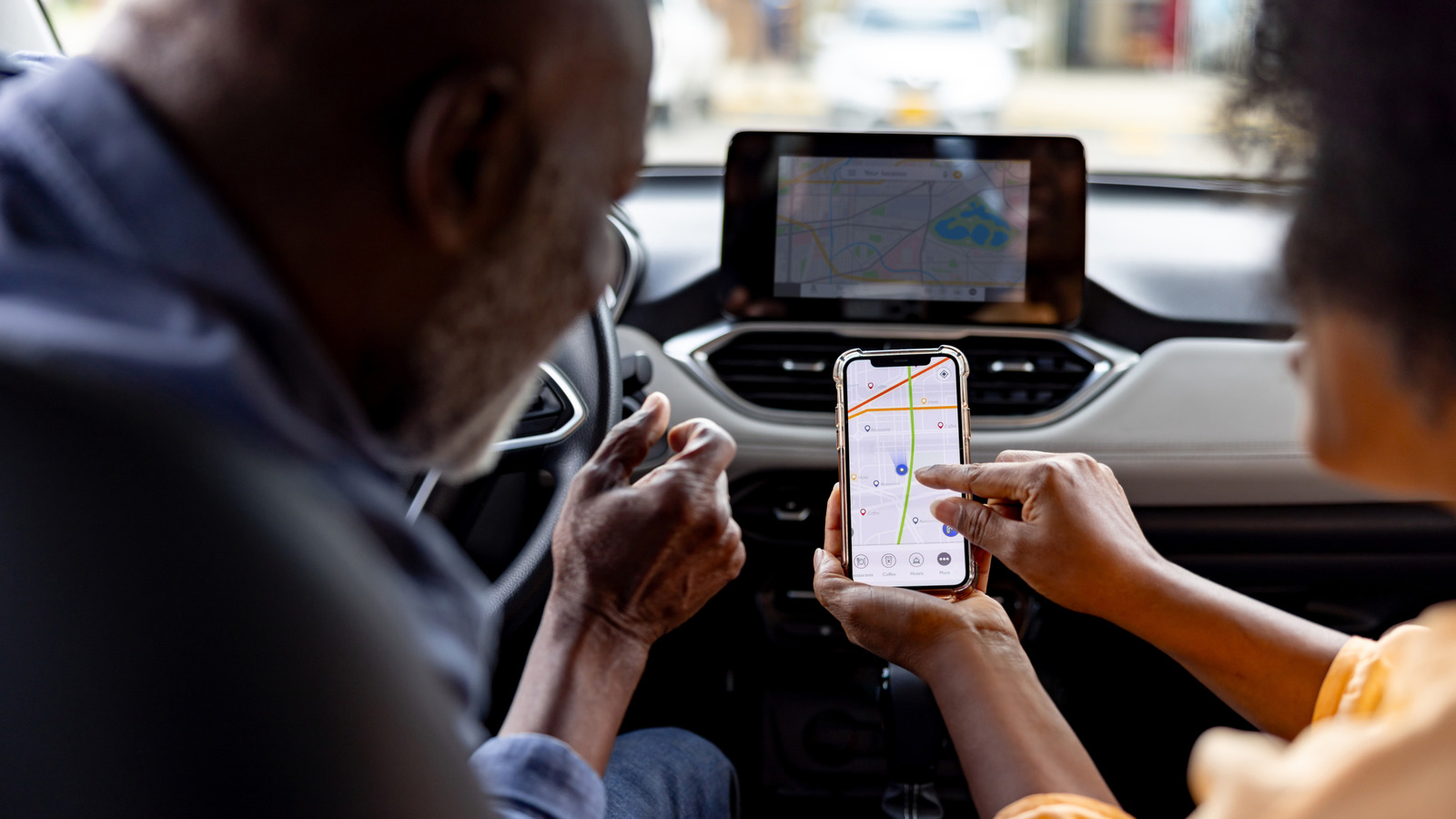
CarPlay has existed since 2014 and continues to receive regular feature updates, yet one issue remains unresolved: when a car has several iPhones paired to it, only one can actively project the CarPlay interface at any given moment.
This becomes an issue when a passenger whose iPhone was previously paired to the same car gets in. If the system automatically connects to the passenger's phone instead of the driver's, the connection needs to be switched manually.
Fixing the connection issue
The exact method for switching depends on the car's manufacturer. Many infotainment systems allow users to designate a preferred or primary phone that takes priority whenever multiple paired iPhones are nearby; this option is usually found under Bluetooth settings or a device management menu. Some manufacturers, such as Hyundai, allow switching CarPlay or Android Auto connections while driving, and the car will remember the preference for those devices afterward.
If no such option is available, a quick fix is to manually turn off Bluetooth and Wi-Fi on the other iPhone. A wired connection can also be tried, though user reports suggest it doesn't reliably force the system to prioritize the physically connected phone.
Sharing music without switching connections
If the goal is simply to let a passenger control the music, switching connections isn't necessary at all. Since iOS 17, CarPlay supports SharePlay, letting everyone in the car with iOS 17 or later join the driver's Apple Music session to add, reorder or remove tracks from their own device — passengers don't need their own subscription, since only the host's account is required.
Spotify offers a similar feature called Jam, which lets passengers join the host's session and contribute to the queue without needing Spotify Premium themselves. However, if a passenger later needs to use navigation or view messages on the car's display, the connection still has to be switched manually using one of the methods above.