How to Safely Clean Your USB Ports
Dirty USB ports can cause connection and charging issues, but they can be safely cleaned with a toothpick or compressed air. Avoid WD-40, household cleaners, and metal objects.
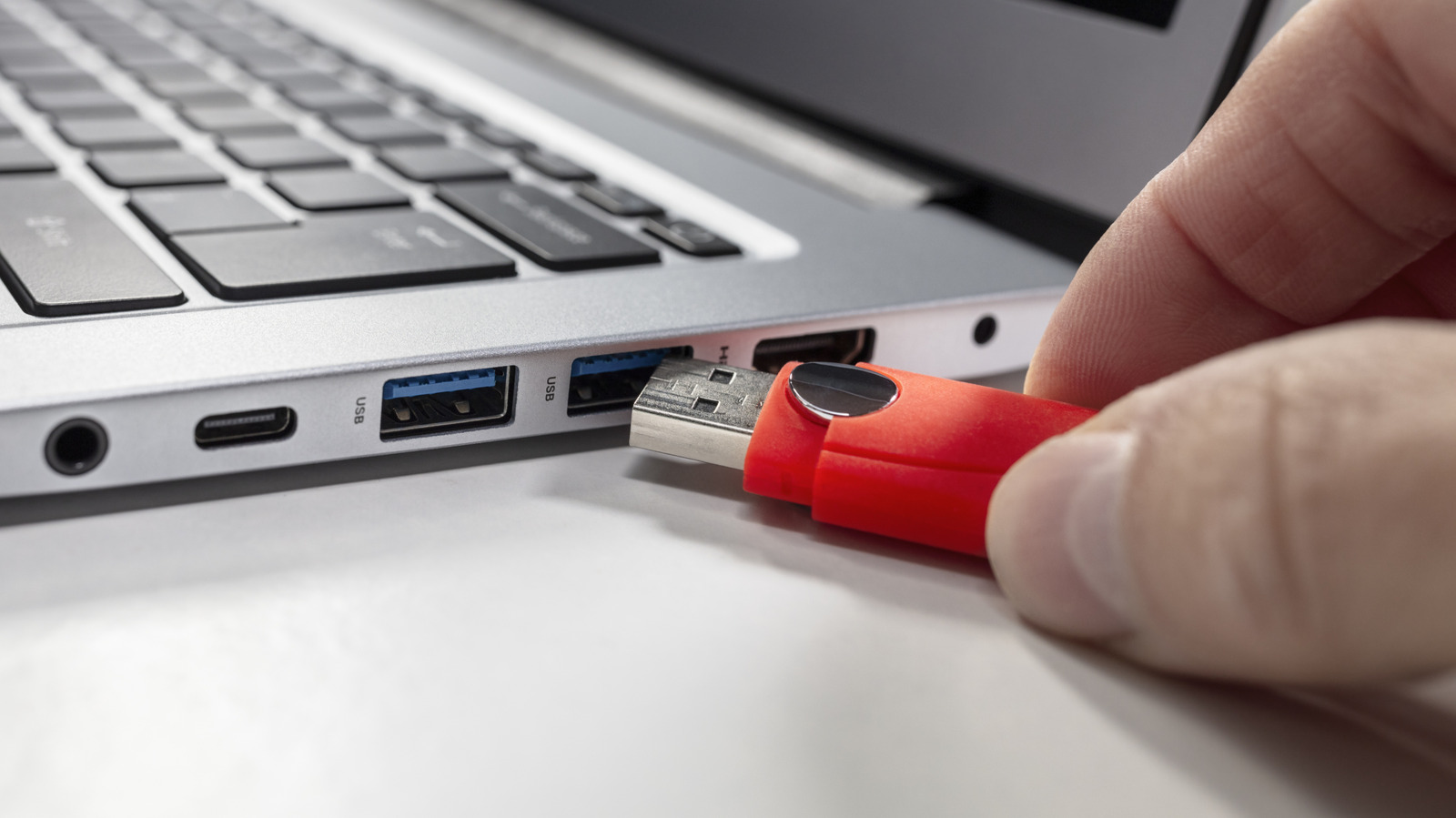
Cleaning USB ports is a simple way to prevent device charging and connectivity problems. Before starting, power down the device and unplug desktop PCs from the wall. The safest tool for cleaning ports is a plastic or wooden toothpick, used gently without force to remove lint and debris. A can of compressed air can also help, but avoid prolonged blasts to prevent damage to the port's connector pins.
USB ports should only be cleaned when visible dirt is present or if charging/connection issues arise. For example, if a smartphone fails to charge properly, or a computer doesn't detect USB accessories, dirty ports may be the cause. Loose connections on wired peripherals like keyboards and mice also indicate dust buildup. After a beach trip, check the port for sand.
Certain cleaning methods are strictly forbidden. WD-40 can permanently damage electronics and leave a residue that attracts dust. Household cleaning sprays or bleach can cause short circuits. Cotton swabs (Q-tips) leave fibers that interfere with connector pins. Metal objects like paper clips or safety pins can easily damage the pins. Stick to soft, non-metallic tools only.