How to safely take a PlayStation 5 on a flight
The US Transportation Security Administration (TSA) allows a PlayStation 5 in both carry-on and checked bags, but recommends carry-on for fragile electronics. The DualSense controller, which has a lithium-ion battery, needs special care.
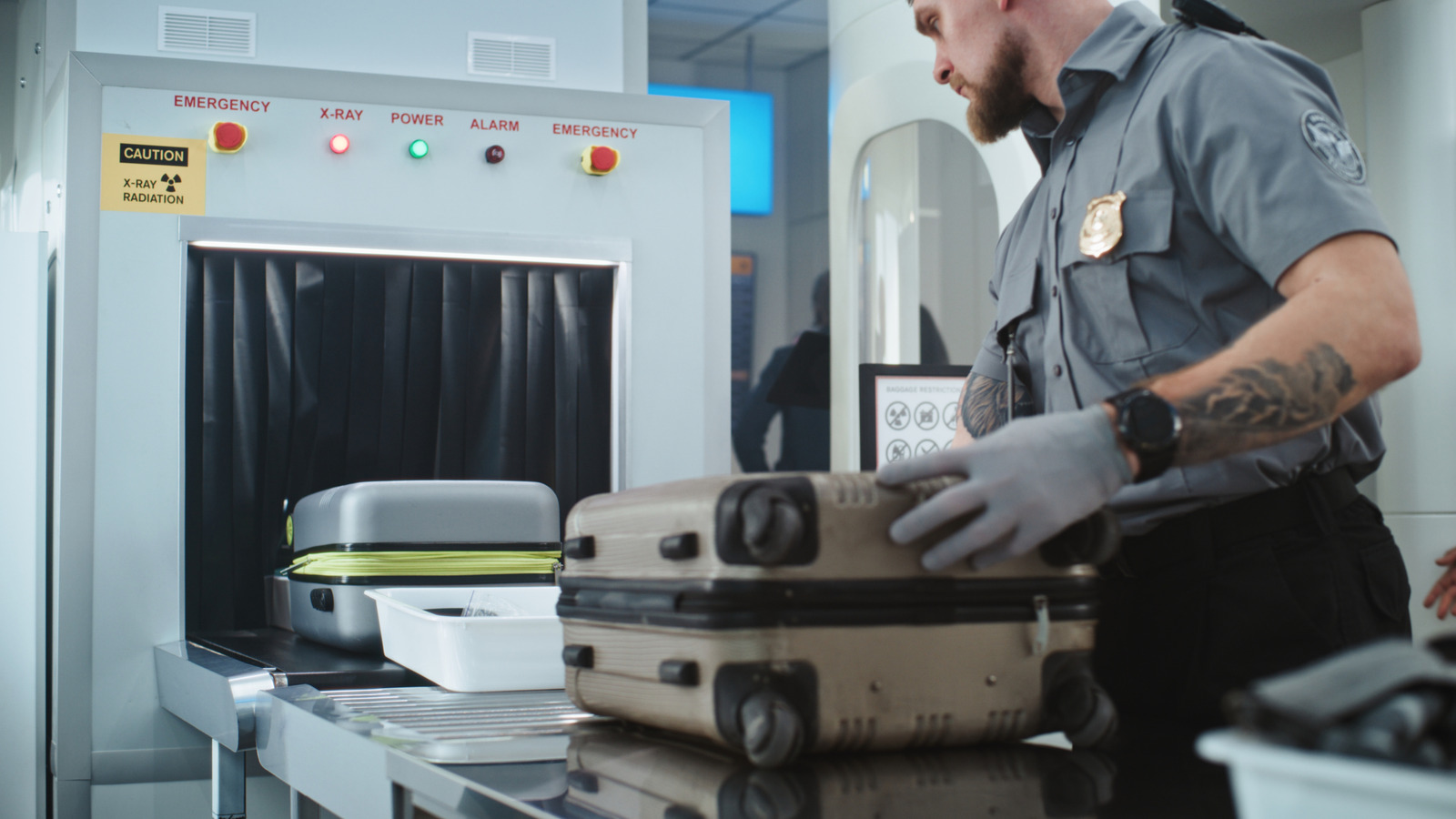
Travelers who want to bring Sony's PlayStation 5 console on a flight can do so: the US Transportation Security Administration (TSA) permits it in both carry-on and checked luggage, though it recommends carry-on for fragile electronics. Tech outlet Engadget has put together advice on preparing the console for travel. The topic is timely because GTA 6 launches in November 2026 and players may want to keep gaming on business trips.
Carry-on or checked bag
The choice is up to the traveler. In a carry-on the console stays in view, but it takes up space in the bag. A checked bag frees up room, but there is a risk that airport staff mishandle the luggage or lose it. In a carry-on, the console should be wrapped in a sweater or other padding together with its cables, and the bag is best kept under the seat in front. In a checked bag, the ideal option is the original box or a hard case; otherwise the console should sit in the center of the suitcase, fully surrounded by soft clothes. A hard plastic suitcase is preferable to a soft-sided bag.
The DualSense controller
The DualSense controller's lithium-ion battery is rated at 3.65 volts and 1,560 milliamp hours, or about 5.7 watt hours. That is far below the 100 watt hour limit set by the US Federal Aviation Administration (FAA), so the controller is allowed. The FAA still says devices with lithium batteries should travel in the cabin. If the controller must be checked, it has to be fully powered off and protected from damage or accidental activation. The reason is thermal runaway, when a battery overheats and catches fire; the safety organization ULSE counted an average of 2.36 such incidents per week on passenger flights in 2025.
Playing remotely
An alternative is to leave the console at home and use PlayStation's Remote Play, which streams games to a phone, tablet or laptop. Sony requires a connection of at least 5Mbps and recommends 15Mbps for a smoother picture. The home console must be in rest mode with the relevant connection options enabled. The PlayStation Portal handheld streams the PS5 over Wi-Fi and works on public networks too, provided it was first set up on the home network. Subscribers to PlayStation Plus Premium can also stream select games from Sony's servers.


