How to Get Better Bass From Your Headphones Without Buying New Ones
Powerful bass from headphones doesn't always require a new pair; proper fit and EQ adjustments often make a significant difference. This article offers practical tips to enhance bass while avoiding common mistakes.
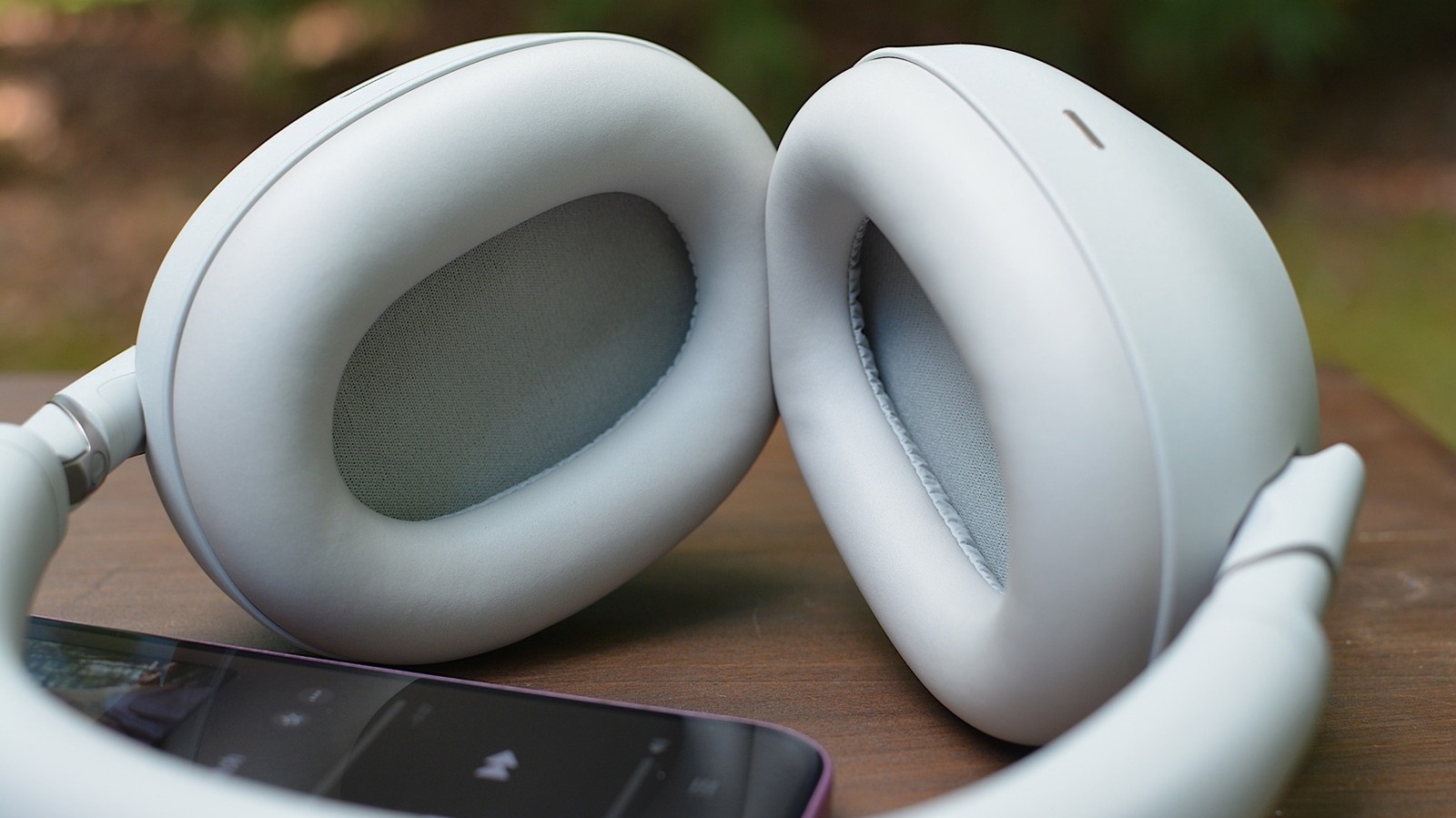
Getting powerful bass from your headphones doesn't always mean buying a new pair. In many cases, tweaking a few settings on the ones you already own is all it takes. But better bass isn't just about boosting the low end; the goal is a deeper, punchier sound that doesn't overwhelm the rest of the mix.
Check Your Fit
Before you touch any settings, make sure your headphones create a good seal. Without it, bass is often the first thing to suffer. Closed-back headphones and earbuds with a tight seal are usually your best bet. Open-back designs can sound more natural, but they aren't ideal for punchy bass. Open-fit earbuds like the AirPods 4 and open-ear options like the Shokz OpenFit Pro have improved bass compared to older models, but they still aren't the best starting point.
If you use earbuds with interchangeable tips, experiment with different sizes. Tips that are too large or too small can thin out the low end, making music sound weak. Foam tips often provide a tighter seal than silicone. Software-based fit tests, such as the one Apple offers for AirPods Pro, can also help you find the right fit. For over-ear headphones, make sure the ear cups fully cover your ears, and be mindful of glasses, hair, or worn-out pads that could break the seal.
Start With the Headphone App's EQ
One common mistake is stacking EQ settings. For example, boosting bass in both Spotify and the Sony Sound Connect app can lead to garbled, distorted audio. A good rule is to turn off all EQ effects, then make gradual adjustments in the headphone app. If your headphones lack a companion app with EQ, use the music app's equalizer, like the ones in Spotify or Apple Music. Note that YouTube Music on Android relies on the system EQ and still has no in-app EQ on iOS; Tidal doesn't offer EQ on either platform. Also, avoid 'bass boost' presets that might sound exciting for a few minutes but quickly cause listening fatigue. Instead, start with the EQ curve itself.
Understand the EQ Curve
The EQ curve lets you tune specific frequency ranges. Bass comprises low frequencies (the left side of the graph), mids carry most vocals and instruments (center), and treble handles high-pitched sounds (right). The far left (20–60 Hz) controls the deepest rumble, while the adjacent area (60–150 Hz) affects punch and weight. Going higher enters low-mid territory. Not every app offers fine-grained control; Apple's new EQ for H2-chip AirPods, for example, has just three controls for low, mid, and high.
Adjusting the EQ
An ideal bass setting isn't always a sharp bump across the entire left side. A small lift at the bottom might sound better than boosting everything at once. The aim is to make bass more impactful, not skull-shaking. Watch out for bass that masks vocals or muddies the mix. Start with a small adjustment, listen to a few songs across different genres at a typical volume, and add more only if needed. If it starts covering the vocals, pull it back. Remember that a setting that works for one song might not work for another. Also, test the EQ in the listening modes you actually use, as normal, noise-canceling, and transparency modes can subtly alter bass response. Spatial audio effects on AirPods and Bose QuietComfort Ultra can also have an impact. There's no one-size-fits-all solution; experiment with the curve and trust your ears over longer listening sessions.


