How to Set Up EV Routing on CarPlay and Android Auto
Apple Maps and Google Maps both offer electric vehicle routing with charging stops, but availability depends on the car, the phone and the navigation app.
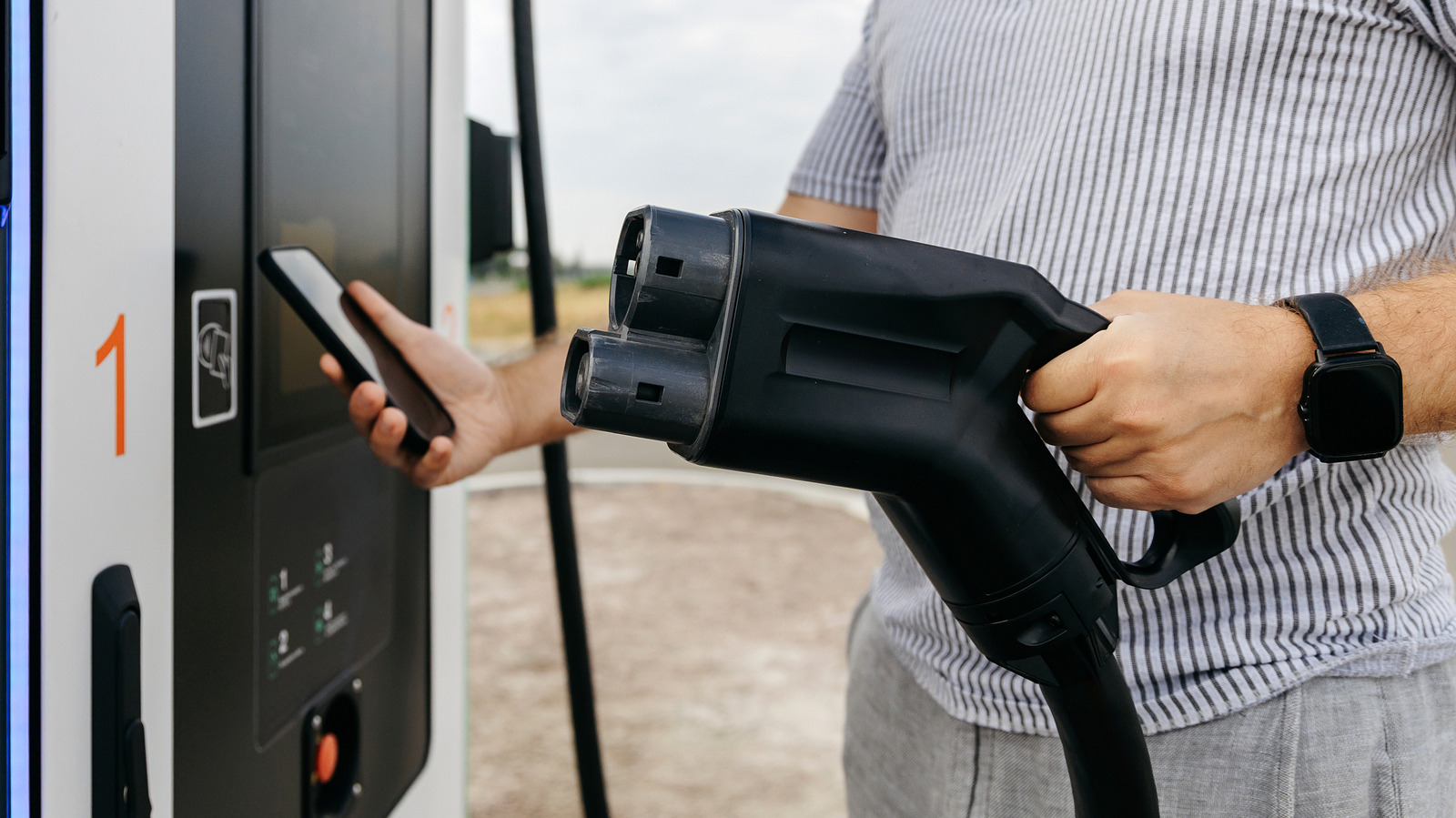
Drivers of electric vehicles need to plan charging stops on long trips. Apple Maps and Google Maps, running through Apple CarPlay and Android Auto (systems that show phone apps on a car's display), offer EV routing that adds charging stops to a route and shows the expected battery level on arrival. The feature isn't available everywhere: it depends on the car, the phone and the app used.
Check your car's support first
Having CarPlay or Android Auto doesn't guarantee EV routing support. Some cars work directly with the features, while others need a manufacturer app to link the car to Apple Maps. Apple Maps EV routing is supported by Ford's Mustang Mach-E and F-150 Lightning, as well as Toyota's 2023 and newer EVs in the US. In March 2026, Google expanded Android Auto's charging recommendations to more than 350 US EV models. If a car already has Google Maps built in, it runs directly on the infotainment system and can access the car's battery data.
Setting up Apple Maps
For cars that don't need a manufacturer app, connect the iPhone to CarPlay while parked, open Apple Maps, search for a destination and tap Connect above the list of routes. If a manufacturer app is required, download it from the App Store first, then in Apple Maps open your profile and choose Vehicles and Connect Your Electric Vehicles. Toyota owners complete the connection inside the manufacturer's app. Once linked, drivers can track battery levels, get recommended charging stops and, in some cases, see live charger availability. A preferred charging network can also be set.
Setting up Google Maps
Google Maps must be version 25.44 or later. In settings, under Your vehicles, select Electric as the engine type, add the car and check the plug types. After connecting to Android Auto, the car's display shows estimated battery usage and an Add charging button. It adds charging stops and shows the predicted charge on arrival. The prediction isn't exact: traffic conditions, the car's condition and the weather can all affect it.
Other options
An alternative is the A Better Routeplanner (ABRP) app, which generates routes with charging stops. It works on CarPlay and Android Auto with an ABRP Premium subscription. For Android Auto users it also supports live battery data in some cars, but CarPlay has no equivalent option.


