How to limit Apple Intelligence features on iPhone with iOS 27
Apple has removed the single master switch for disabling Apple Intelligence in iOS 27, but users can still turn off most AI features individually by navigating through separate settings menus.
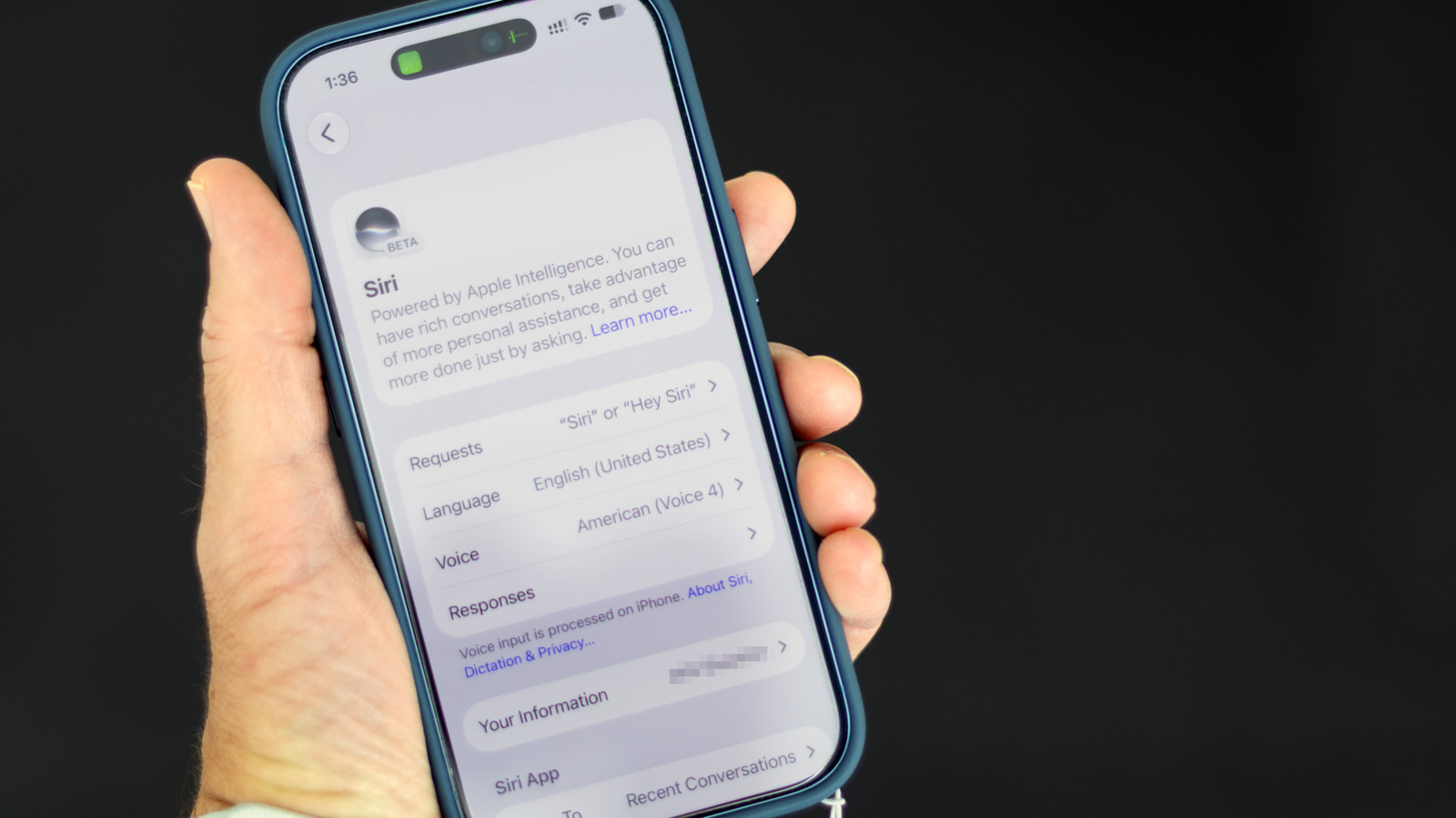
Previously, iPhone owners could disable all Apple Intelligence features at once through Settings > Apple Intelligence & Siri. With iOS 27, that unified toggle is gone, meaning anyone wanting less AI on their device now has to find and switch off each feature separately across multiple menus. The process applies to Apple Intelligence-capable devices — iPhone 15 Pro or newer, and iPhone 16 or newer — running iOS 27.
Changes to Siri
iOS 27 turned Siri into a more conversational, context-aware assistant. Those who prefer the old style can turn Siri off entirely through Settings > Siri by selecting "Turn Off Siri." Afterward, it's possible to re-enable Siri using the "Siri Classic" option, which keeps basic functions like setting timers or playing music without the chatbot behavior.
Summaries and notifications
AI-generated summaries for text messages and emails can be switched off via Settings > Apps > Messages ("Summarize Messages") and Settings > Apps > Mail ("Summarize Message Previews"). Notification summaries, which have previously produced inaccurate results, can be disabled through Settings > Notifications > Summarize Notifications, with the option to turn them off for specific apps only. The same menu also allows disabling the feature that moves what Apple Intelligence considers the most important notifications to the top of the list.
Other AI-based suggestions
Smart Reply, which drafts AI-written email responses, can be turned off in Mail settings ("Personalize Smart Replies"). In the Phone app, users can disable voicemail transcript-based suggestions ("Suggestions in Voicemail") and information shown during calls ("Show When Calling"). The Journal app's writing prompt suggestions can be switched off as well.
Writing and image tools
Blocking Writing Tools and image-generation features such as Image Playground, Genmoji and Image Wand requires going through Screen Time settings: Settings > Screen Time > Content & Privacy Restrictions > Siri. The same menu also lets users block math assistance and prevent requests from being handed off to third-party AI services like ChatGPT.