Everything to know before putting a car key on your iPhone
Apple's digital car key feature lets iPhone users lock, unlock, and even start their car using their smartphone. Since its launch in 2020, it has expanded to support multiple popular car brands.
What is Apple's CarKey feature?
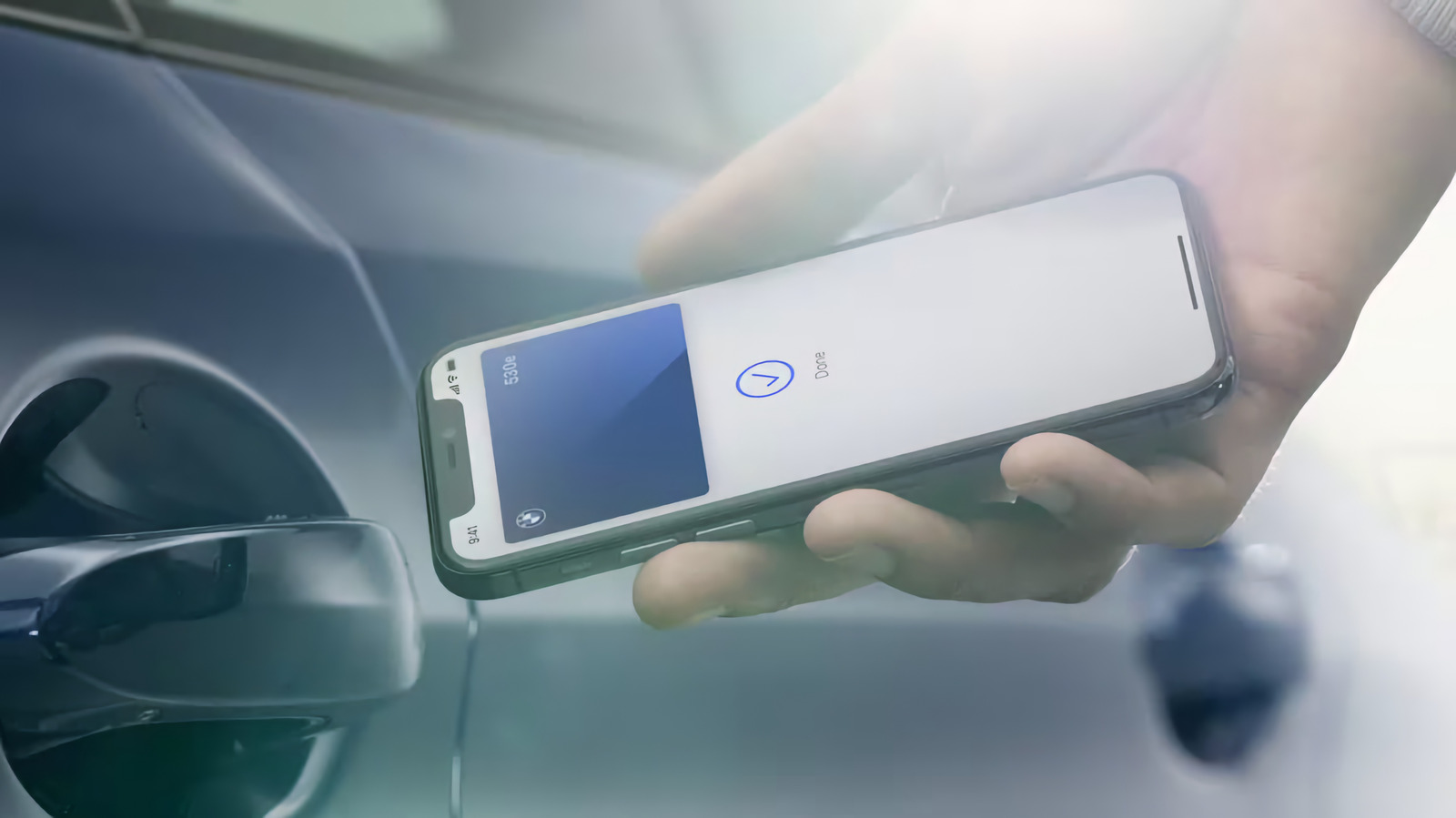
Apple introduced digital car key support in its Wallet app with iOS 14 in 2020. Using the CarKey API, developers can add a digital key that locks or unlocks a vehicle with a tap. The feature launched on devices running iOS 14 and iOS 13 simultaneously, and later added passive entry using the U1 chip. Depending on the car, Wallet can unlock, lock, and start the car. With Express Mode enabled, all of this can happen without unlocking the phone.
How do digital car keys work on iOS?
Apple's approach is similar to Google's, based on the Car Connectivity Consortium's Digital Key specification. After pairing, a digital copy of the key is cryptographically secured on the device. Locking and unlocking uses the iPhone's NFC chip, like tap-to-pay. Bluetooth allows remote locking/unlocking, while passive entry uses Bluetooth and the U1 chip to determine location.
Which iPhones and cars support digital car keys?
Minimum requirements: an iPhone running iOS 13 with an NFC chip, i.e., iPhone XS or later, or second-generation iPhone SE or newer. Initially only available on BMW 5 Series, now supported by many manufacturers: Audi, BMW, BYD, EXEED, Genesis, Hyundai, Kia, Lotus, Mercedes-Benz, Mini, Nio, Polestar, Ram, Rivian, Volvo. Apple does not maintain a list; instead, the CarPlay compatibility list notes which models support digital keys.
How to add your car key to your iPhone
The method varies by car; you may need to be near the vehicle or even tap your phone to the key reader. The process may start with an email or text from the manufacturer, or via the manufacturer's app. You might need to create an account and associate it with your car. In the Wallet app, tap Continue and follow onscreen instructions to sync the NFC chip. Express Mode will automatically enable, so the car unlocks without taking your phone out of your pocket. Keys can be shared via the Wallet Share button, with optional activation code. If you lose your iPhone, marking it as lost in Find My disables digital keys (shared keys remain active). If the phone dies, Express Mode keys work for up to five hours. Always keep a physical key as backup.