How to use Claude's Reflect dashboard to manage your time
Anthropic has introduced a new Reflect dashboard for its Claude chatbot, helping users track and limit their usage time.
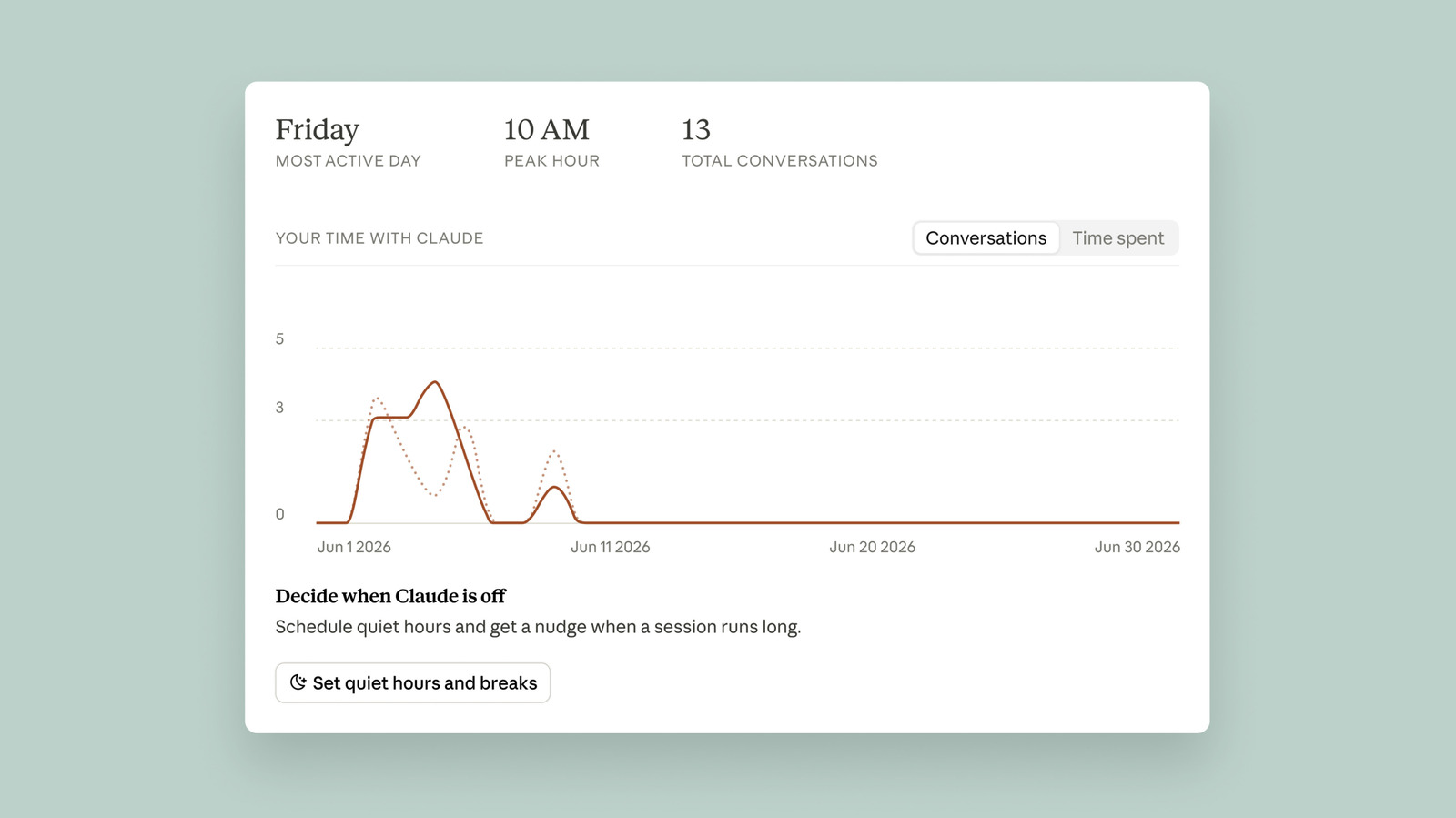
Anthropic has released a new tool called Reflect within its AI chatbot Claude. This dashboard, located in the settings menu, combines elements of Spotify Wrapped and Apple's Screen Time feature. It aims to help users better understand how much time they spend interacting with Claude and encourage a more mindful relationship with the technology.
To access Reflect, users should open a browser, go to claude.ai, click on their name and profile photo, select Settings, then choose Reflect. By default, Claude generates a report summarizing the last month of usage, but users can toggle to view the last three, six, or 12 months. The report includes a short summary of conversations.
Currently, the exact amount of time spent on Claude is not visible; the "Time spent" tab shows "coming soon." Ryn Linthicum, Anthropic's head of wellbeing policy, told Engadget that the company lacked an internal system for measuring time when they began working on Reflect.
The dashboard offers two ways to manage time. First, users can set break reminders: Claude will nudge them after using it for 15, 30, 45 minutes, or a few hours. Second, users can set quiet hours to block access during certain times of the day, with different hours possible for each day of the week. However, all reminders can be dismissed, so users must honor their own limits.
Additionally, the dashboard includes an "AI fluency" section at the bottom. Here, Claude generates recommendations to streamline usage. For example, if a user frequently re-establishes similar context for queries, Claude suggests using the Projects feature to group prompts, reducing repetition.