How to use Android Auto without turning off your VPN
For VPN users whose Android Auto fails to connect, split tunneling lets the app use a direct connection while other traffic stays encrypted. A wired USB connection is another simple workaround.
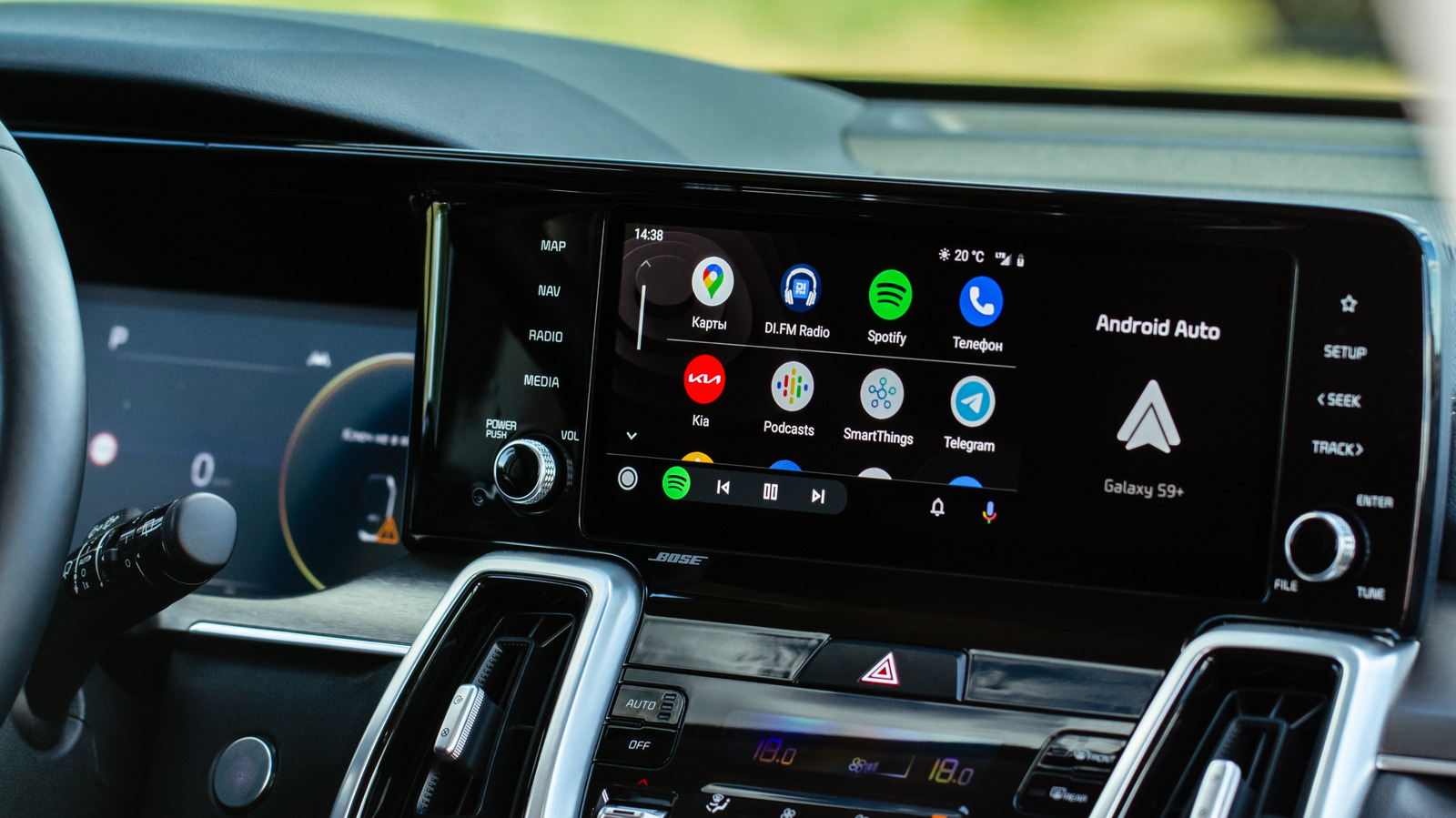
Android Auto users who run a VPN may encounter connection problems. The car's display can show an error message reading "Communication error 21", which warns that a VPN might prevent Android Auto from starting. While most apps work fine over a VPN, Android Auto is not a traditional app—it routes data through predefined APIs designed for a distraction-free driving experience. A wireless connection to Android Auto depends on a direct local Wi-Fi link between the phone and the car, and VPN or custom proxy configurations can interfere with that link.
How split tunneling helps
Split tunneling is a common VPN feature that lets you choose which apps go through the encrypted tunnel and which ones connect directly to the internet. By adding Android Auto to the exclusion list, the app gets the direct connection it needs while all other traffic remains hidden behind encryption. This approach is also useful for other apps that require a direct internet connection, such as certain smart home platforms, streaming services, and gaming apps.
Steps to enable split tunneling
The exact steps vary by VPN provider, but the general process is straightforward. Open your VPN app and go to Settings, find the split tunneling option, turn it on, and add Android Auto to the exclusion list. After that, reconnect your VPN to apply the changes. Some VPNs, like NordVPN, even offer an automatic option to exclude apps that are not compatible with VPN connections.
If Android Auto does not appear in the list
First, try enabling "Show system apps" in your VPN's split tunneling menu, usually accessible through a three-dot menu or filter icon. You can also enable system apps in Android settings by going to Settings > Apps > Filter icon > Show system apps. If the issue persists, the VPN kill switch might be interfering. This feature blocks all internet traffic if the VPN connection drops, which is good for privacy but can break split tunneling. You can temporarily disable it under Settings > Kill Switch > Block connections without VPN.
Wired Android Auto as a hassle-free option
If you prefer to avoid VPN settings entirely, you can connect your phone to the car via a USB cable. A wired connection allows Android Auto and your VPN to coexist without extra configuration. Ultimately, Android Auto's incompatibility with active VPN tunnels comes down to its reliance on a direct local connection, and split tunneling resolves the conflict at its root. The takeaway is that privacy and in-car functionality do not have to be mutually exclusive.