How to change the background on iPhone Messages
iOS 26 brings customizable backgrounds to Messages, allowing users to set animated wallpapers or personal photos per conversation. The feature only works for iMessage chats and can be disabled in settings.
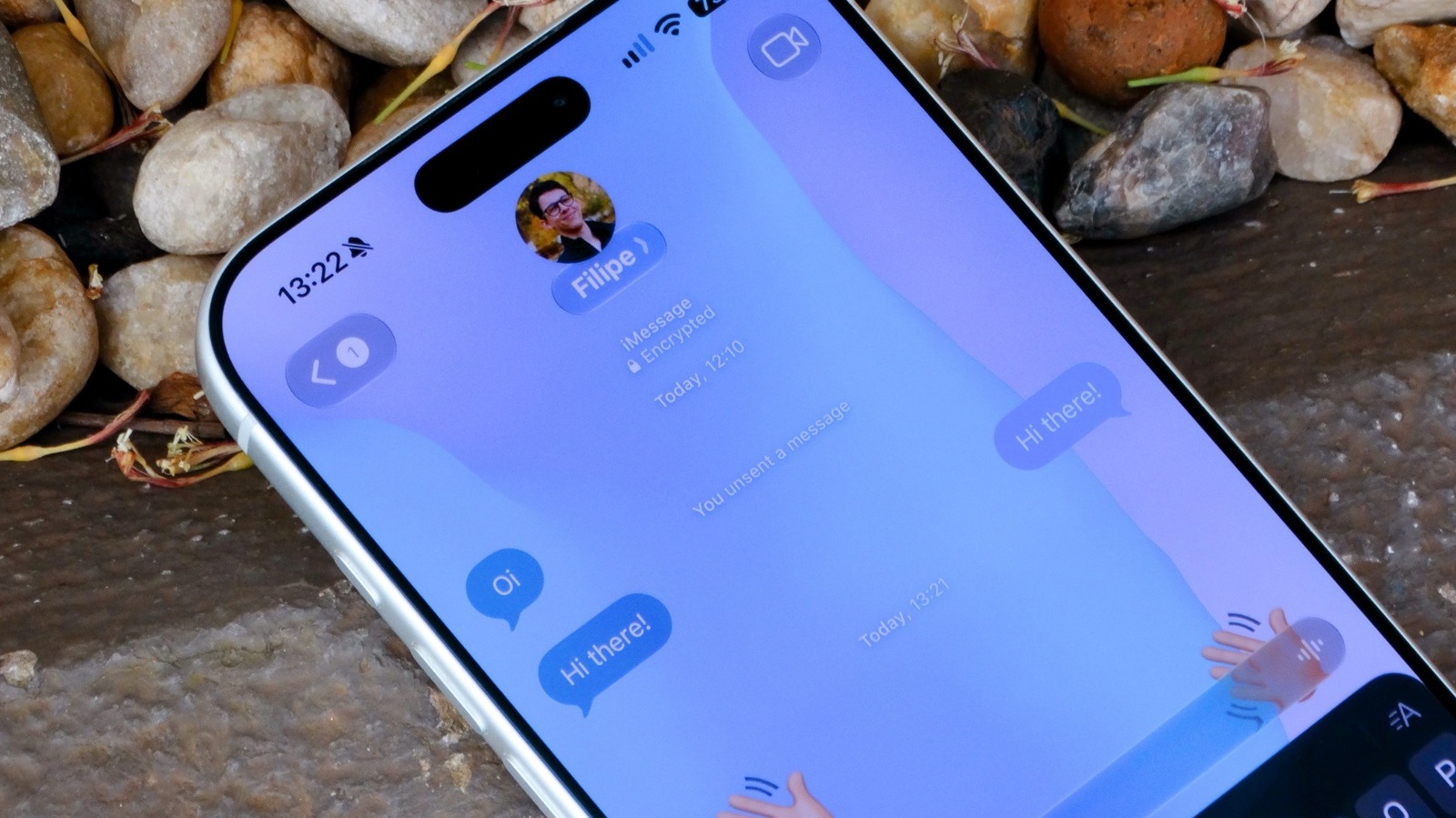
iOS 26 introduced a feature that lets users personalize the look of their message threads. Previously, Apple's Messages app only offered a plain white or black background depending on the device's dark mode setting. Now, each conversation can have its own visual style.
To set a background, open the Messages app and select a conversation. At the top of the screen, tap the contact or group icon, then navigate to the Backgrounds tab. There, you'll find a selection of Apple-designed wallpapers divided into categories: Color, Sky, Water, and Aurora. These backgrounds are animated and customizable. If you prefer a personal touch, tap the Photo option and choose any image from your library. The system also suggests certain photos it thinks might fit.
Note that the background you set will be visible to everyone in the conversation. Another way to generate a background is through the Playground feature, which uses Apple Intelligence to create custom designs. This option requires an iPhone 15 Pro or later.
There are some limitations. Custom backgrounds do not work for SMS or RCS messages, so conversations with Android users will still display the default solid color. Additionally, you need to make sure your device is running iOS 26 or a newer version; check under Settings > General > Software Update.
If you find the backgrounds distracting, you can turn them off entirely. Go to Settings, open the Apps menu, select Messages, and toggle off Conversation Background. When this setting is disabled, you won't see any custom backgrounds, even if someone else sets one in a conversation shared with you.