How to customize Siri's voice and behavior on iOS
Apple is preparing a major Siri voice overhaul for iOS 27, but users can already adjust Siri's voice and response style in current settings. A fully customizable expressive voice, however, will be limited to newer hardware.
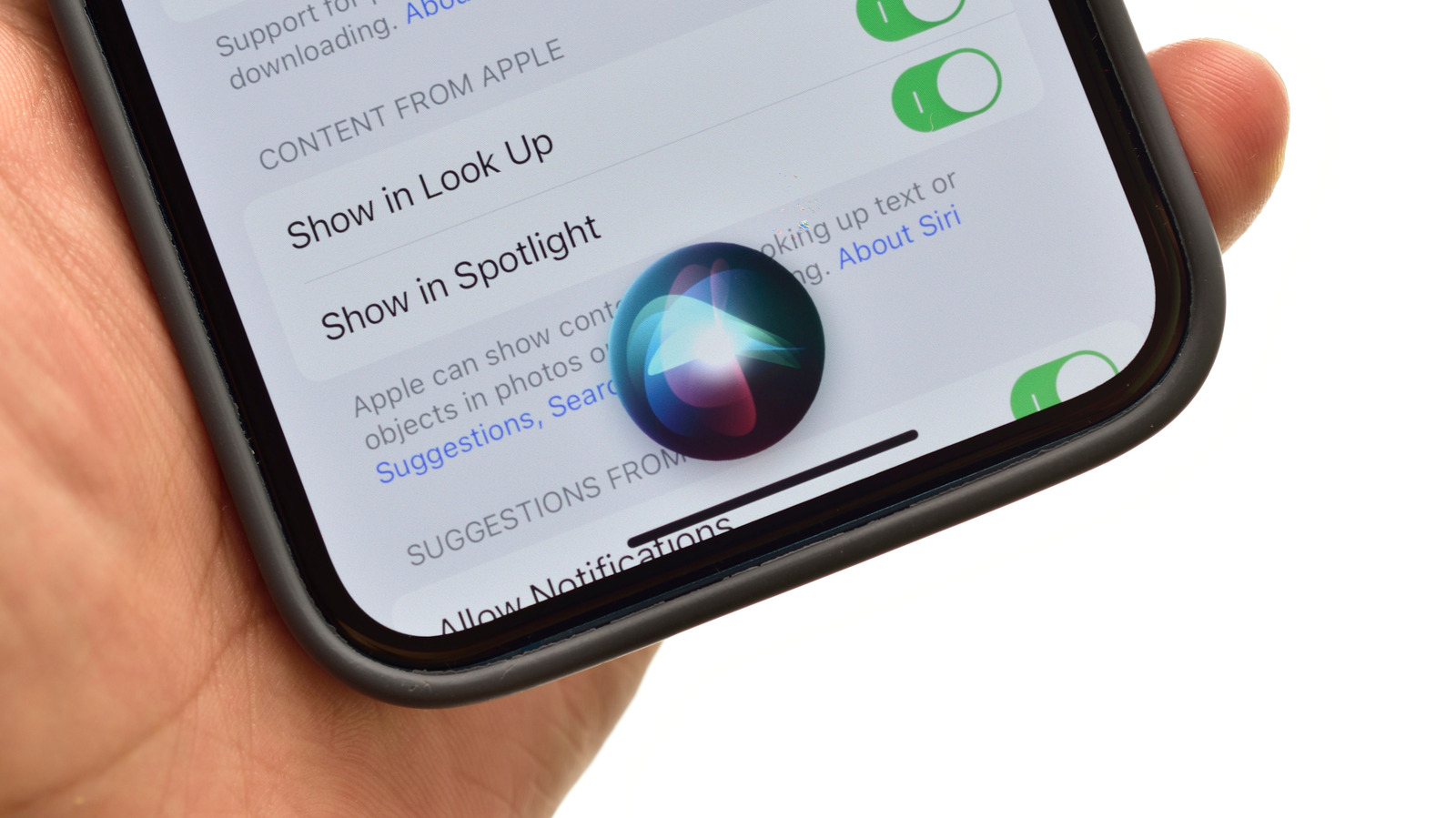
Apple continues to play catch-up with Google and Samsung in AI assistant capabilities, and its upcoming iOS 27 release, expected in mid-September, promises a significant Siri overhaul. Still, several voice and response adjustments are already available without installing the new update.
To change Siri's voice on current iOS and iPadOS versions, go to Settings > Apple Intelligence & Siri > Voice, where several voice and accent options can be previewed before selecting. Downloading a new voice or accent takes a short time, so staying connected to WiFi or a carrier network is recommended. Under Talk & Type to Siri, or Siri Responses depending on software version, users can choose whether Siri speaks aloud, responds quietly, or replies only with on-screen text.
What is expressive voice
iOS 27 introduces Siri Expressive Voice, described as a more natural and versatile version of the assistant's voice. However, full customization of this expressive voice will only be available on the iPhone 17 Pro, Pro Max and Air, along with iPads powered by an M4 chip or newer with at least 12GB of RAM. On these devices, users will be able to adjust the voice's expressiveness and pace, though the overall list of available voices won't grow.
For those already running the iOS 27 beta, the Settings menu looks largely unchanged, but the voice selection screen now features a black background with a glowing white orb. Currently, only American and British English options include Pace and Expressivity sliders; other English variants and languages lack these controls.
Adjusting speed and responses
Siri's speaking rate, response delay, and other behaviors can already be adjusted under Settings > Accessibility > Siri, without needing iOS 27. Options include a speaking rate slider, pause time settings, spoken versus text responses, improved recognition of unclear speech, and a setting requiring the word "Siri" to interrupt a response.
iOS 27 will roll out to devices as far back as the iPhone SE second generation and iPhone 11, though only the newest iPhones will receive the full range of Apple Intelligence features.