What happens when too many devices share your home network, and what to do
Tech site Engadget explains how a home Wi-Fi network can become overloaded when many devices are connected, and how to address it without immediately replacing the router or internet plan.
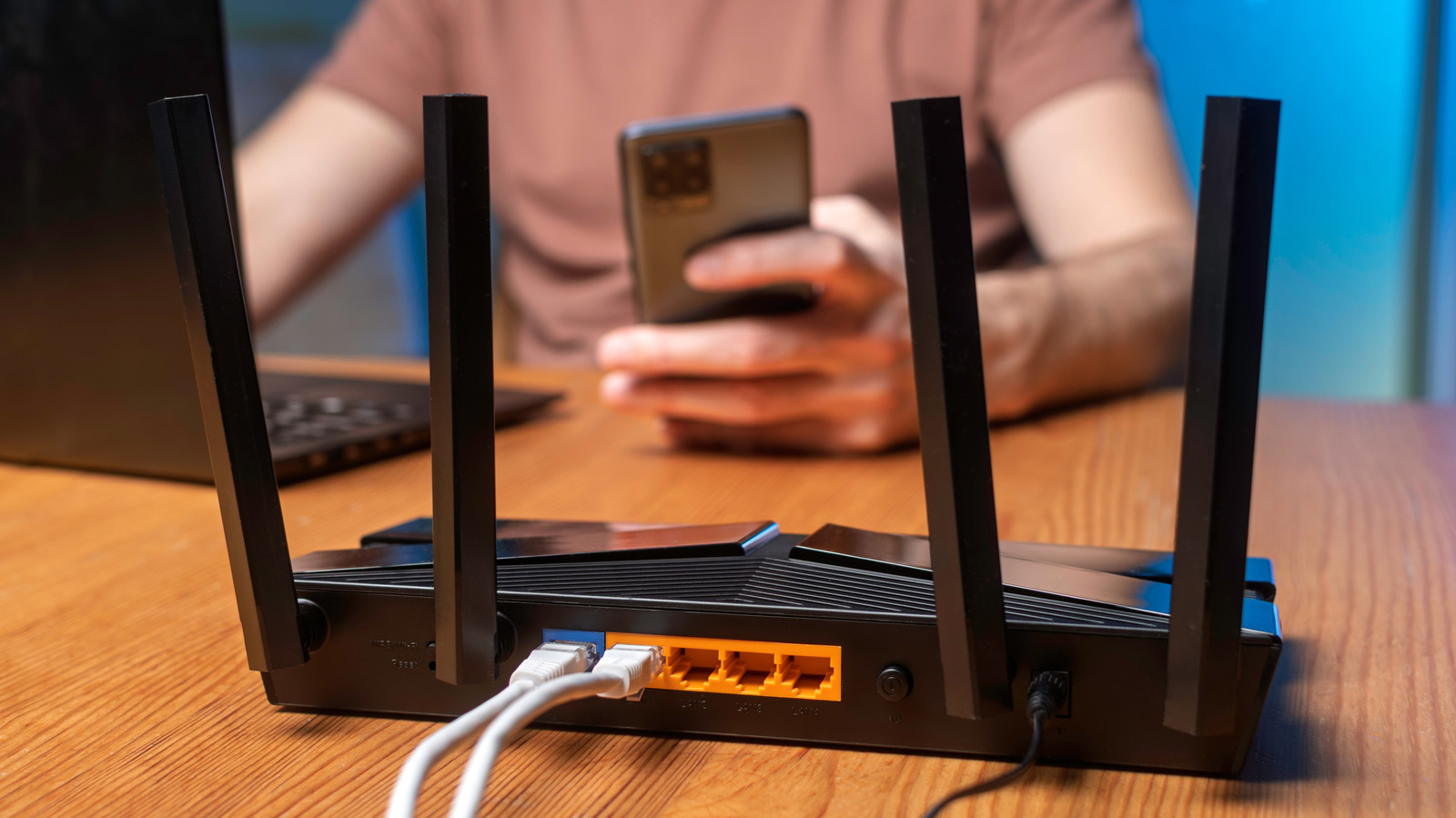
A home internet connection can slow to a crawl when many devices use it at once. Technology site Engadget explains how to identify the limits of a network and avoid unnecessary spending. Signs of overload include endlessly buffering video, laggy online gaming and very slow downloads.
Two possible bottlenecks
The first is the connection that the internet service provider (ISP) delivers to the home. The second is the Wi-Fi link between the router and the devices. A faster plan will not help if the router sits in a poor spot, and a faster router gains little if the plan itself is slow.
Estimating the speed you need
There is no reliable rule for how many devices a given speed, such as 100 Mbps, can support. Instead, it is better to estimate how many devices run at the same time. Netflix recommends a stable connection of at least 15 Mbps for each 4K stream, so three streams call for about 45 Mbps, before counting other devices in the house. If 10 devices each use 10 Mbps, the total is 100 Mbps, which is the minimum broadband speed set by the US Federal Communications Commission (FCC). In that case there is no spare capacity. Real speeds fluctuate, so the calculation is only a rough guide.
Upload speed matters for video calls and security cameras sending footage, but it is usually far lower than download speed because ISPs allocate most bandwidth to downloads. Knowing the speeds, households can schedule large downloads for quieter times.
How many routers are needed
For most households one router is enough. A good mesh system or well-placed access points solve most problems. An extra router can make sense in particular cases, for example when the ISP's gateway sits in a far corner and an Ethernet cable can link it to a router in the middle of the home.
Engadget suggests starting with existing equipment and adding to it gradually. Stationary devices such as PCs, consoles and TVs should be moved to Ethernet where possible, which takes them off Wi-Fi. When a mesh system is paired with an ISP gateway, setup instructions should be followed closely. If both stay in their default routing modes, a double NAT can result, which may cause problems with online gaming or port forwarding.


