How to Turn Old Hard Drives Into a RAID Array
Tech outlet Engadget explains how old computer hard drives can be combined into a RAID array for faster transfers and protection against a single drive failing. The guide covers the main RAID levels and setup methods.
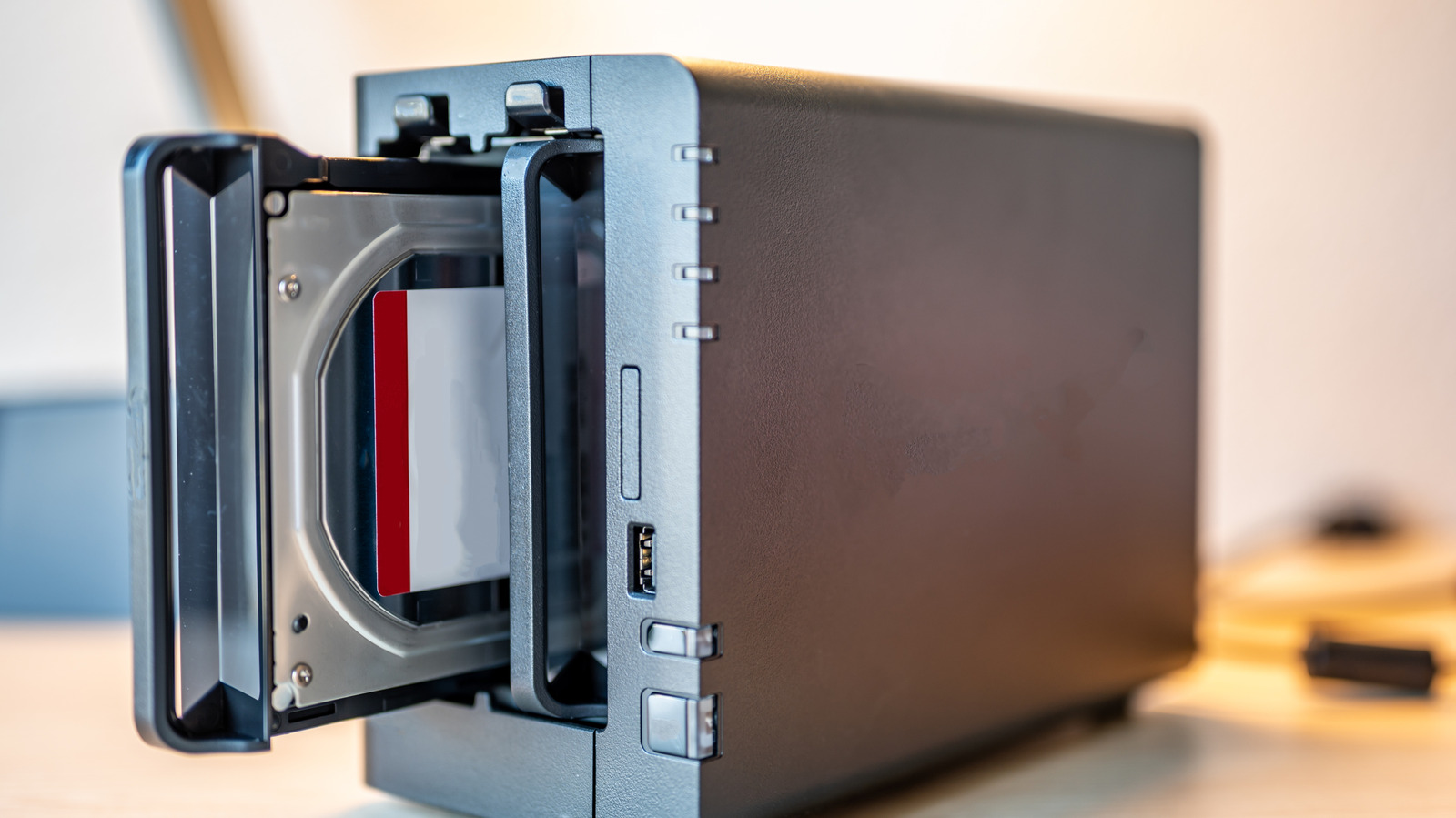
Old 500GB and 1TB hard drives sitting in a drawer, too small to be useful on their own, can be put to work in a RAID array. Technology site Engadget outlines how to combine such drives for faster and more reliable storage.
What RAID is
RAID stands for Redundant Array of Independent Disks. It joins several disks so they work as a single unit. Files are spread across two or more drives, which speeds up transfers compared with a conventional hard drive, though not to SSD levels. An array can also add redundancy: if one drive fails, files can be recovered from another. It does not replace a full backup, however.
RAID levels
The article highlights four well-known levels:
- RAID 0 combines drives without parity and speeds up reading and writing, but offers no data protection. If one drive fails, everything is lost.
- RAID 1 writes the same data to every disk in the array. If one disk fails, the data remains on another, but only half of the total capacity is usable. Two 1TB drives give 1TB rather than 2TB.
- RAID 5 divides data into blocks across several drives and needs at least three. If one fails, the system rebuilds the missing data automatically using the remaining drives and algorithms.
- RAID 10 works like a mix of RAID 0 and RAID 1. Drives are grouped in pairs, and each pair holds a copy of its data. A single drive failure is survivable, but losing both drives in a mirrored pair could mean losing data.
How to set it up
An array can be created with software, which is usually the easiest approach but offers less than optimal performance. Apple's Disk Utility in macOS can set up RAID 0 and 1, and Disk Management in Windows is similar. Paid tools such as StableBit DrivePool and SnapRAID add further features.
Hardware-based methods use dedicated controllers that better protect against failures and perform better, but they are harder to set up. This may require buying a RAID controller to install on the motherboard. Another option is a RAID enclosure with a built-in RAID chip, into which the drives are simply plugged. Buyers should check maximum capacities and speeds before purchasing.