How to solve common Bluetooth speaker problems
Bluetooth speakers often face connection and audio issues, but many can be fixed with simple troubleshooting steps such as restarting devices, re-pairing, checking volume levels, and reducing interference.
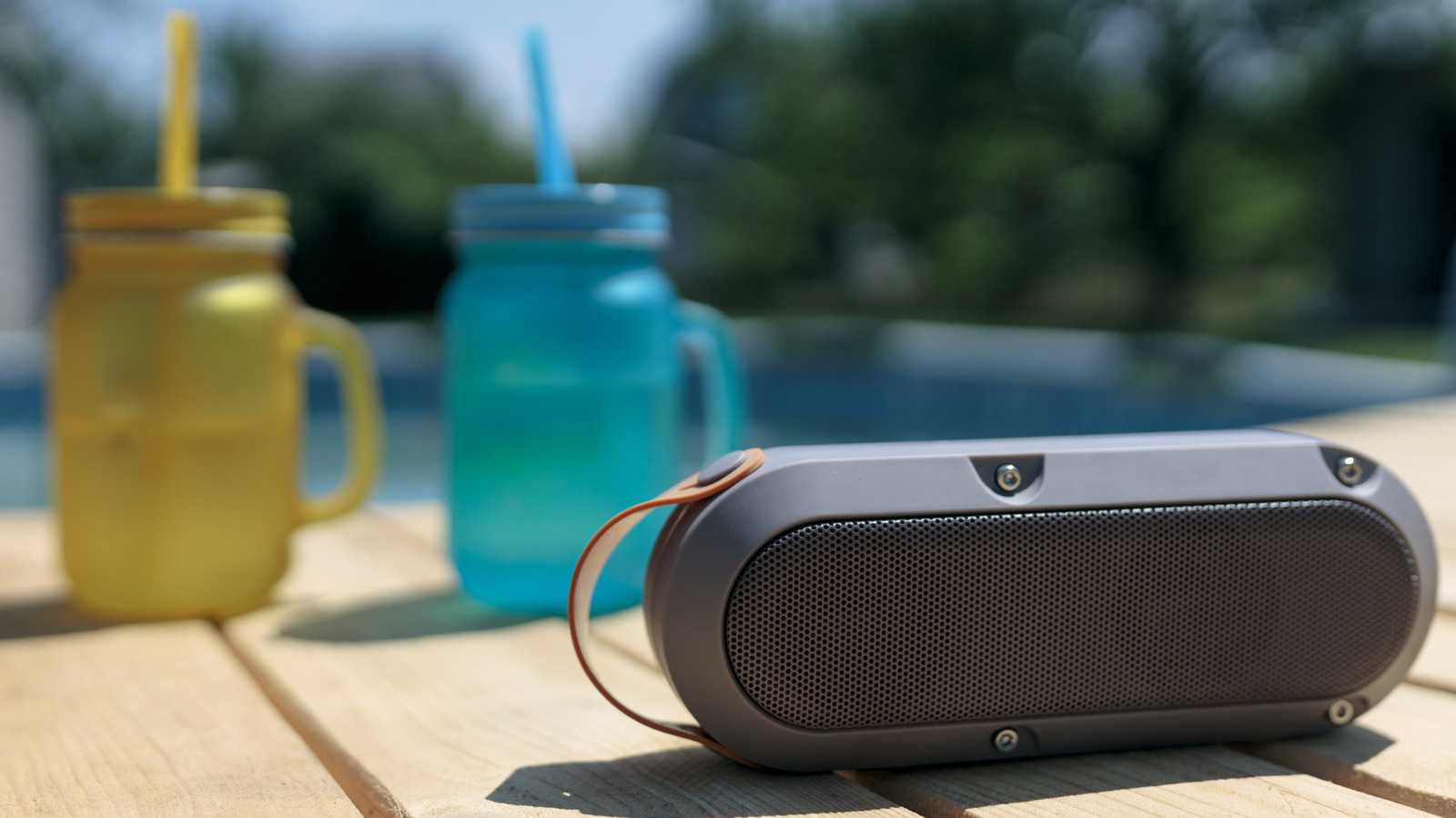
Bluetooth speakers are convenient, but wireless connections can sometimes fail. When your music is interrupted by silence, crackling, or distorted sound, the problem may lie with the speaker, the device you are using, or the wireless link between them. A few basic troubleshooting steps can often resolve the issue.
Start by restarting both the speaker and the device you are connected to. This can clear minor bugs. If the devices were paired before, try reconnecting manually through the Bluetooth menu. On an iPhone, go to Settings > Bluetooth and tap the speaker name. On Android, open Bluetooth settings and select the device. If that does not work, remove the pairing and set up a fresh connection. Put the speaker into pairing mode and select it again. Sometimes toggling Bluetooth off and on is enough.
If the speaker is quiet or silent, check the volume on both the speaker and the source device. Some speakers use absolute volume, but older models may have independent controls. Also make sure the speaker is selected as the audio output in the system settings. On Windows or macOS, choose the Bluetooth speaker in the audio options. On Android, verify that media audio is enabled. Pressing the play button on the speaker itself can also help start playback.
For poor audio quality, bring the speaker closer to the device and remove obstacles, especially metal objects. Too many Bluetooth connections can slow things down, so disconnect devices you are not using. Keep the speaker charged, as low battery can affect performance. Move away from crowded signal areas, and avoid max volume to prevent distortion.
If the issue continues, check for a companion app from the speaker's brand, which may offer firmware updates. A factory reset can also help. Test the speaker with other devices to see if the problem is with the speaker or a specific device. If the speaker is more than ten years old, it may be worth replacing.