How to Expand Storage on Your Android Phone Without a microSD Card
Modern Android phones often lack microSD slots, but you can still increase storage using cloud services, external SSDs, USB flash drives, or USB OTG adapters.
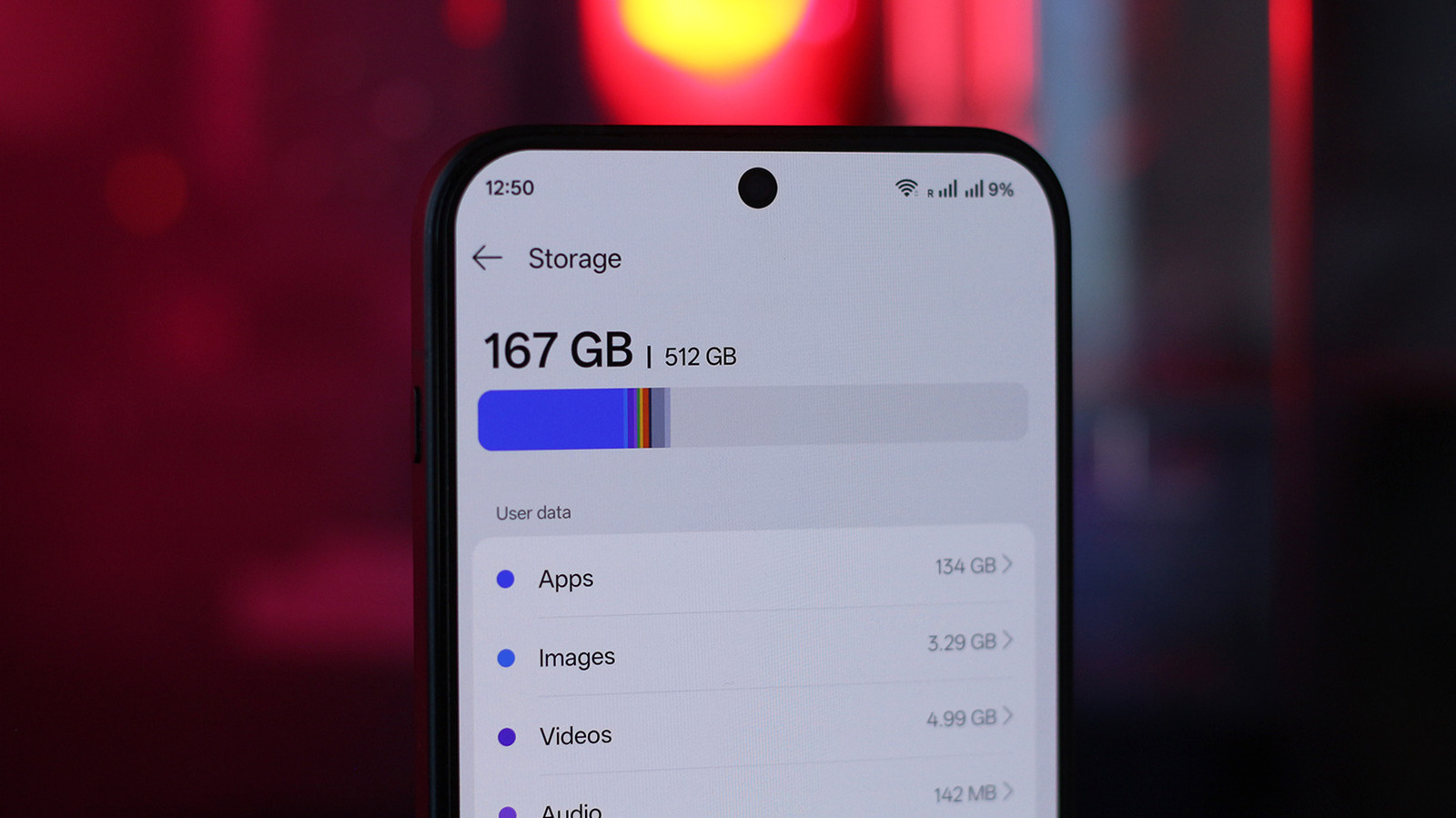
Today's Android smartphones typically come with at least 128GB of internal storage, but heavy users may quickly run out of space. In the past, a microSD card was an easy fix, but many new models no longer include a slot.
Cloud storage is a popular option. A Google One subscription automatically syncs photos and videos via Google Photos and documents via Google Drive. Free Google accounts offer 15GB, but this fills up fast, especially since Android backups now count toward that limit. Other cloud providers may be more affordable.
Alternatively, use an external drive. Almost all Android phones support USB OTG, so you can connect an external hard drive or USB flash drive with a suitable adapter. You might need to enable OTG in settings. File transfer speeds depend on your phone's USB-C version and the drive's capabilities. For convenience, a USB-C flash drive is a good choice. Many external SSDs come with a USB-C cable, eliminating the need for an adapter. You can even attach a full-sized SD card via an adapter. High-end phones like the Galaxy S26 Ultra can record 8K video directly to a compatible external SSD.