How to properly clean and disinfect your secondhand tech
Buying used electronics is a great way to save money and help the environment, but experts recommend thoroughly cleaning and disinfecting devices before use, even if a seller claims they're already clean.
Purchasing secondhand electronics can save money and reduce waste, but before putting a new-to-you device to use, it deserves more than a quick glance. Even items that look clean or come with a seller's assurance may still harbor hidden grime or bacteria.
Basic cleaning steps
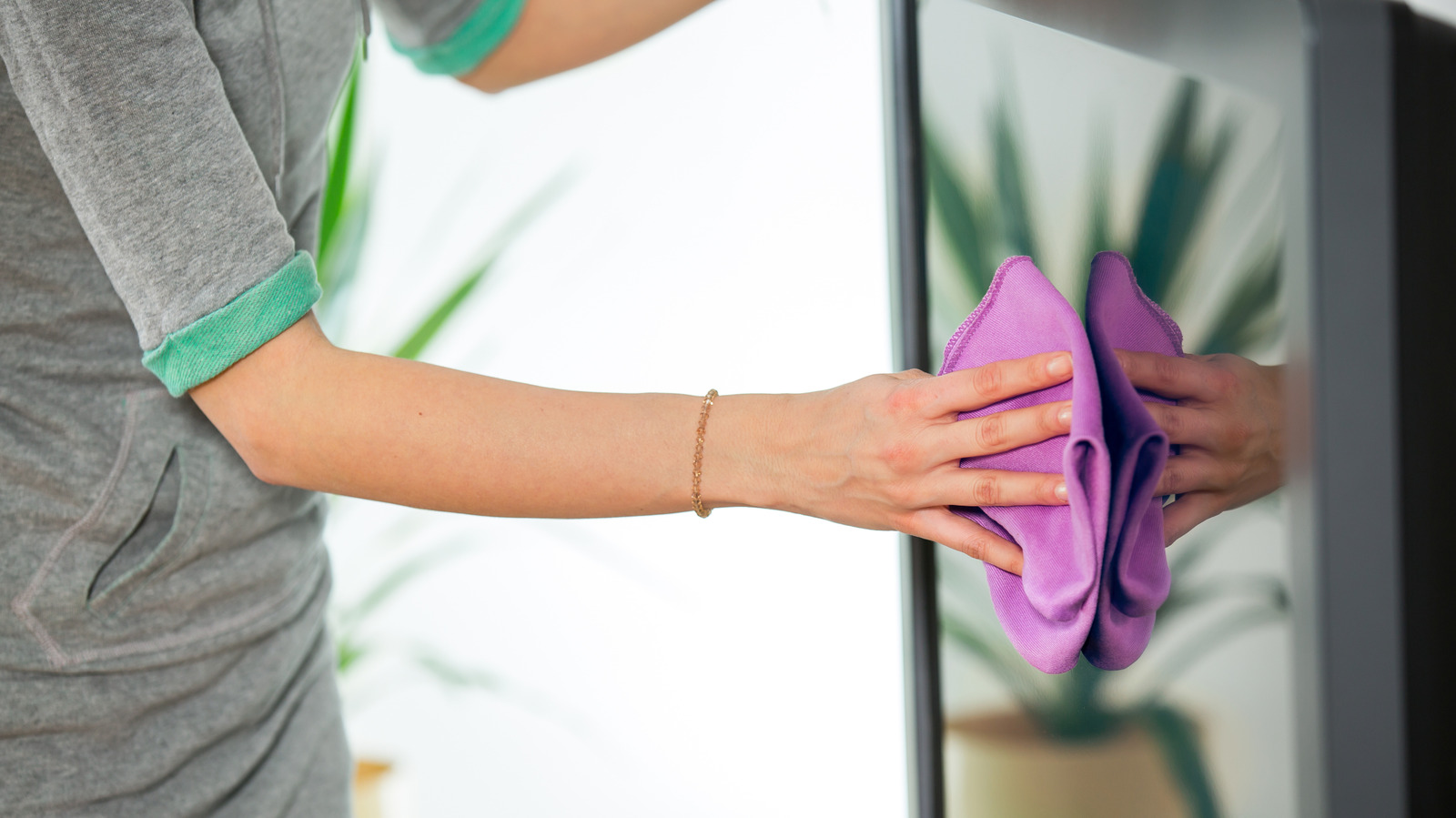
Before cleaning, unplug and power off the device. A soft microfiber cloth works best for wiping down surfaces and screens, since other fabrics risk scratching delicate finishes. Cleaners containing chlorine, peroxides, solvents, or ammonia should be avoided, as they can damage internal components or screen coatings. Mild detergent with water, dedicated tech-cleaning solutions, or specialized monitor wipes are safer options. For devices with crevices, such as laptops or keyboards, a light shake dislodges loose debris, and compressed air clears dust from ports and vents.
Deeper cleaning and sanitizing
Stubborn, caked-on residue can be removed with a soft cotton swab and a small amount of isopropyl alcohol, applied gently. This is especially relevant for earbuds, where dirt tends to collect in acoustic vents and on rubber ear tips. Items should be left to air dry fully before being turned back on. Accessories deserve attention too — cases, cables, and chargers should be wiped down, while removable fabric watch bands can sometimes go through a gentle washing machine cycle or simply be replaced.
For an added layer of disinfection, portable UV sanitizers use ultraviolet light to kill bacteria and viruses, and are particularly useful for phones, which accumulate significant grime through daily handling. Experts suggest a regular cleaning schedule: a deep clean for laptops every three to six months, phones weekly, earbuds at least monthly, and screens or monitors every two to four weeks.


