How to put your keyboard's forgotten keys to better use on Windows
Many keyboard keys, such as Caps Lock, Insert and Scroll Lock, go largely unused or even cause accidental disruptions for most users. Microsoft's free PowerToys utility lets Windows users reassign these keys to more useful functions or disable them entirely.
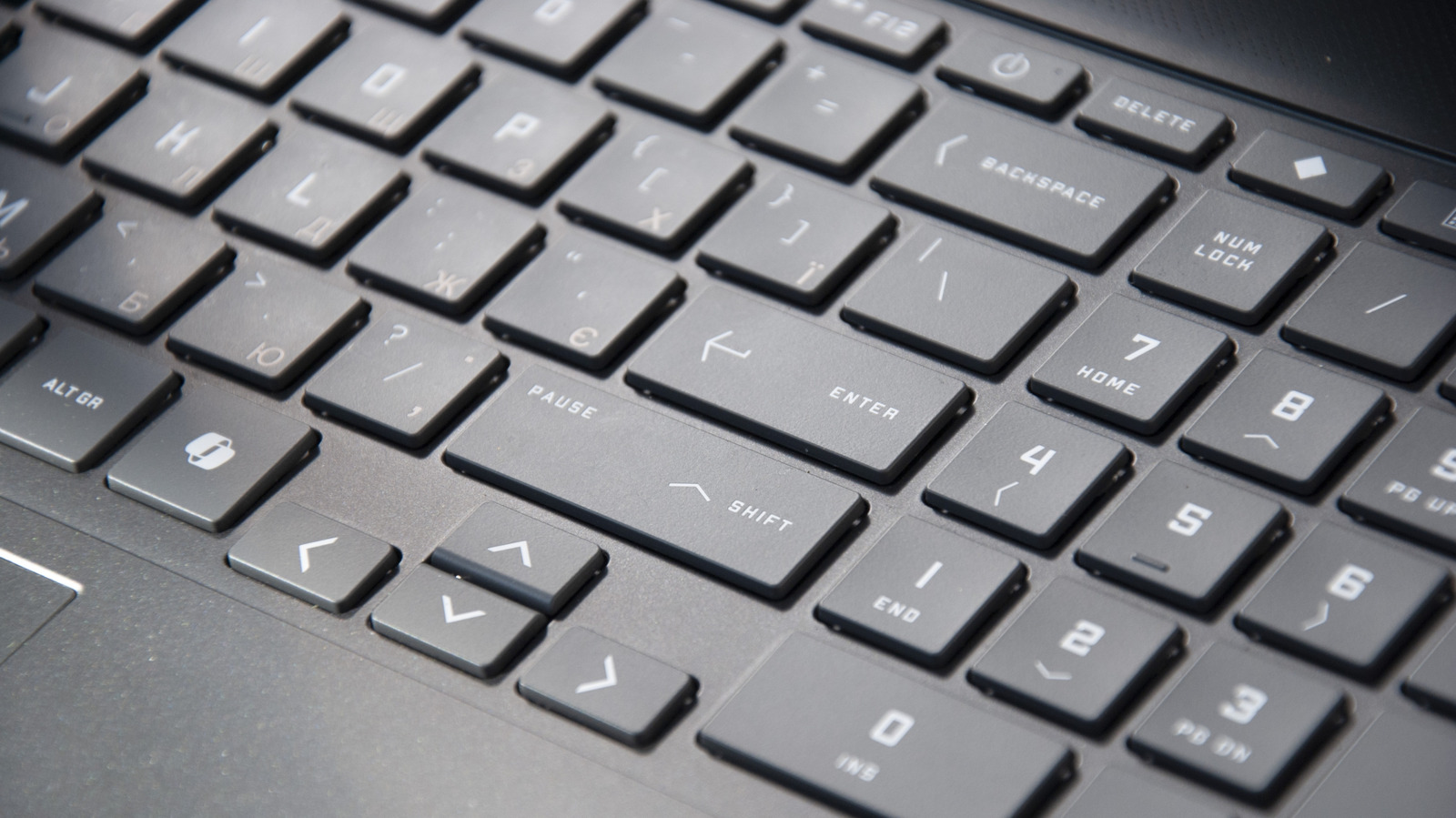
Every keyboard includes a handful of keys that rarely serve their original purpose for most people — Caps Lock, Insert, Scroll Lock and Pause/Break among them. These keys are sometimes pressed by accident, interrupting work, such as when Caps Lock unintentionally switches on all-caps typing. According to Engadget, these underused keys can easily be reassigned to more practical functions instead of sitting idle.
Remapping with PowerToys
The simplest method for Windows users involves Keyboard Manager, a tool bundled with Microsoft's free PowerToys suite, available through the Microsoft Store or GitHub. After enabling the feature, users can select a key and choose what it should do instead — anything from a single alternate key to full shortcut combinations, such as the one that opens Task Manager. The tool also supports assigning a key to type out a preset block of text, or simply disabling a key altogether.
Which keys are worth remapping
Commonly cited candidates include Caps Lock, which can be turned into an extra Backspace key, Insert, which can be reassigned to a browser search shortcut, and Scroll Lock, which mainly affects arrow-key behavior in Excel and is otherwise unused. Pause/Break similarly serves almost no everyday function. Function keys F1 through F12 also vary in usefulness — F5 is commonly used for refreshing pages, while others like F9 rarely get pressed.
PowerToys stands out because changes are easily reversible and apply only to the individual user account, without affecting the Windows login screen. An alternative, SharpKeys, achieves similar results but modifies the system registry, meaning changes apply to all users and are harder to undo. Gaming keyboard makers such as Logitech and Razer also offer their own software for game-specific key remapping.