How to fine-tune your AirPods' sound and controls
Apple AirPods offer several customization options, from switching listening modes to a built-in hearing aid feature, though availability depends on the specific model owned.
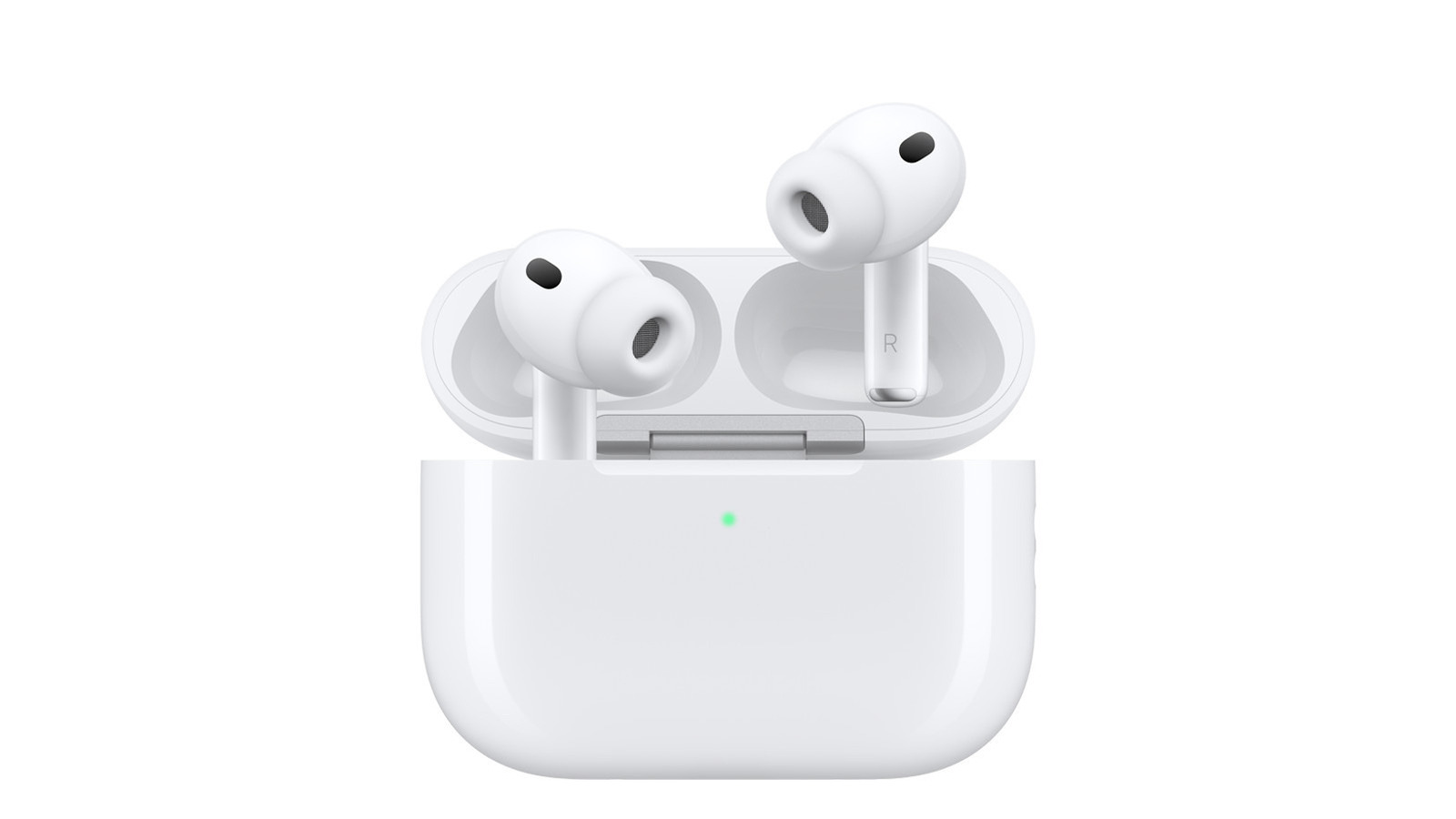
AirPods work well straight out of the box, but Apple offers plenty of ways to adjust their sound and controls to personal preference, with available features varying by model.
Switching Listening Modes
On AirPods 4 and AirPods Pro models, pressing and holding the stem sensor switches between Active Noise Cancellation and Transparency mode, which lets outside sound in. This can be customized in the Settings app on iPhone, iPad or Mac, where users can also add Adaptive mode or turn noise control off entirely. Selecting more than two modes makes the earbuds cycle through them in sequence. One earbud can even be set to trigger Siri while the other handles mode switching.
Additional control options
The AirPods control center also includes Personalized Volume, which adjusts playback volume based on surroundings, Conversation Awareness, which lowers media volume when the wearer starts speaking, and Loud Sound Reduction. Users can also enable Personalized Spatial Audio and Hearing Assistance, the latter allowing AirPods to function as a hearing aid for people with mild to moderate hearing loss after completing a hearing test.
Adjusting treble and bass
Apple is introducing a native Custom EQ with iOS 27 this fall, currently available in beta, letting users adjust low, mid and high frequencies directly. Without installing the beta, users can turn on Headphone Accommodations under Accessibility settings, available on AirPods 2, 3, 4, all AirPods Max models and all AirPods Pro models. This offers Balanced Tone, Vocal Range and Brightness presets, with adjustable intensity and the option to apply changes to media, calls or both.
Fine-tuning within streaming apps
Sound can also be adjusted directly within streaming services. Apple Music offers EQ presets and a Sound Check volume normalization option, while Spotify provides its own equalizer with adjustable presets under its playback settings.