How to add extra Ethernet ports when your router runs out
When a home router's Ethernet ports are all in use, the fix isn't a new router but an inexpensive, easy-to-install network switch.
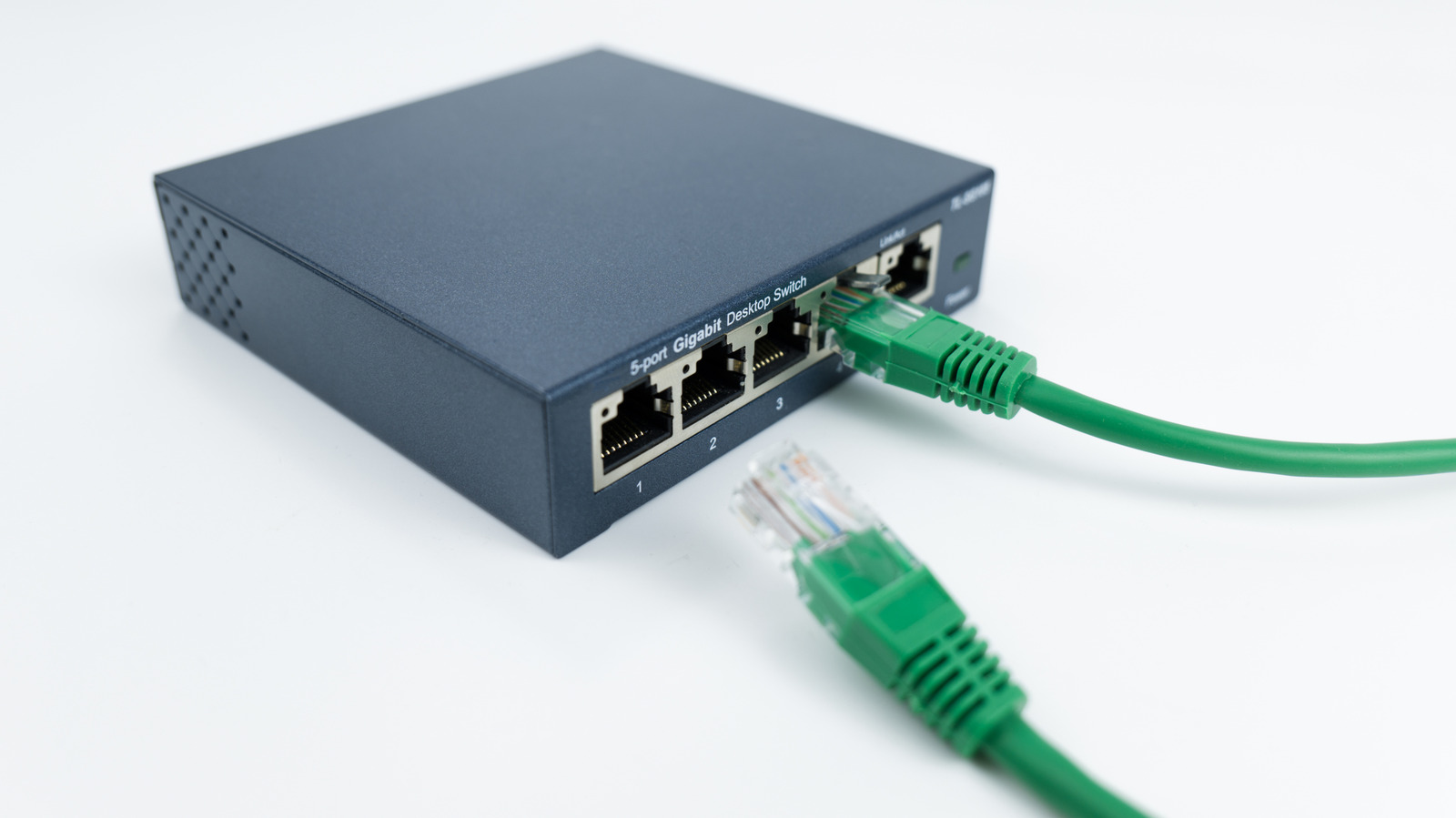
Many modern devices — smart TVs, game consoles, computers, NAS drives and home office gear — need a wired connection, yet most home routers only offer four LAN ports. Once those fill up, there's no need to buy a new router; an Ethernet switch solves the problem.
How a switch works
A switch is a compact plug-and-play device that connects to one of the router's LAN ports and instantly expands the wired network's capacity. Depending on the model, a single switch can add four, seven, 15 or more ports without touching the router's configuration. It's worth noting that a switch is not the same as a splitter — it doesn't take over the router's job of directing traffic between the internet and devices, but simply adds ports and makes sure data reaches the right device.
For most households, an unmanaged switch is the better choice, since it requires no setup and costs less than managed switches, which offer extra features like monitoring or virtual networks that aren't needed for simply adding ports.
Why wired still matters
While Wi-Fi has improved a lot over the years, a wired Ethernet connection still delivers more consistent performance for tasks like online gaming, 4K streaming and large file transfers.
Which port to use
When deciding where to plug in a switch, it's important to check the speed standards of the router's ports — a 1-gigabit switch, for instance, can bottleneck a setup where other equipment supports 2.5-gigabit speeds. If running new cables isn't practical, alternatives include MoCA adapters that use coaxial wiring, powerline adapters that use electrical outlets, or surface-mounted fiber optic kits.