How to prepare your Samsung Galaxy phone for the One UI 9 update
Samsung continues rolling out its One UI 9 update to Galaxy devices, and users are advised to take several preparation steps before installing it. Meanwhile, a second beta version is being tested on select older models.
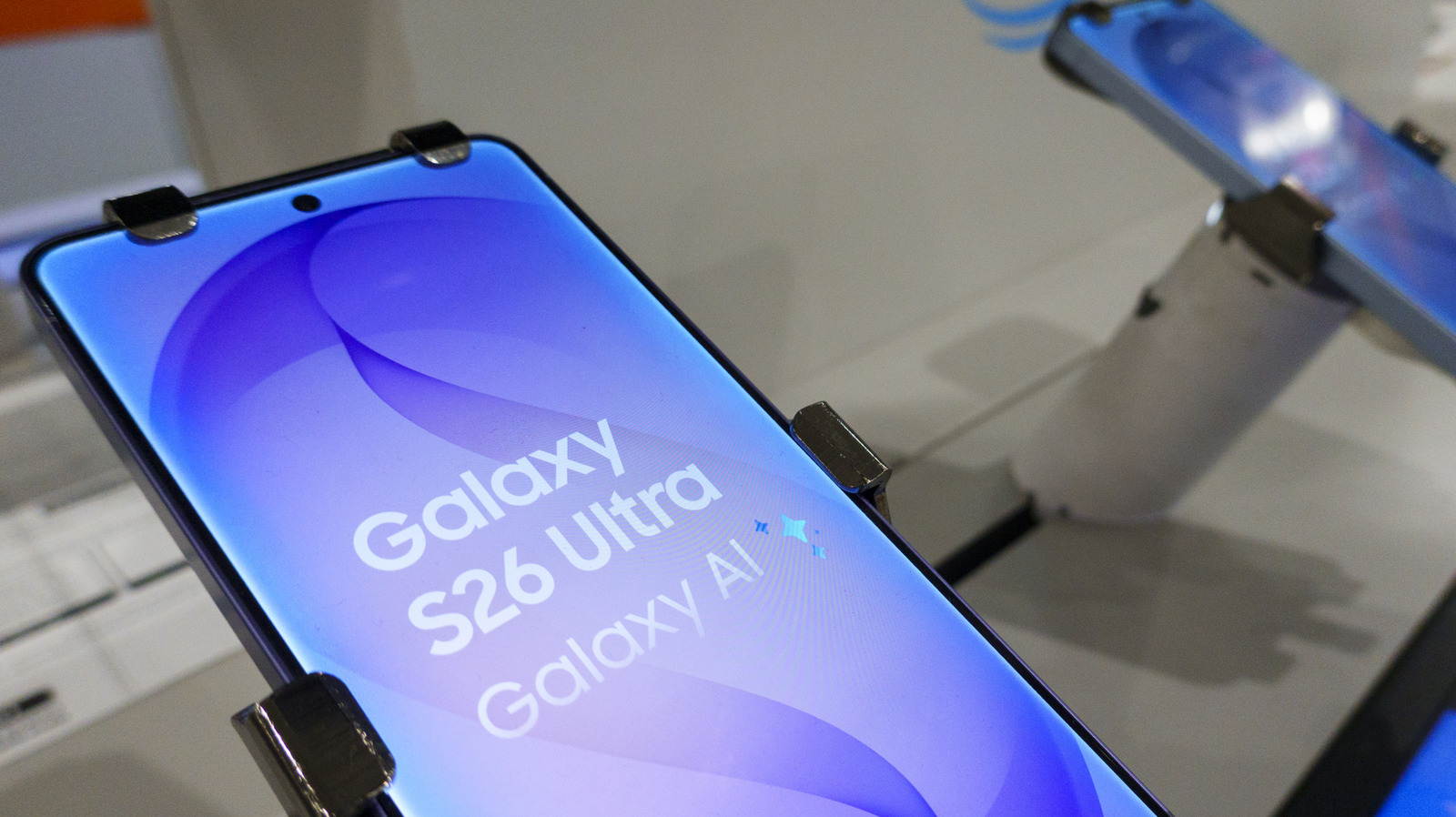
Samsung has been gradually rolling out its One UI 9 update, based on Android 17, to an increasing number of Galaxy devices since September 16. The update is available for phones starting with the S23 series, as well as Z Flip and Z Fold models from the fifth generation onward. The full stable release has just begun reaching the S26 series and is expected to expand to more devices over time.
One UI 9 mainly introduces new AI-powered features, including the My Fancam tracking tool and Now Nudge, which can surface reservation details or location information automatically during conversations. The update also adds improved scam detection and AI-driven security alerts that monitor for potential breaches in the background.
Getting ready for the update
Users should first confirm their device is eligible by going to Settings > Software Update > Check for updates. From there, it's also possible to schedule an automatic download, for instance while the phone is charging.
Before installing, it's recommended to free up at least 4GB of storage, since that's roughly the update's size, as well as ensure sufficient battery charge and a stable Wi-Fi connection. As a precaution, backing up important files — either physically or to the cloud — is also advised.
Beta versions for older devices
Alongside the stable rollout, Samsung is also testing further One UI 9 beta versions. A second beta has just launched for the Galaxy A55 and A35, as well as the S24 series. The A-series update is starting in South Korea, while the S24's Beta 2 is rolling out first in India. Update sizes are about 403.66MB for the A55, roughly 500MB for the A35, and 600.90MB for the S24. These beta versions are only available to users enrolled in Samsung's One UI 9 beta program.

