How to add Bluetooth to a TV that doesn't have it
TVs lacking built-in Bluetooth can still gain wireless audio support through a streaming device or a dedicated Bluetooth transmitter, each with its own trade-offs.
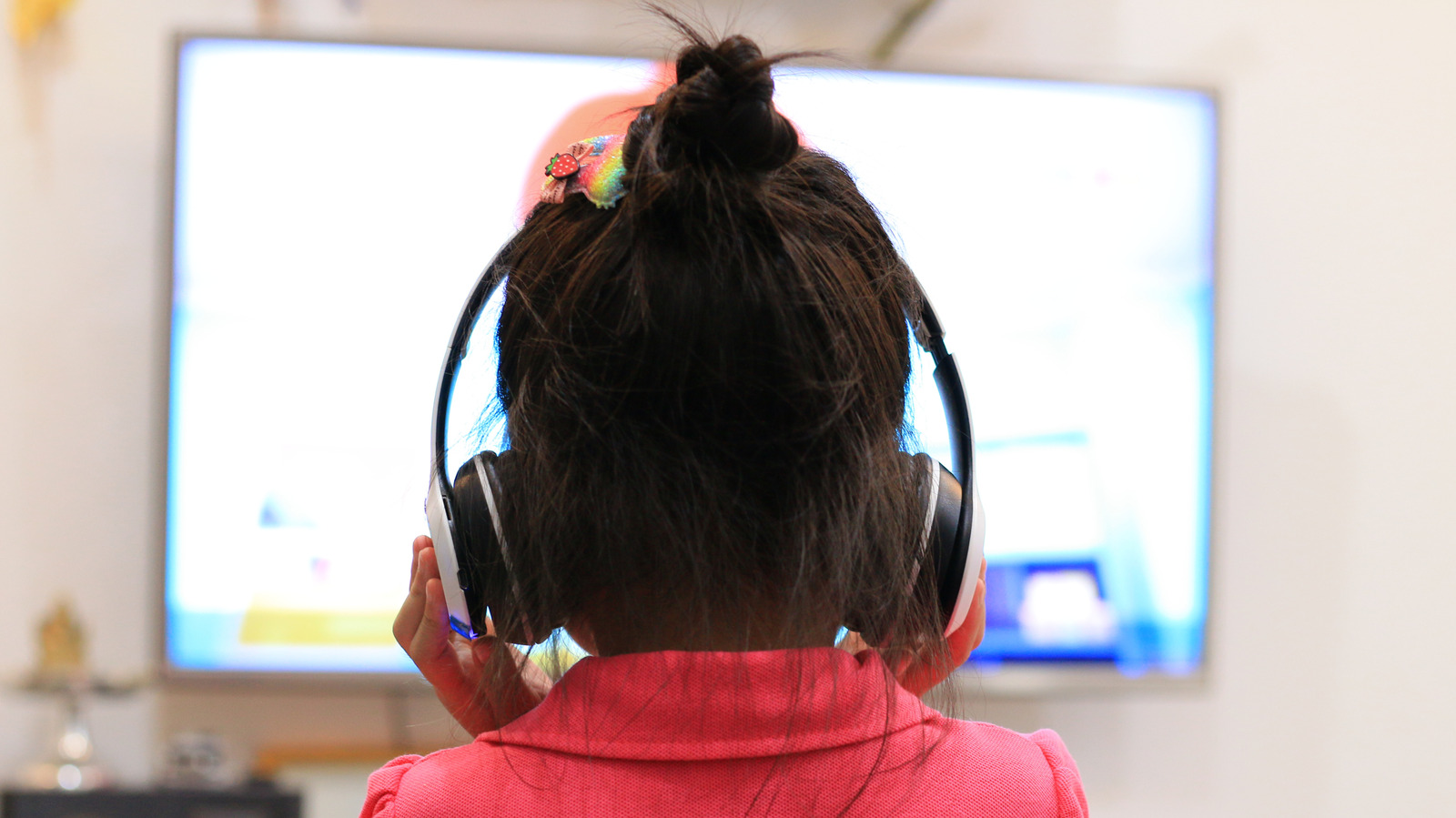
Many televisions purchased within the last decade already include Bluetooth support, which can usually be found in the settings menu under connectivity or wireless accessories options. However, if your TV doesn't have this feature, there are still a couple of ways to add it.
Using a streaming device
Most popular streaming devices, including Apple TV, Roku and Fire TV Stick, come with Bluetooth built in. This means wireless headphones or a keyboard can be paired directly with the streaming device rather than the TV itself. The Roku Streaming Stick HD, priced around $30, is one of the most affordable ways to add Bluetooth to a TV while also refreshing it with a modern operating system.
The downside of this approach is that connected Bluetooth accessories only work while the TV is set to the streaming device's input. Switching to any other connected device will send audio back through the TV's built-in speakers.
Using a Bluetooth transmitter
For a more universal fix, a standalone Bluetooth transmitter is the better choice. These devices take the audio signal from a TV without native Bluetooth and send it wirelessly to headphones or earbuds. Setup is straightforward: plug the transmitter into the TV's audio output, put both the transmitter and headphones into pairing mode, and let them connect. The TV sends its audio to the transmitter, which converts the signal into Bluetooth for the headphones to receive.
Depending on the TV model, transmitters can connect via an optical port, a 3.5mm headphone jack or RCA outputs. They also require a power source, which is often supplied through an available USB port on the TV. Decent transmitters can be found online starting around $25. It's worth looking for models that support newer codecs such as aptX Low Latency, which help reduce the delay between on-screen action and the audio heard through headphones.