How to Improve Your PC Case's Airflow and Cooling
PC components produce heat while running, and heat trapped in the case can reduce system performance. Fan placement, air pressure and regular cleaning help keep temperatures down.
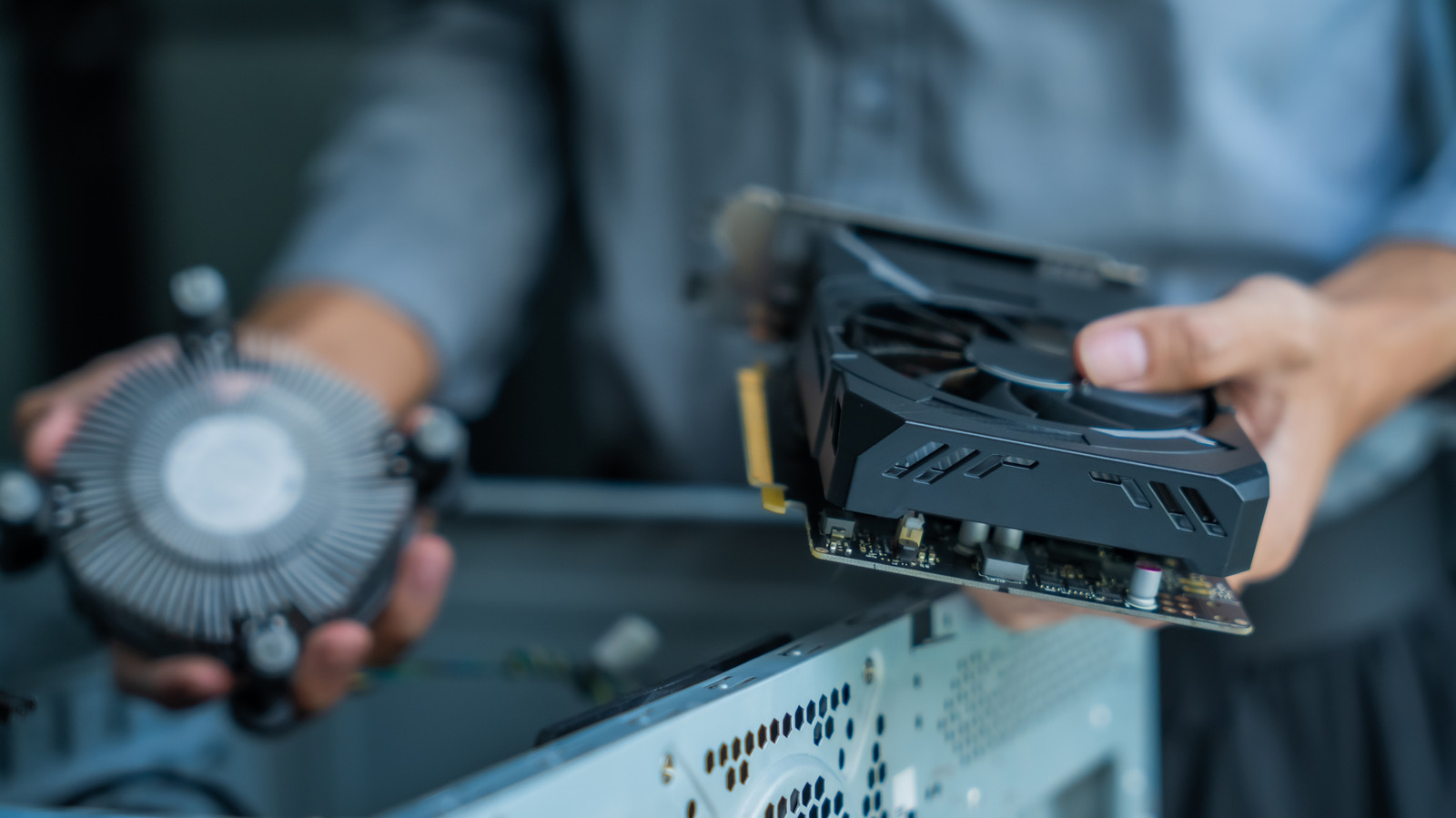
When building or upgrading a desktop PC, most attention usually goes to performance, yet airflow inside the case matters just as much. Components generate heat as they run, and if it builds up in the case and temperatures climb too high, system performance suffers. Fans exist to draw cooler air in from outside and push heated air out. The first step is therefore to put the computer somewhere with decent ventilation — not in a corner, not under a desk, and not packed in among other electronics.
Fan placement and pressure
Hot air naturally rises, and the hottest components, the processor (CPU) and graphics card (GPU), tend to sit near the back of the case. It is therefore best to pull cool air in from the front and bottom and exhaust hot air through the top and back. Not every system needs top and bottom fans, but adding them is a sensible first move if front and rear fans alone do not keep the PC cool enough.
Fans also change the air pressure inside the case. When internal pressure is higher than outside (positive pressure), air tries to escape through any gap. When it is lower, air is drawn in through those gaps, bringing dust with it. Perfectly neutral pressure is hard to achieve, so the usual advice is to aim for slightly positive pressure, drawing in a little more air than is exhausted.
When buying new fans, consider size and speed. The standard case fan is 120 mm; larger ones move more air at lower pressure. Intake fans at the front and bottom usually pull air through a mesh screen, which lowers pressure further, so running them faster is generally better where possible. Larger fans are also typically quieter. There is no exact formula, so some experimentation may be needed.
Other ways to keep a PC cool
The simplest step is to open the case regularly and clear out dust with pressurized air. Dust filters on open gaps help too, but they need regular cleaning. A new case designed for airflow is an option, but good airflow is achievable in almost any case: avoid a solid front panel and choose one with a mesh panel in front of the intake fans. Good cable management matters in any case, so that air can flow as freely as possible from front to back.