How to boost your home router's security in a few minutes
A handful of simple changes in a router's admin panel can significantly reduce the risk of unauthorized access to a home network. Experts recommend changing default login details, disabling unused features, and keeping firmware updated.
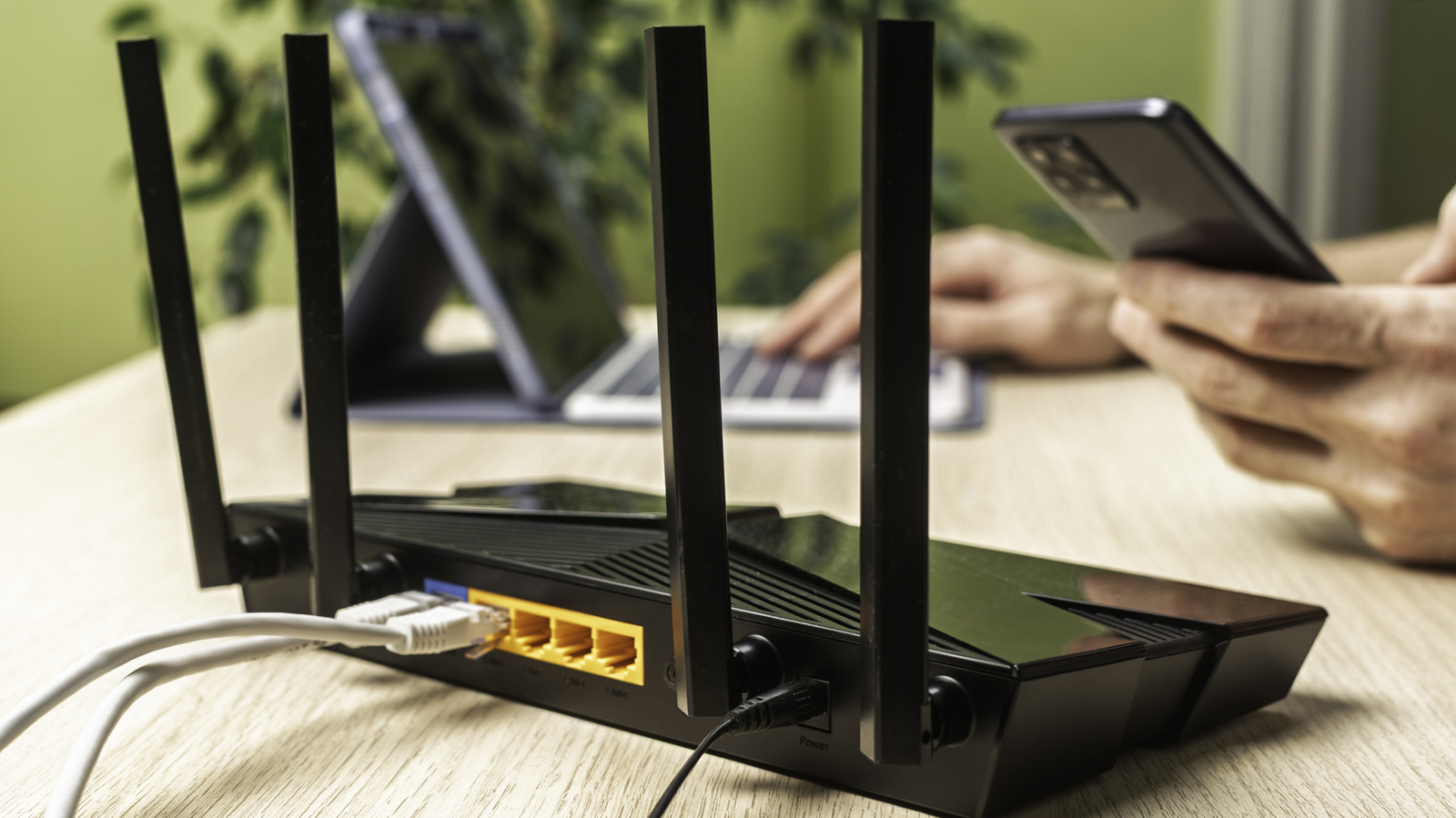
Most people never touch their router's settings again after initial setup, yet this device acts as the main gatekeeper between a home network and the wider internet. To access the admin panel, users need to enter the router's IP address into a browser — typically found in network settings or on a sticker on the device itself.
First steps
One of the most important measures is changing the default admin username and password, along with the network name (SSID) and Wi-Fi password, since many routers use the model name as the default SSID, giving potential attackers extra clues. It's also worth checking that the network security protocol is set to the strongest available standard, WPA3, or at least a mixed WPA2/WPA3 mode if some devices don't support the newer version.
Guest networks and WPS
Enabling a separate guest network is useful, as it prevents connected devices from reaching other resources on the home network — helpful both for visitors and for isolating smart home devices. Meanwhile, the WPS (Wi-Fi Protected Setup) feature, meant for easy password-free connections, is best disabled, since its PIN method can be relatively easy to crack.
Remote access and updates
Unless truly necessary, remote management over the internet should be turned off, as it increases exposure to attacks. If remote access is required, it's safer to use the router's built-in VPN feature or restrict admin access to specific devices. Finally, keeping the router's firmware updated is essential — many models offer an automatic update option that should be enabled to stay protected against known vulnerabilities.