How to get better sound quality out of Apple CarPlay
Apple CarPlay users can noticeably improve in-car audio quality by switching to a wired connection and adjusting streaming settings. A handful of simple changes can boost sound without replacing the car's speaker system.
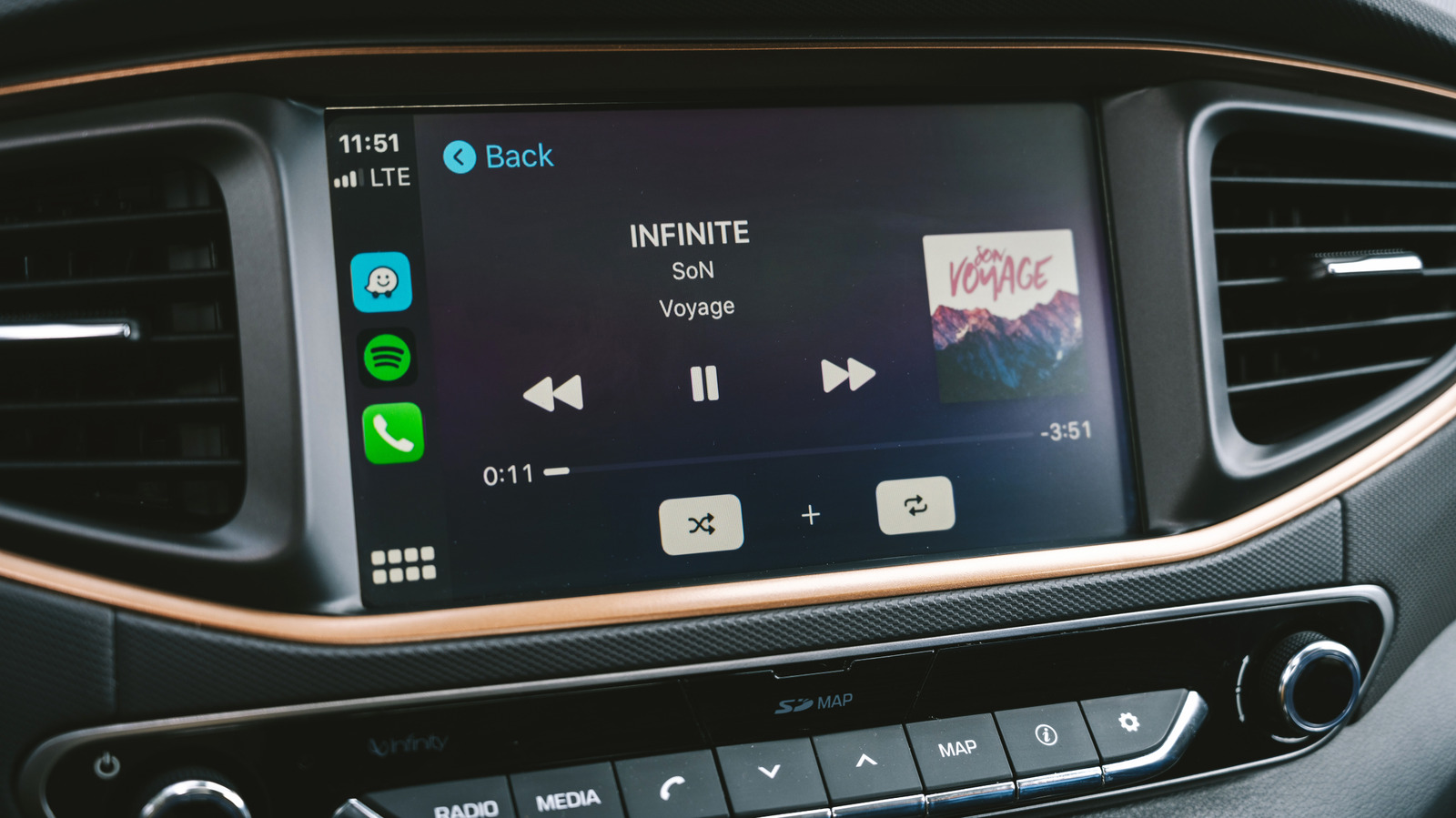
Apple CarPlay makes it simple to play music from Spotify or Apple Music in the car, but its default setup doesn't always deliver the best possible sound. Often the issue isn't the speakers themselves, but how the phone transmits audio to them.
A wired connection enables lossless audio
Wireless CarPlay is more convenient, but it falls short of a wired connection in audio quality. Apple confirms that lossless Apple Music playback is only possible over a USB cable. Wired connections use the uncompressed LPCM codec, while wireless CarPlay switches to the compressed AAC-LC format, which discards some audio data. Whether the difference is noticeable depends on the car's speaker system and the listener's ears.
Download music before driving
Even a wired connection can't fix quality lost to a shaky mobile signal while driving. Downloading playlists in advance avoids this problem. Apple Music lets users choose a download quality, including lossless 24-bit/48kHz audio, and Spotify Premium subscribers can download lossless FLAC files too. Downloaded files take up more storage but save on mobile data.
Check equalizer settings too
Apple Music's equalizer, found under Settings > Apps > Music > EQ, can be adjusted or turned off — a preset that sounds good on headphones may not suit car speakers. The Sound Check feature, which automatically balances volume between tracks, is another setting worth reviewing.
A known bug can mute the bass
Some users report that after Siri or navigation prompts speak, music volume or bass can get stuck at a lowered level. A commonly reported workaround is activating and immediately dismissing Siri via the steering wheel controls. If problems persist, re-pairing the phone with the car using the "Forget This Car" option can help reset the connection.