How to check what's using up storage on your Windows PC
Windows includes built-in tools and third-party apps that help identify exactly what's consuming hard drive space, making cleanup more efficient. A methodical approach means tackling the biggest space hogs first before resorting to more advanced measures.
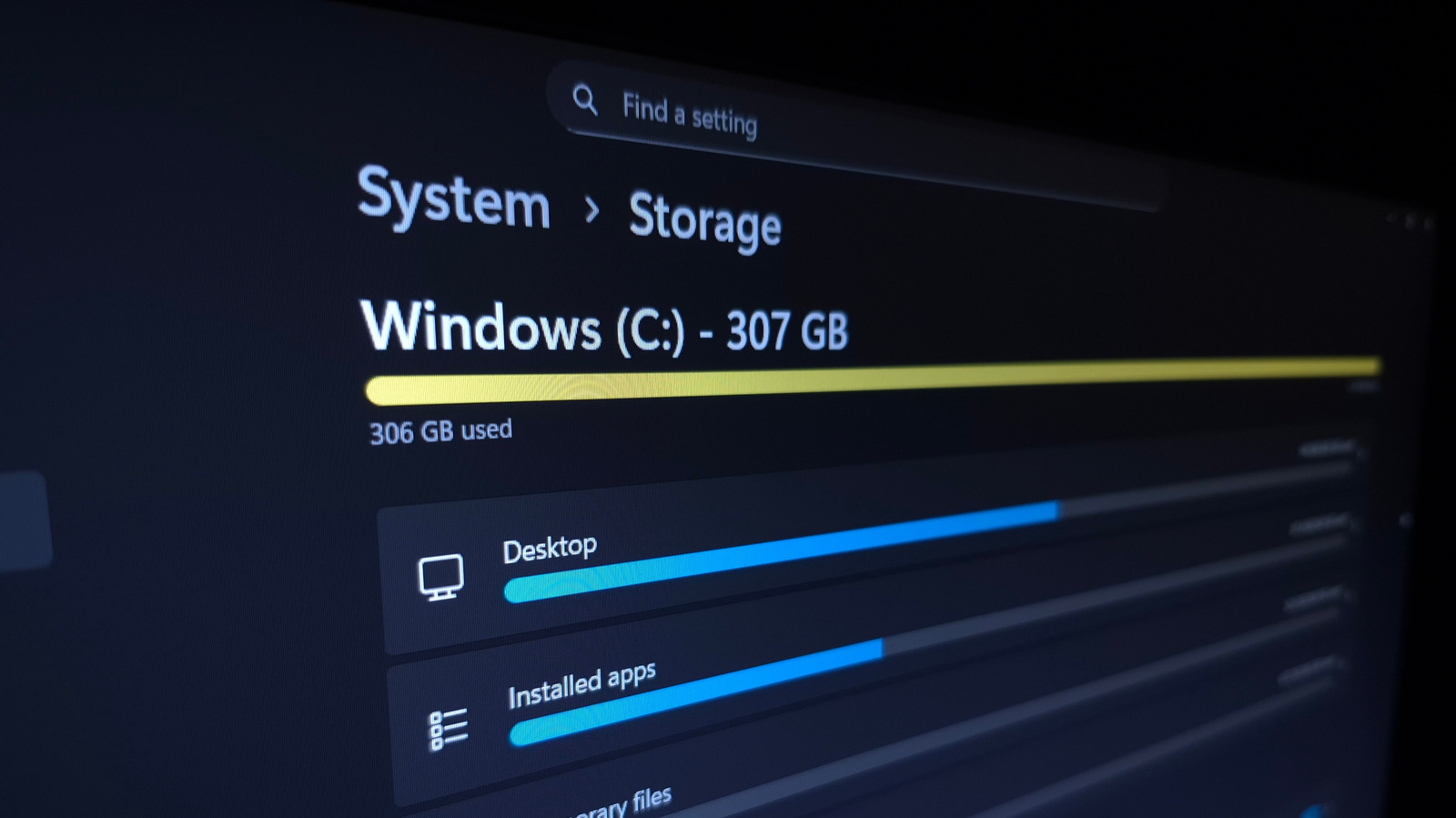
Computers accumulate large amounts of data over time — programs, photos, videos, games, downloads, plus system files, temporary data and duplicates. Rather than digging through folders at random, it's more effective to start with whatever is taking up the most space.
Built-in storage settings
Windows' Settings > System > Storage page shows total disk usage broken down by category. Installed apps are often the biggest culprit and can be sorted by size, then uninstalled or moved to another drive. The Temporary Files category allows clearing thumbnails and other clutter, while Downloads and the Recycle Bin should be handled carefully, checking first for anything worth keeping.
Freeing space from system features
The System & reserved section shows how much space core Windows components use. If hibernation isn't needed, it can be disabled via Command Prompt to remove the large hiberfil.sys file. The number of system restore points can also be reduced or cleared entirely, though this carries some risk if something later goes wrong.
Third-party tools for deeper analysis
Apps like TreeSize Free provide a visual breakdown of which folders across an entire drive consume the most space, including Program Files and personal user folders. A separate tool, dupeGuru, helps locate duplicate files that other utilities might miss.
Practical cleanup steps
Unused games can be uninstalled, the Recycle Bin emptied after checking its contents, and large files offloaded to cloud services such as YouTube for videos or Google Photos for images. Anyone frequently running low on space might consider an external drive. For ongoing maintenance, Storage Sense can be configured to automatically clear temporary files and unused content at regular intervals.