How to turn your old Android phone into a Wi-Fi extender
An unused Android phone can be repurposed to boost weak Wi-Fi coverage at home without buying new hardware. The fix relies on the phone's built-in hotspot feature and requires no extra apps or technical skill.
Many households have an old Android phone tucked away in a drawer — too outdated for daily use but still too capable to toss. That forgotten device can actually help fix weak spots in a home Wi-Fi network without spending money on new equipment.
How it works
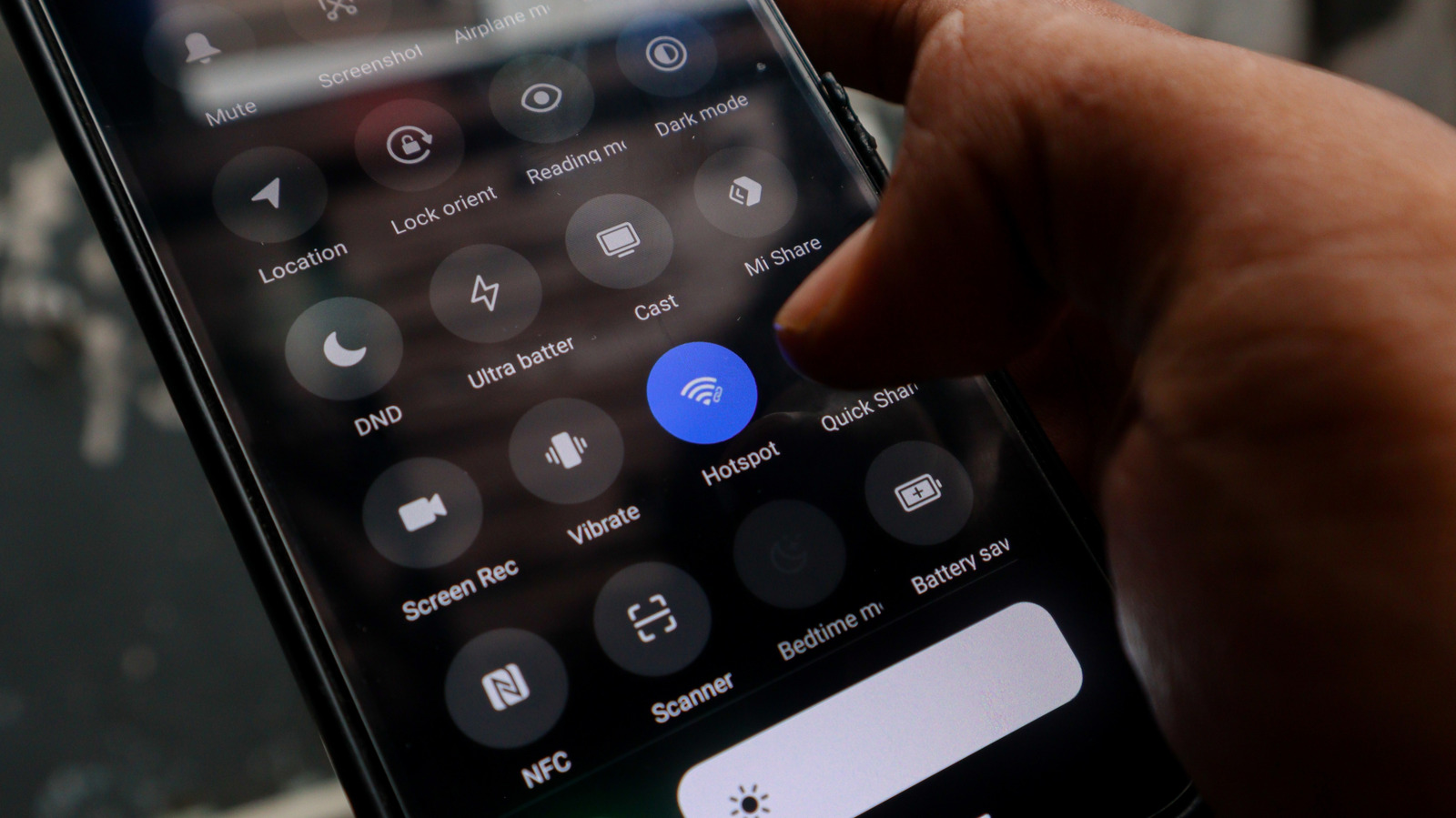
Android's built-in hotspot feature lets a phone connect to an existing home Wi-Fi network and rebroadcast that connection as a separate signal. Essentially, the phone acts as a relay: it picks up Wi-Fi from the router and passes it along to other devices, such as laptops, tablets or smart TVs, sitting in a coverage dead zone.
For comparison, upgrading to a new router or mesh system can be costly, and even a standalone Wi-Fi extender typically costs around $50. Repurposing an old phone avoids that expense entirely.
Setting it up
The setup takes only a few minutes. First, charge the phone and install the latest software updates. Then connect it to the home Wi-Fi network through the settings menu, and enable the Wi-Fi hotspot option under the hotspot and tethering settings, giving it a name and a strong password. If the phone supports it, selecting the 5GHz band can improve speed, though it covers a shorter range than 2.4GHz. The phone should be placed roughly halfway between the router and the dead zone, and kept near an outlet, since running a hotspot continuously drains battery quickly, especially on older devices.
Limitations
This method doesn't increase overall internet speed — if the base connection is already slow, the hotspot won't change that. Commercial extenders and mesh systems will always outperform a phone-based setup and typically support smart home integration, while a phone hotspot creates a separate network that some smart devices may not connect to reliably, and users have to switch networks manually when moving around the house. It's best treated as a practical, temporary workaround rather than a permanent fix.