Simple ways to improve your Android phone's battery life
Small tweaks to display settings and charging habits can add hours to your Android phone's daily battery life while protecting long-term battery health. Experts recommend starting with screen settings and charging routines, then checking which apps drain the most power.
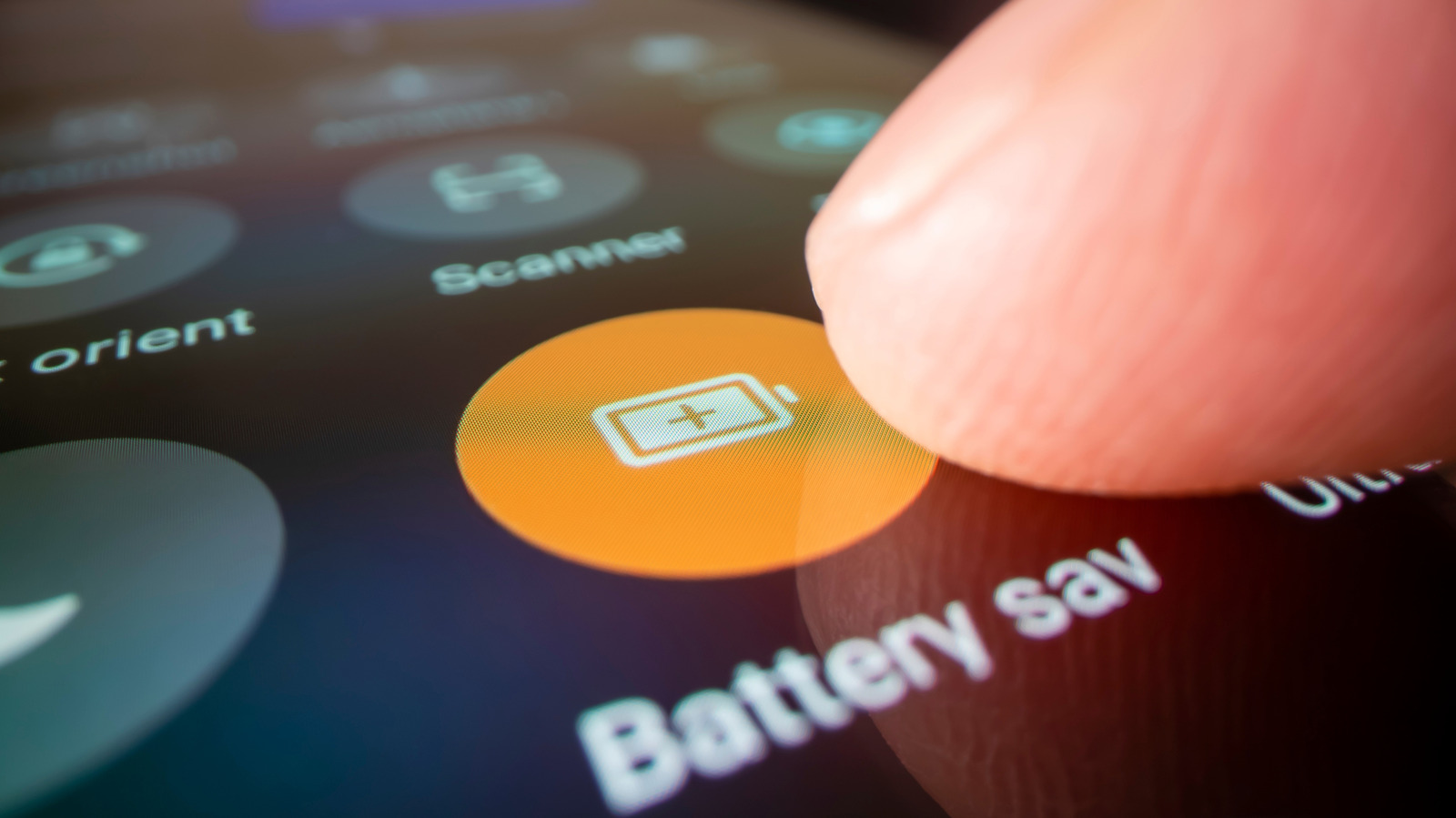
Many Android users complain their battery drains too fast by midday, but the causes are usually easy to fix — an overly bright screen, apps constantly refreshing in the background, poor charging habits, or overlooked settings.
Display and system settings
The screen is typically the biggest power drain, so lowering brightness manually or enabling auto-brightness helps, along with shortening the screen timeout to around 30 seconds. Phones with a 120Hz refresh rate can be switched to 60Hz for everyday use, trading a bit of smoothness for battery savings. Dark mode on OLED screens can cut display power use by nearly half at full brightness, though savings shrink considerably at typical indoor brightness. Built-in tools like Battery Saver and Adaptive Battery can further help by restricting activity or limiting power to rarely used apps.
Charging habits
For long-term battery health, it helps to avoid consistently charging to 100% and leaving the phone plugged in overnight. Lithium-ion batteries stay healthiest when kept between 20% and 80% charge. Many newer Android phones include a built-in charging limit that can be set in the battery settings. Fast charging, while convenient, generates more heat, which is the main driver of battery degradation over time.
Checking what's draining the battery
If drain continues despite these changes, checking battery usage statistics can reveal which apps consumed the most power over the past day, allowing background activity limits to be applied. Unusually fast drain can also signal malware. If none of these steps help, running a battery diagnostic test — a feature offered by several manufacturers, including Samsung — can indicate whether the battery itself needs replacing.