How and when to turn off Find My iPhone
Apple recommends disabling Find My only before selling, giving away or repairing a device, while it should never be turned off after a device is lost or stolen. The guide explains the safe way to do it and the risks to avoid.
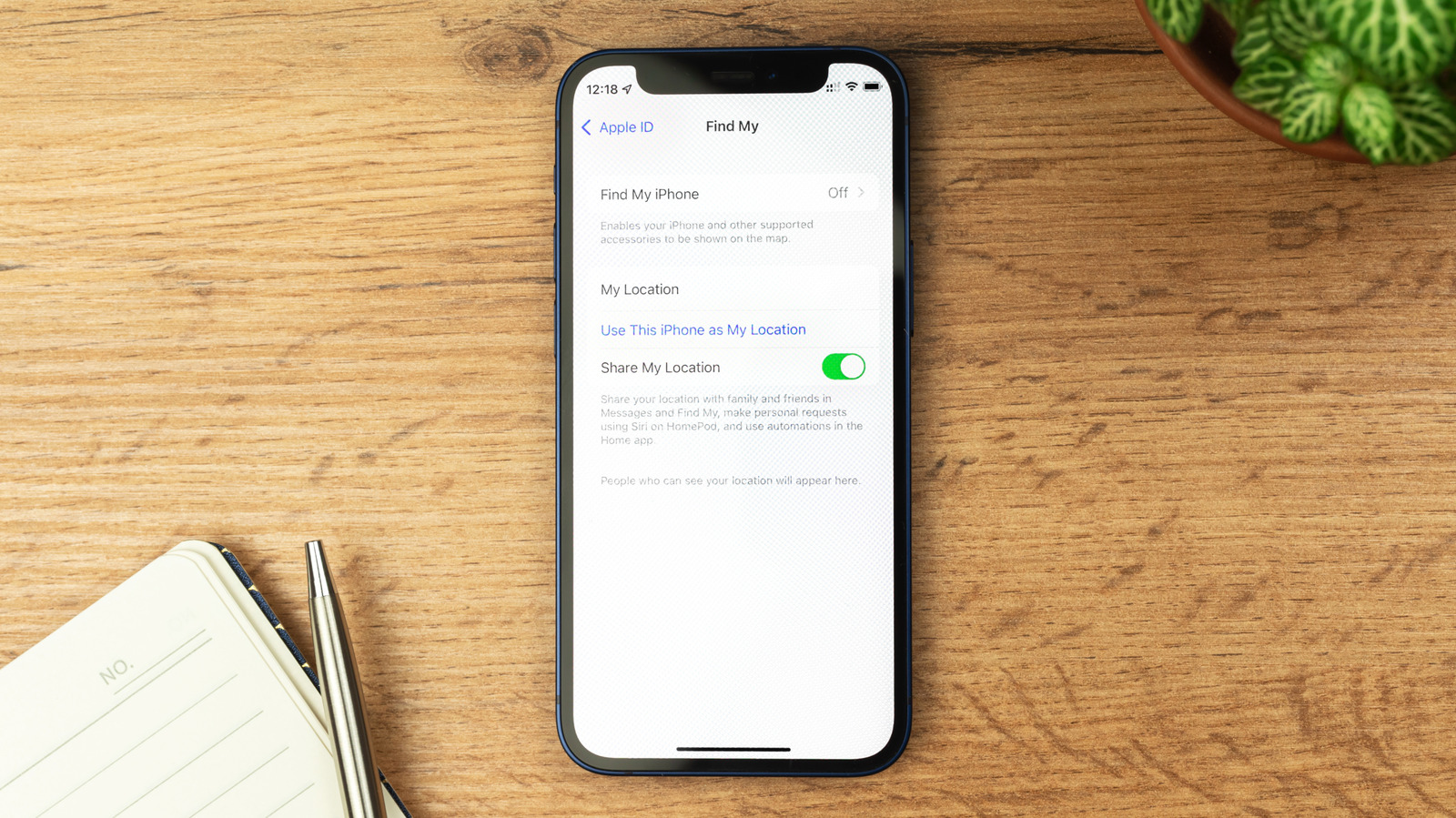
Apple's Find My service helps locate a lost, stolen or misplaced iPhone, iPad or other device by relying on a crowdsourced network of other Apple devices detecting it via Bluetooth. While the feature should generally stay on, Apple recommends disabling it in specific cases — before selling or giving away a device, or before sending it in for repair, so technicians can run diagnostics without security restrictions getting in the way.
Turning it off via factory reset
When selling or giving away a device, the simplest method is a full reset through Settings > General > Transfer or Reset iPhone > Erase All Content and Settings. This requires the Apple Account password and automatically disables both Find My and Activation Lock, the feature that otherwise prevents anyone from using the device without the original account credentials, even after a reset. Notably, remotely erasing a lost device through Find My does not disable these protections.
Manually disabling it for repairs
If a factory reset isn't planned, such as when sending a device for repair, Find My must be turned off manually via Settings > [Name] > Find My. If Stolen Device Protection is active — the default since iOS 26.4 — it must be disabled first under Settings > Face ID & Passcode, ideally while at home to avoid extra security delays. Both features should be re-enabled once the device is serviced.
Find My also allows location sharing with friends and family. To restrict just one person's access instead of disabling the whole feature, users can open the Find My app, select the person, and choose Stop Sharing My Location.
When not to disable it
Once Find My is off, the device can no longer be located, and Lost Mode — which displays a custom message with contact details on the screen — becomes unavailable. Because of this, the feature should only be disabled for trusted repairs. It should never be turned off after a device is lost or stolen, even if threatening messages demand it, since Activation Lock keeps a stolen device useless for resale as long as Find My stays enabled.