What counts as good home internet speed, and how to test it
A new explainer breaks down download, upload and ping figures to help households pick the right internet plan. The ideal speed depends on how many devices and people are online at once.
Choosing the right home internet package is often trickier than it looks, since unlike mobile data plans, it requires understanding several technical measurements. Internet speed is defined by two main figures — download and upload speed — measured in megabits or gigabits per second. Because file sizes are usually measured in bytes while speed is measured in bits, and there are eight bits in a byte, real download times can be estimated by dividing the advertised speed by eight.
For cable connections, upload speed is typically much lower than download speed, since providers allocate most available bandwidth to downloads. Fiber connections don't face this same limitation, so their upload and download speeds are usually matched. Another key measurement is ping, or latency — the time it takes data to reach its destination and return. Lower ping matters most for real-time uses like gaming and video calls.
How much speed is actually needed
Different services set different minimum requirements — streaming platforms typically recommend a few megabits for HD and considerably more for 4K, while video calls generally need only a few megabits. However, when multiple devices are active at once in a household — streaming, video calls, gaming and downloads — the combined speed requirement rises quickly.
For one or two people, 100 Mbps is considered a solid minimum, while larger households or those working from home should aim for at least 300 Mbps, and heavy users may want 500 Mbps or more. In 2024, the US Federal Communications Commission set the baseline definition of broadband at 100 Mbps download and 20 Mbps upload. In rural areas without cable or fiber access, alternatives include 5G home internet or satellite service.
How to test your speed
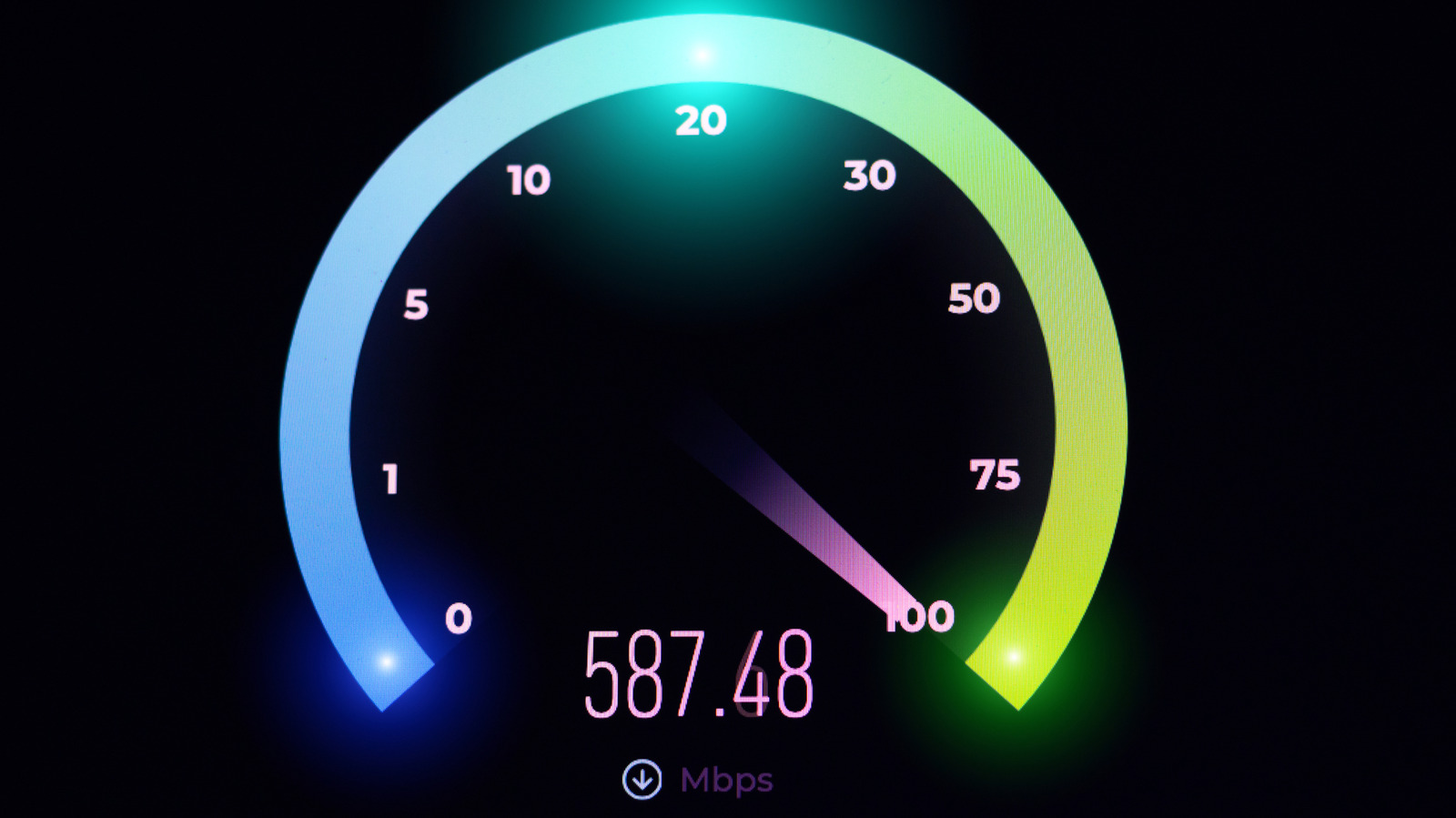
Actual internet speed can be checked using online tools such as Speedtest.net or Cloudflare's speed test, which also report metrics like jitter and packet loss. It's recommended to run tests multiple times at different points in the day, since speeds are affected by how many other users are online in the area at that moment.
Test results often come in lower than the advertised plan speed, most commonly because of Wi-Fi use, since wireless connections can't match the performance of a wired connection. Speed is also affected by distance from the router, physical obstacles and interference from other wireless devices, while using a VPN typically reduces speed and increases latency. It's also worth confirming that a modem and router can actually support the purchased plan's speed.