Why Apple CarPlay drains your iPhone's battery
CarPlay is now available in more than 800 vehicle models but places heavy demands on iPhone battery life because the phone, not the car's screen, handles all the processing. Several simple steps can reduce the drain.
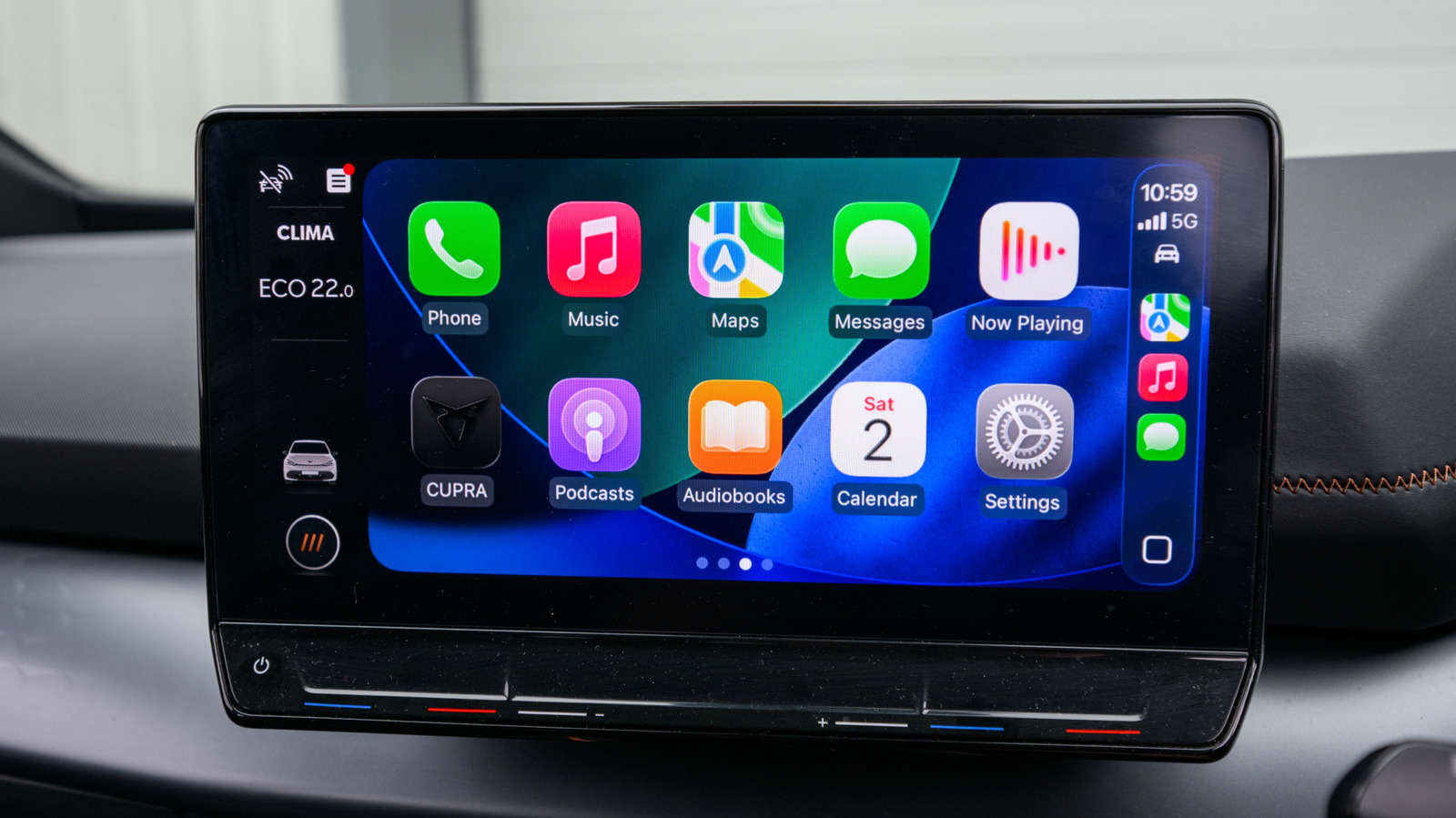
CarPlay ranks among the most useful yet underappreciated iPhone features, letting navigation, messaging and music apps — along with tools like EV charging locators — appear directly on a car's infotainment screen. The system is now built into more than 800 vehicle models, from Chevrolet to Volvo, while the expanded CarPlay Ultra, which reaches deeper into functions like climate control, remains limited to ultra-luxury vehicles.
The catch is that the entire system depends completely on the iPhone. After an hour of Waze navigation or a few hours of streaming Spotify over cellular data, the battery impact becomes noticeable. Apple's support forums and Reddit are filled with complaints about CarPlay draining phone batteries.
Why CarPlay uses so much battery
The core issue is where processing happens: the car's display doesn't generate its own interface but simply mirrors what the iPhone renders, including icons, maps and album art. This makes CarPlay far more demanding than Bluetooth audio, which barely taxes the phone's processor.
How the phone connects also matters. Wired and wireless CarPlay offer identical features, but a wireless connection means the iPhone runs entirely on battery power while receiving no charge at all. Certain apps add to the drain as well — GPS apps such as Apple Maps and Waze that continuously track location are particularly demanding, as is constant music streaming. Poor cellular coverage compounds the problem, since the phone works harder searching for a signal.
How to reduce the battery drain
A wired connection is the most reliable way to preserve battery life, especially on long trips, since it keeps the phone charging throughout the drive. When only a wireless setup is available, turning off the screen, enabling Low Power Mode, and using a car's wireless charging pad, if equipped, can all help. Downloading playlists or podcasts ahead of time reduces reliance on cellular data, and skipping navigation apps on familiar routes limits constant GPS use. Keeping iOS updated is also worthwhile, since Apple regularly rolls out battery efficiency improvements for CarPlay through software updates.