Why Two Smaller Monitors Can Beat a Single 27-Inch Display for Home Offices
Adding a second monitor is a simple way to boost productivity by providing more screen space, but a single large monitor can also be a clutter-free alternative depending on your workflow.
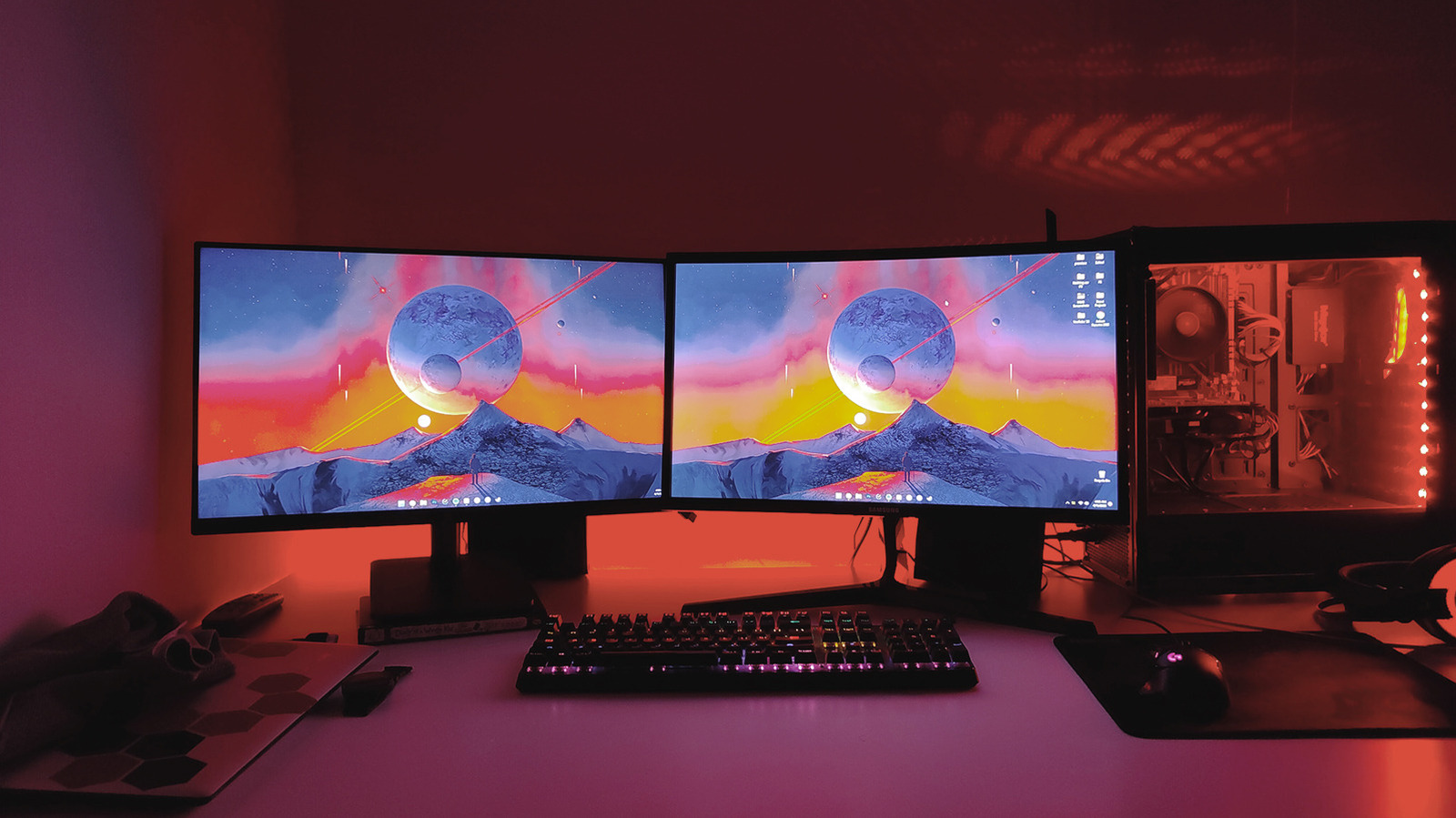
For those working from home or spending long hours at a desk, setting up the right peripherals can be very rewarding. One of the best upgrades you can make is adding a second monitor. It’s as easy as plugging it into an available DisplayPort or HDMI port; a docking station can help if your laptop has limited ports.
The main benefit of a dual-monitor setup is the ability to have more windows open at once. You can place two 24-inch monitors side by side or stack them vertically if desk space is tight. Stacking larger 27- or 32-inch monitors is possible but you should first find the optimal viewing distance. Some tasks, like programming or writing, can be helped by rotating one monitor to a vertical orientation.
It’s important that the two monitors match well – ideally the same model – to ensure similar size, resolution, refresh rate and color balance. Laptop users can use their laptop as a second screen instead of closing the lid. Place it directly underneath the external monitor; this lets you use the laptop’s keyboard, trackpad and webcam. If your laptop supports USB-C charging and display output, a single cable and docking station can power everything.
However, a dual-monitor setup isn’t for everyone. It creates cable clutter, requires extra power outlets and takes up more space. A single large monitor can be a better solution. After trying dual monitors, some find that a single 32-inch 1440p curved display gives enough room for multiple windows without the hassle of a second monitor. For anything over 27 inches, stepping up to 4K is recommended. A large monitor doesn’t need third-party window management apps and has no bezel in the middle of your workspace. It’s also great for gaming immersion. A monitor arm offers flexibility in height and tilt that built-in stands often lack.