Why you should think twice before putting a screen protector on your MacBook
While screen protectors are standard for smartphones, applying one to a MacBook can do more harm than good, damaging the anti-reflective coating and potentially interfering with proper closing.
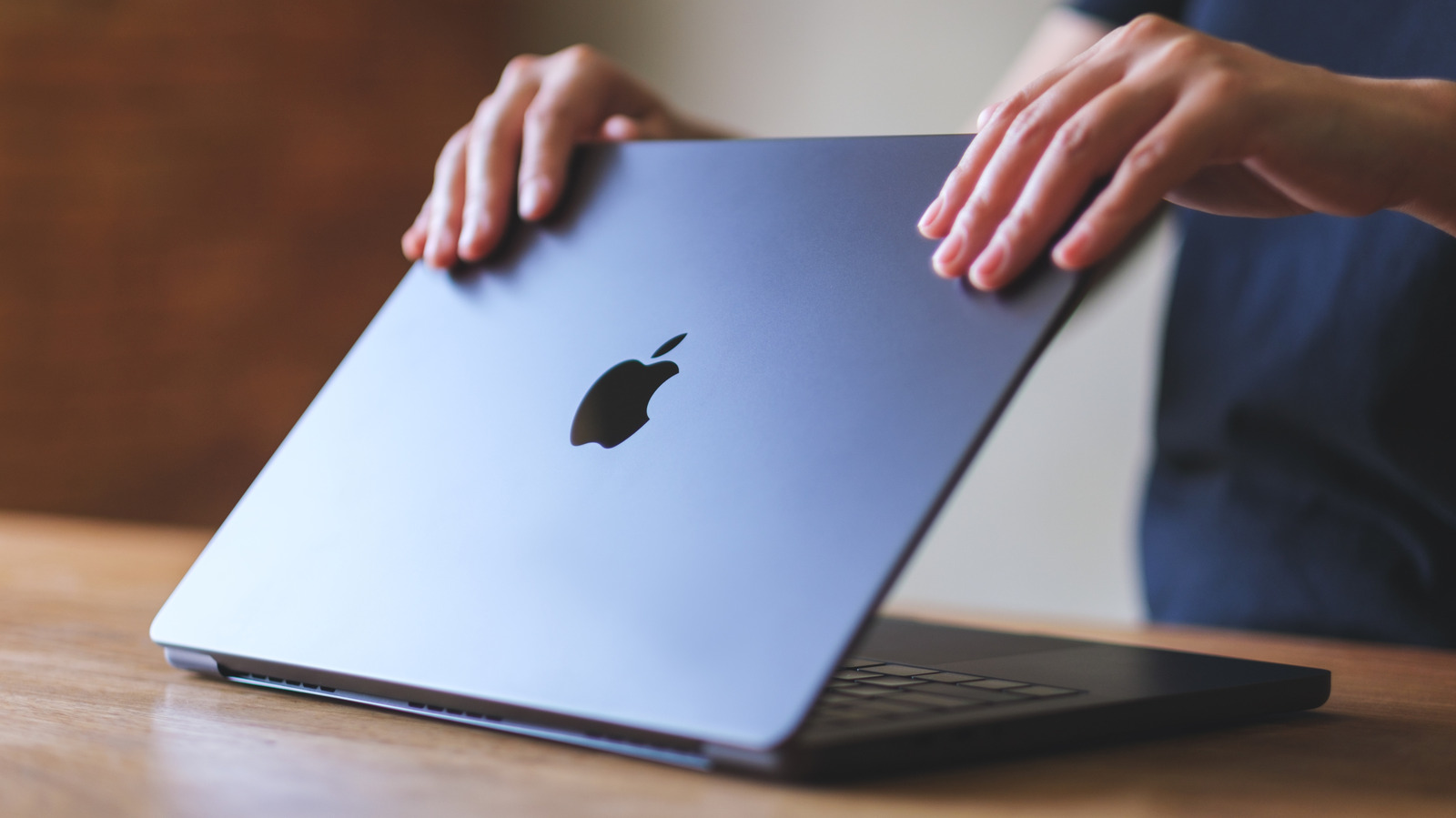
Many users who routinely protect their phone screens assume the same logic should apply to their laptops. However, in the case of a MacBook, a screen protector can create more problems than it solves.
Unlike a phone, a laptop is usually carried closed and placed on a stable surface, making it less prone to drops. That means the practical benefit of a screen protector is limited, while the downsides can be significant.
Risks to appearance and screen health
First, a screen protector can reduce image quality by scattering light and lowering clarity, and given the large surface area, it's difficult to apply without trapping air bubbles. More serious is the risk to the anti-reflective coating on the top layer of the screen. When it's time to replace the protector, peeling it off can crack and damage this coating, leaving the surface uneven and unsightly.
Depending on its thickness and material, a protector can also prevent the laptop from closing properly or even cause deeper damage to the screen. MacBooks are designed with a very tight gap between the screen and keyboard, and a thick glass protector can fill that gap, creating pressure that damages the screen when the laptop is closed.
For those who still want protection, safer alternatives exist — such as Kensington's magnetic privacy filter, which is also sold on Apple's official website. Its magnetic attachment avoids adhesive-related risks, and its thinness reduces the chance of mechanical damage.
Other accessories that can cause harm
A screen protector isn't the only accessory that can harm a MacBook. Heavy hardshell cases can wear down the hinge and trap heat, so lightweight models with vents are recommended instead. Keyboard and webcam covers can similarly prevent the laptop from closing fully — a keyboard cover can leave permanent marks on the screen over time, while a webcam cover can damage the screen and block the ambient light sensor. Apple advises removing keyboard covers before closing the laptop, and keeping webcam covers no thicker than a sheet of paper.